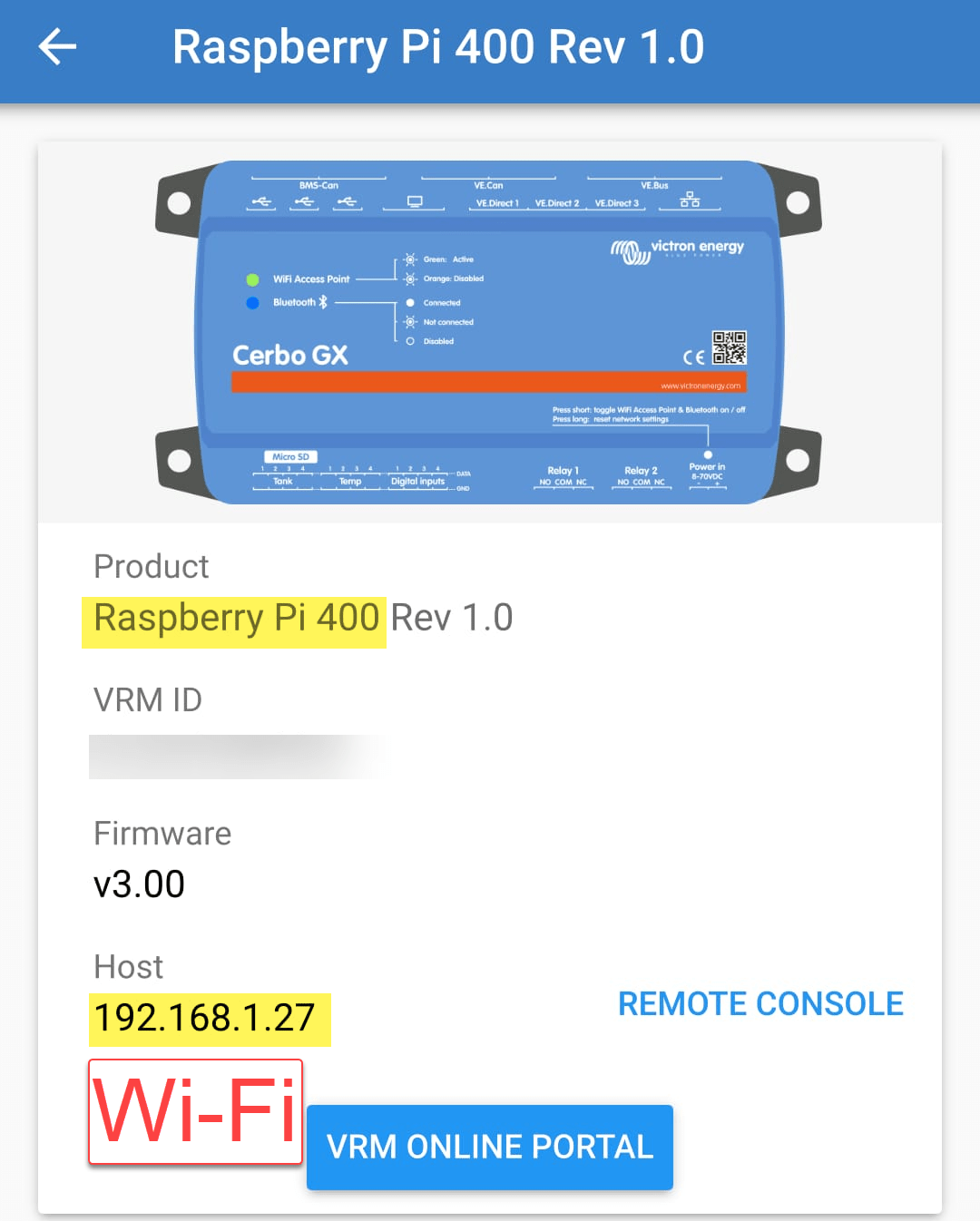
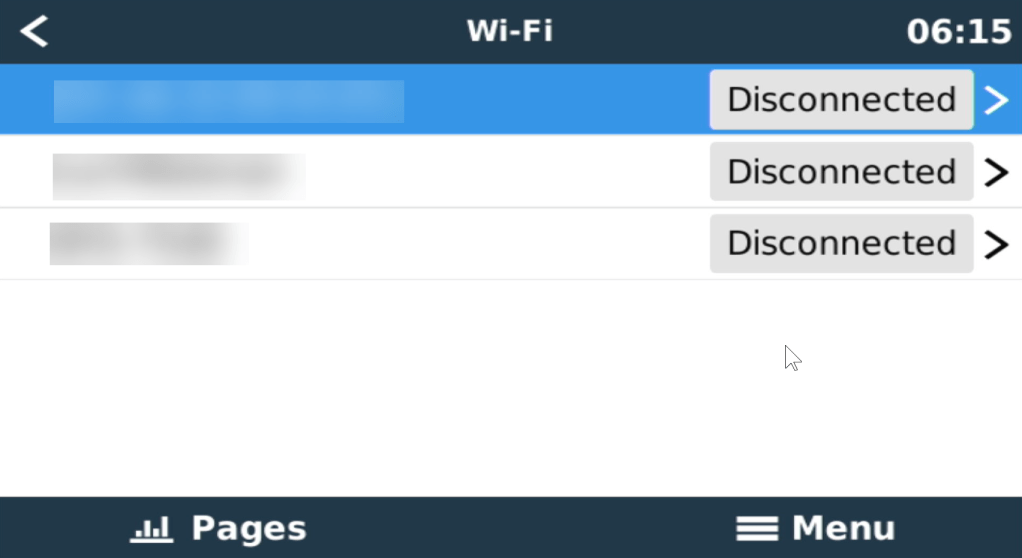
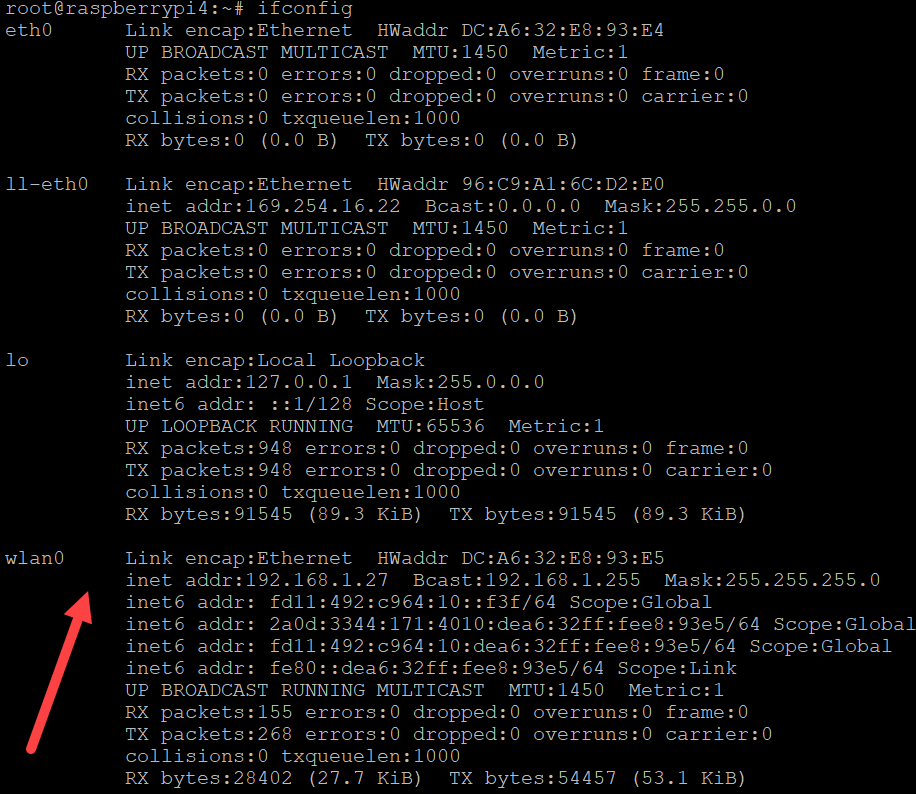
When we run Venus OS without any modifications on a Raspberry Pi 400 no WiFi is detected – though the Pi 400 certainly has WiFi onboard.
As it seems, I am not the first one to notice that. bipedalprimate presented a solution by copying a bunch of Raspbian /lib/firmware files to the Venus OS. But as it turns out, things can be achieved much simpler.
It seems, that the driver on the 400 is differs from the chipset of a _regular_ Pi 4: it is the brcmfmac43456.
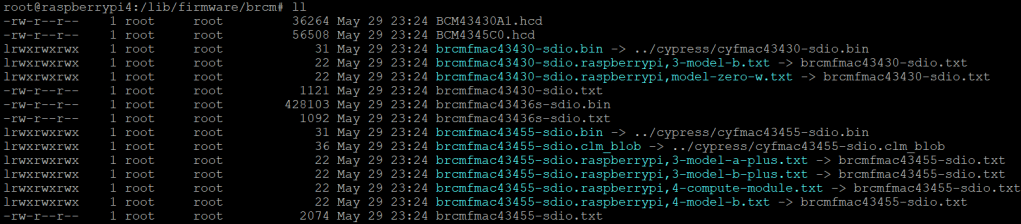
When looking at the /lib/firmware/brcm folder of a Venus OS these drivers are missing:
Venus OS v3.00 contents of /lib/firmware/brcm
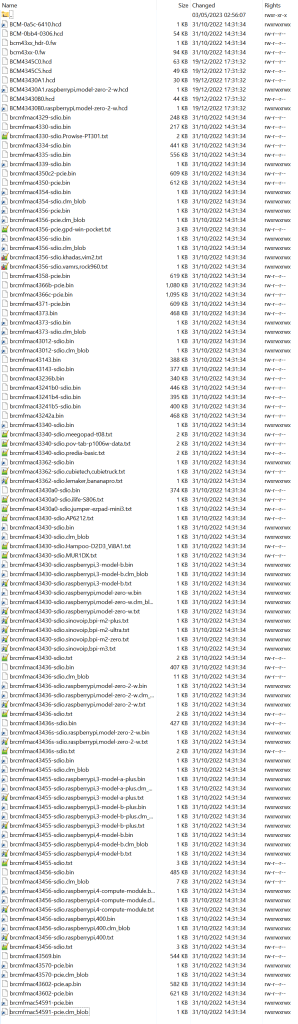
On a Raspberry Pi 400 things look different:
Raspberry Pi 400 Raspbian 6.1.21 contents of /lib/firmware/brcm
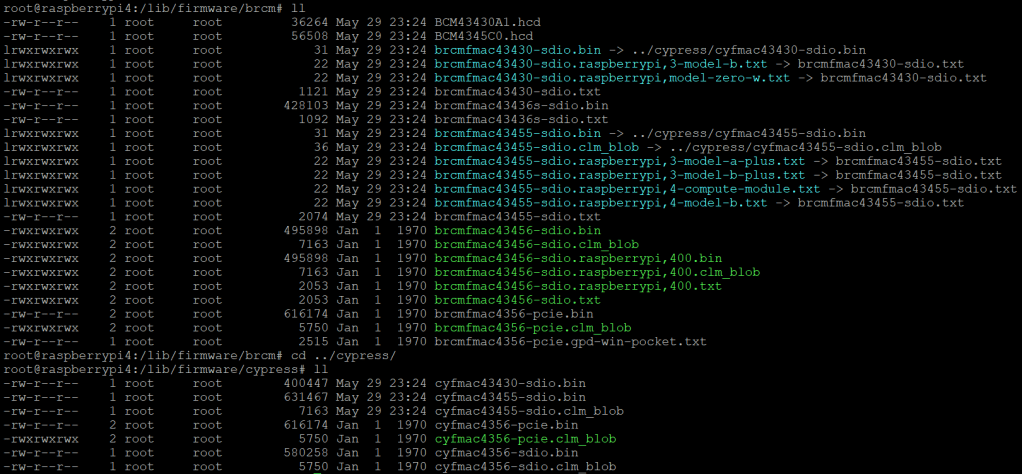
As it seems, only a few files are required for a Raspberry Pi 400 and only a few belong to the brcmfmac43456. Most of the files are in fact links to other files (and some are in the cypress directory).
So, I did the following: I copied the brcm and cypress directories to a USB stick and inserted it into the Pi 400. From there I copied the driver files to the respective directories inside /lib/firmware, added some links and adjusted the permissions. Below you see the commands I used.
Note1: I am a novice when it comes to Linux, so pls do not expect any sophisticated shell scripting.
Note2: by default the root file system is _read-only_. Therefore I re-mounted it as read-write (so, maybe our changes will not survive a firmware update).
Note3: my USB stick was mounted as /run/media/sda1. Yours might be different.
This file contains hidden or bidirectional Unicode text that may be interpreted or compiled differently than what appears below. To review, open the file in an editor that reveals hidden Unicode characters.
Learn more about bidirectional Unicode characters


 Our Journey to Scotland