
Note: this post continues our adventure of converting a workshop into a flat.
Most of the electrical parts arrived. So it was time to draw the rest of the electricial installation inside the enclosure – and of course to apply some last minute changes …
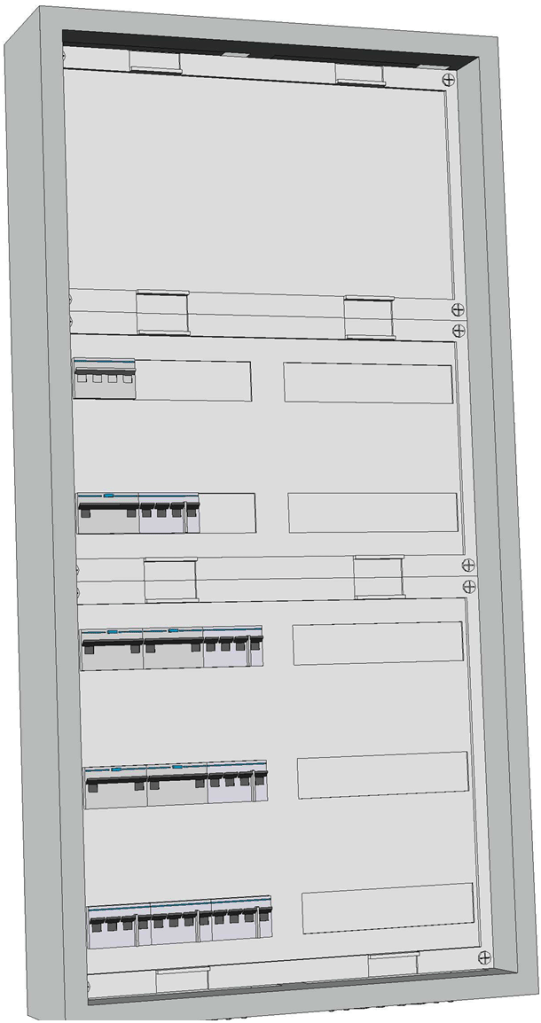
The first thing I had to change was the vertical bus bars due to a bug in the Hager Ready software which turned out to be not so ready. Based on my RCBOs the software suggested to use a Hager FWB72N3 7-row 2-field 150mm field enclosure – in combination with the 125mm quickconnect bus bars. Surprisingly they did not play along that well. So now, I exactly had to do what I did not want to do: excessive cabling from row to row inside the enclosure. What a bummer. Luckily, there are fixed vertical jumpers available from Hager in the required size:
Problem solved – just not with “quickconnect”. On the other hand, even with quickconnect I would have had to screw in the vertical bus bars anyway.
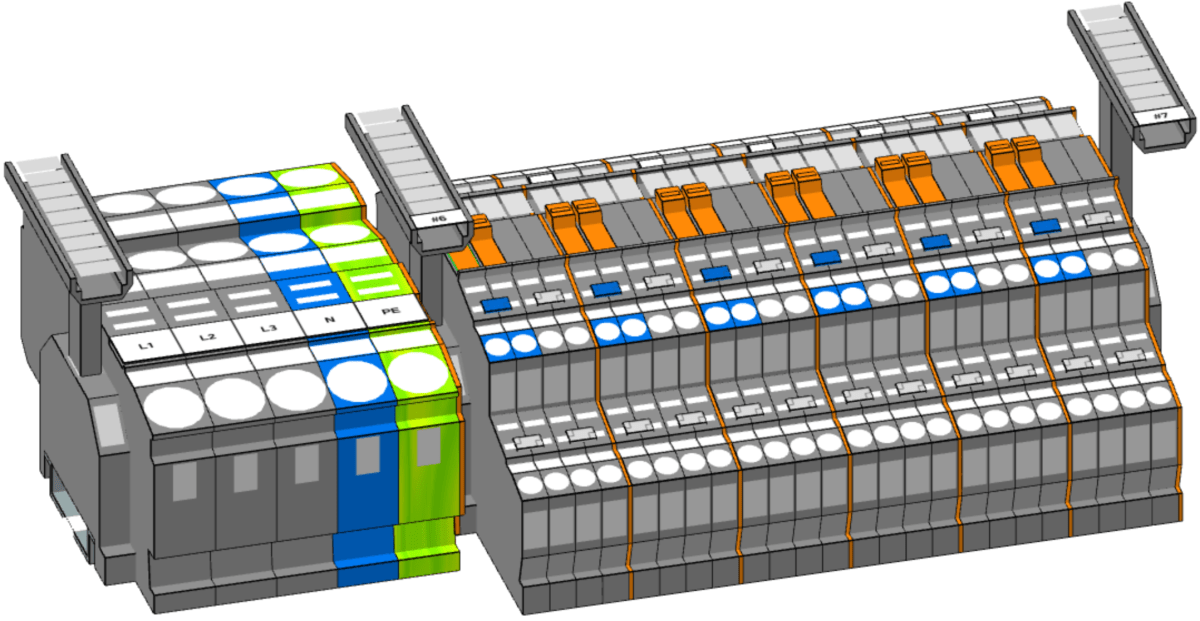
But now back to our terminal blocks. As we have a total of 11 RCBOs I see no point to install a bunch of separate neutral bus bars. Instead I opted for rail-mount terminal blocks from Wago that are also known as Wago TOPJOB S (how this rolls off the tongue). And Wago provides a web-based Smart Designer to help layout the terminal blocks and fight through their jungle of product names.
And this is what I came up with first:
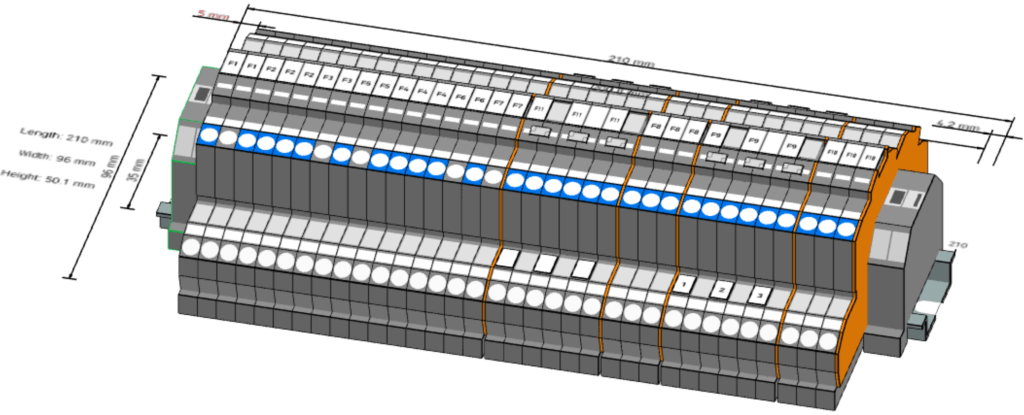
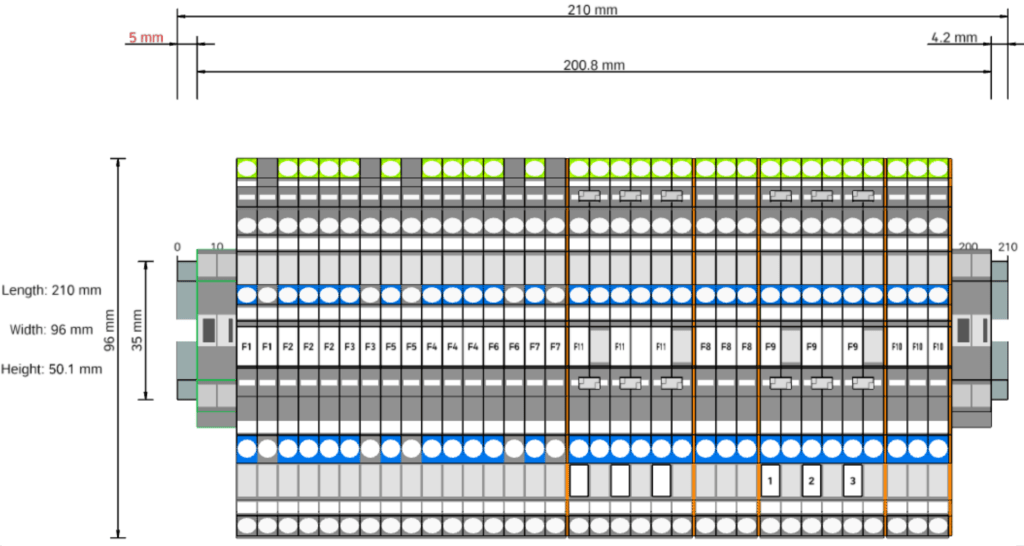
Looks neat?! The software goes even further and produces a comprehensive bill of material which facilitates ordering the right stuff:

But there the next problem was already waiting for me. As I wanted to connect the RCBOs not directly to the cabling that led to the appliances, but via a row of terminal blocks, I found out that despite the FWB72N3 being a Type II enclosure the upper to DIN rails were not insulated from the main chassis. So, I could not use these DIN rails to distribute PE over it – unless I replaced them with 4 UTC22C. Another “bug” in the Hager Ready software? Ok, not really a bug, but definitely a nuisance. The longer the more I began to question the advantage of buying a pre-fitted and pre-installed enclosure and using an app that calls itself “Ready” (with capital R).
And just when I thought I was finished, I changed my mind and added a neutral-disconnector into every outgoing RCBO connection – to facilitate testing an future maintenance. Now, I just have to lift the orange lever and the neutral is disconected – no plugging and unplugging of cables, no lose ends …
And this is what the final model of our layout looks like (and it just fits onto a 210mm 12 module DIN rail):

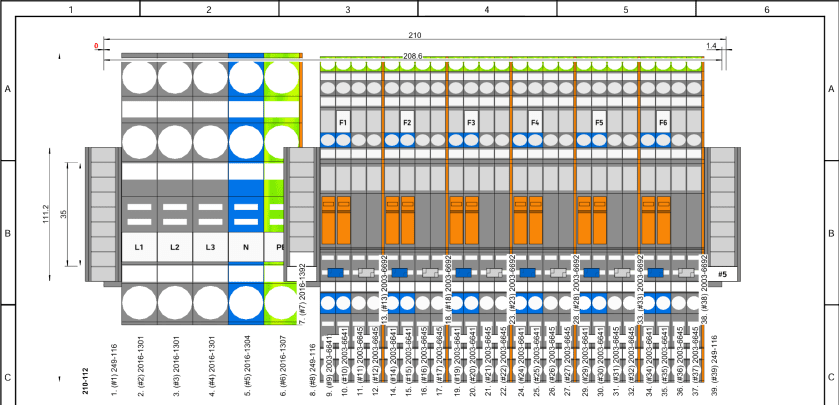
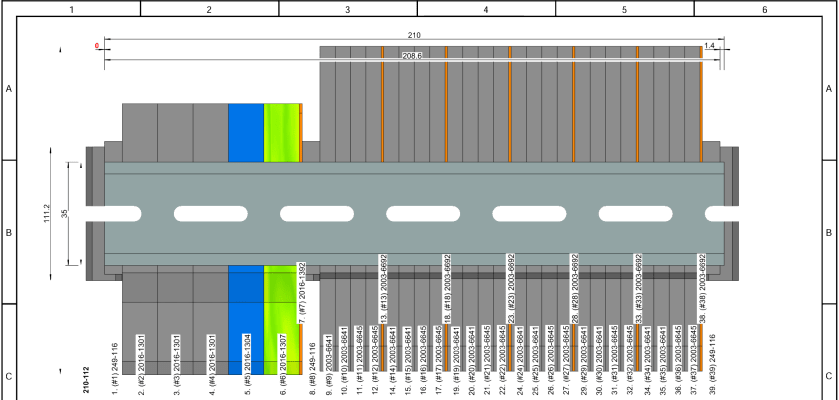

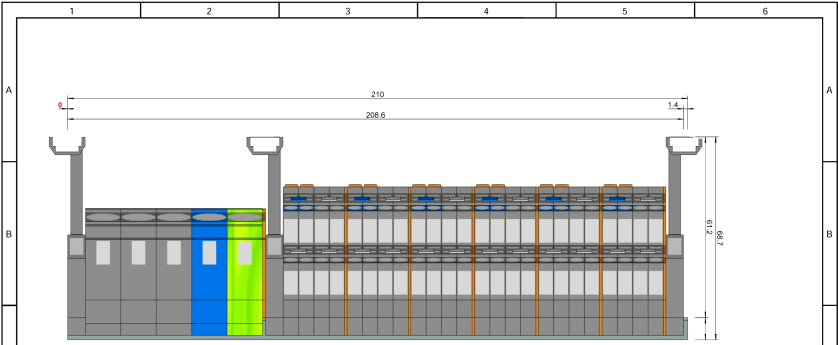
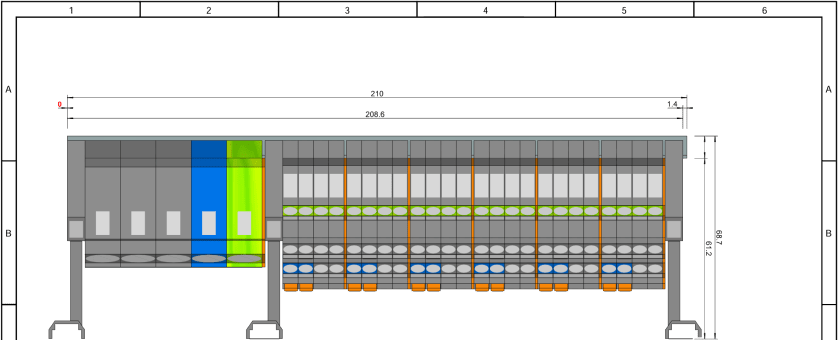
I must say, playing with the Wago configurator is a lot of fun. And unpacking it is also great – reminds me of my long-gone days of LEGO:
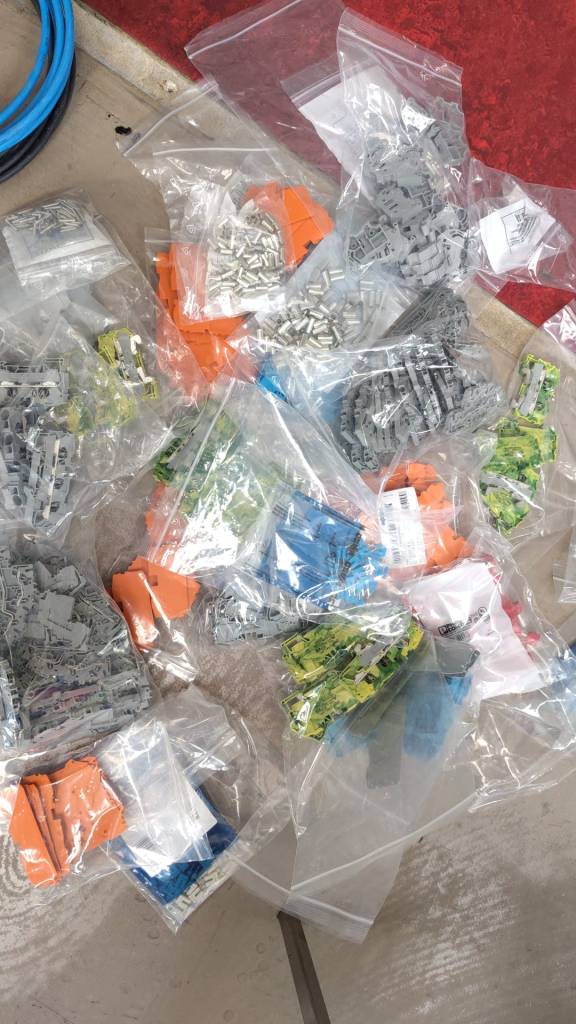
With these 2 rows of terminal blocks I can easily change my configuration inside the enclosure or the cabling in the rooms without affecting each other.
The main terminal blocks accept 16mm2 for fine-strained wire and 25mm2 for fixed wire and the rest of the blocks accepts 2.5mm2 (fine-strained) or 4mm2 (fixed). Enough for all of our cabling needs. Each of the smaller terminal blocks accepts up to 20A whereas the larger terminal blocks accept 76A (all at 230V)
The next thing is to design a junction box for the rooms to distribute the cabling to the appliances.
Will keep you posted.





 Our Journey to Scotland