Building a 4-way “industrial looking” junction box

Note: this post continues our adventure of converting a workshop into a flat.

After the successful build of the terminal blocks of our distribution enclosure I continued to design a junction box for the electric wiring in the rooms.

First, I had to decide on the maximum number of connections I would expect to have in a single junction box. I came up with the number of 4. And here is why:

Most of the time, we will have a standard “Tee” to either connect sockets or to distribute to a different part of a room; and sometimes we will have a “Tee” and additionally connect a socket which will be a Feller 2xT23 Standard to which we run 5-core (3LNPE) to distribute phases. Besides, much more than 4 connections to and from the box would be difficult to achieve.

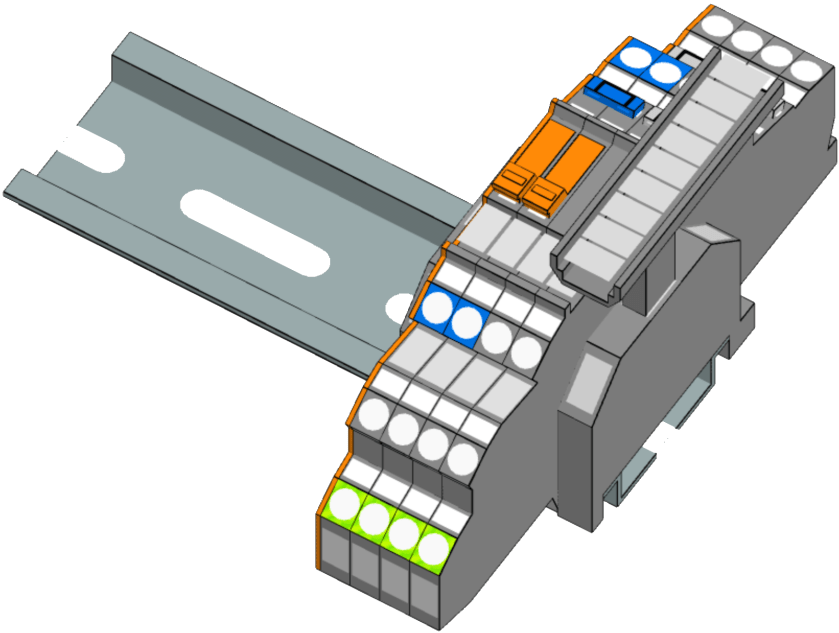
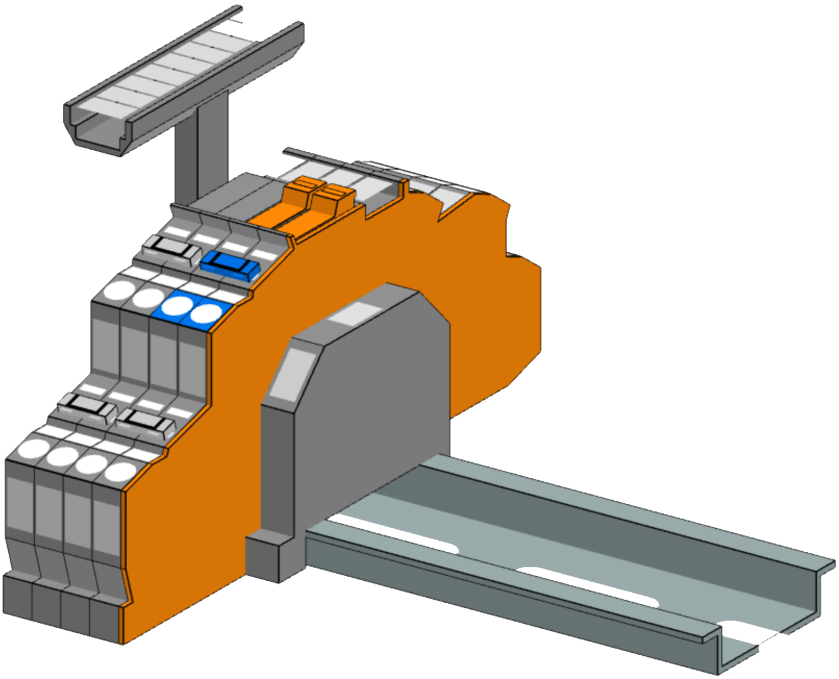
In order to facilitate testing and maintenance, I decided to equip the junction boxes with a neutral-disconnect. For this the Wago 2003-6641 comes in handy (which is much harder to get than the Wago 2003-764x models). It has a lever with a “disconnect knife” that cuts the neutral. As I want a 3LNPE 4-way junction, we have to use 2 of these next to each other with a jumper. That means, depending on what circuit we want to test, we have to remove that jumper as well.

Our initial version would therefore look like this and would fit easily within 2 modules (including stop-ends):
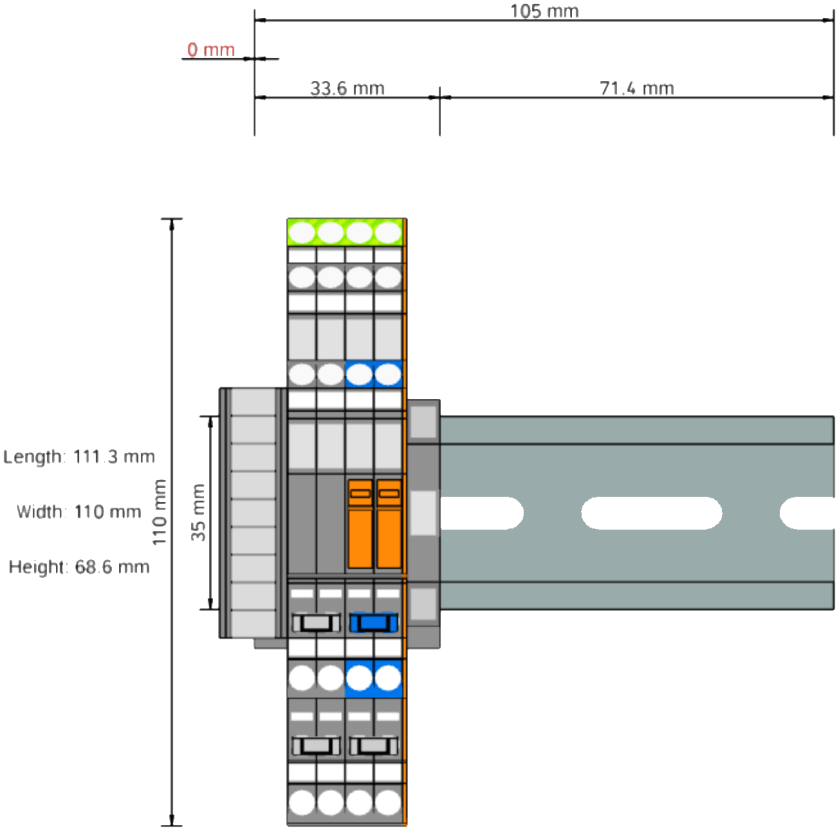
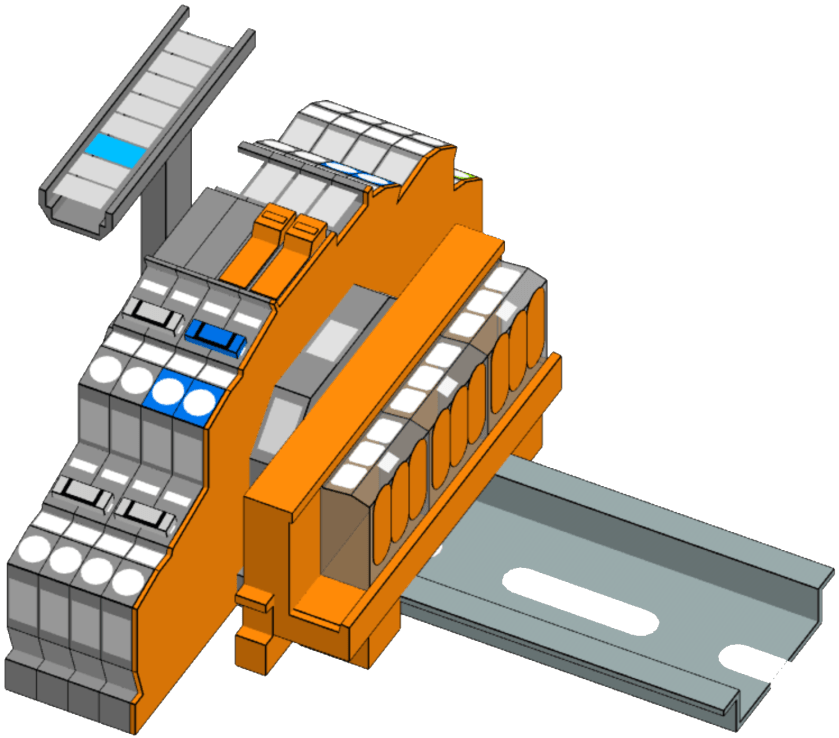
For most of our lights we want to use an Intertechno radio receiver to switch the loads. We already have some existing ITL-1000 which we will be repurposing for this conversion. However, there is also a newer version, the ITL-2000, which can switch two 1000W loads independently – which is actually the preferred way. But this means we have to split the neutral and have additional PE terminals. For this, we use the “Tested and Approved” (anyone remembering this from the 90?) Wago 221-413 connectors mounted on a mounting carrier. So, here is the final layout:
But to make this junction box look “industrial” we have to find a suitable enclosure. In my opinion it must have a transparent cover. Like this (which I found on Amazon):
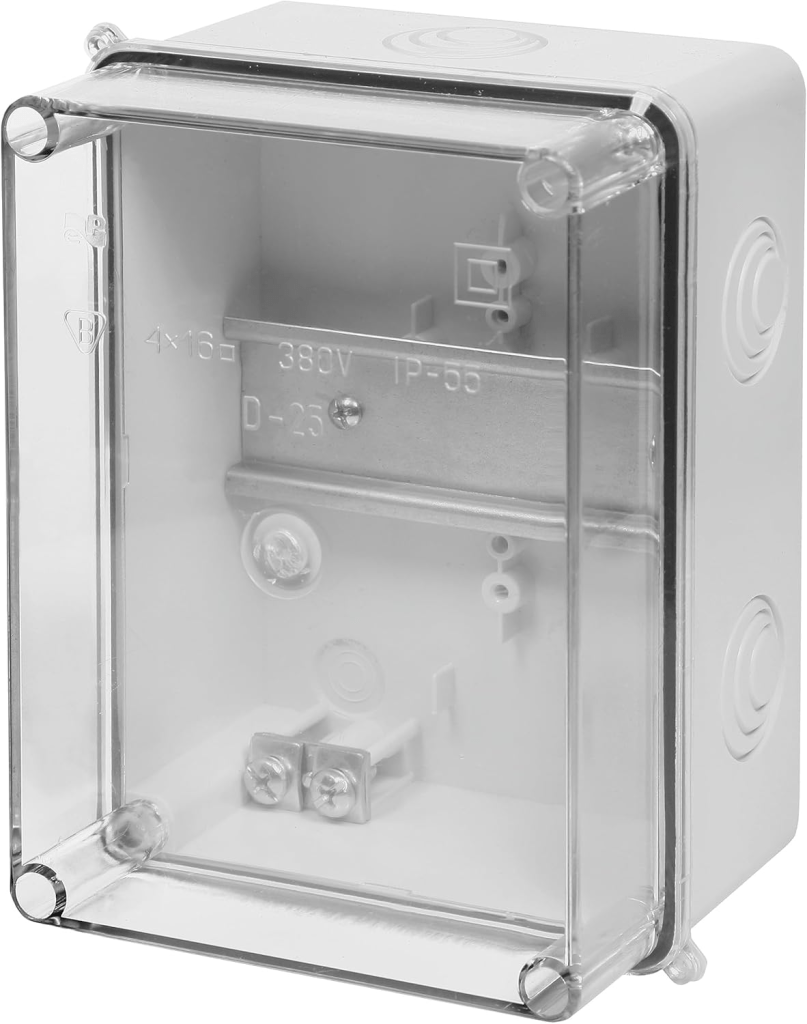
Junction box with transparent cover, image taken from https://www.amazon.de/dp/B07BM58W29

And here the box as a prototype with the terminal blocks with 2003-764x, jumpers missing and an ITL-1000 (the other parts are still in the mail). As soon as I have installed one of these on the wall with all the cabling I will post an update.
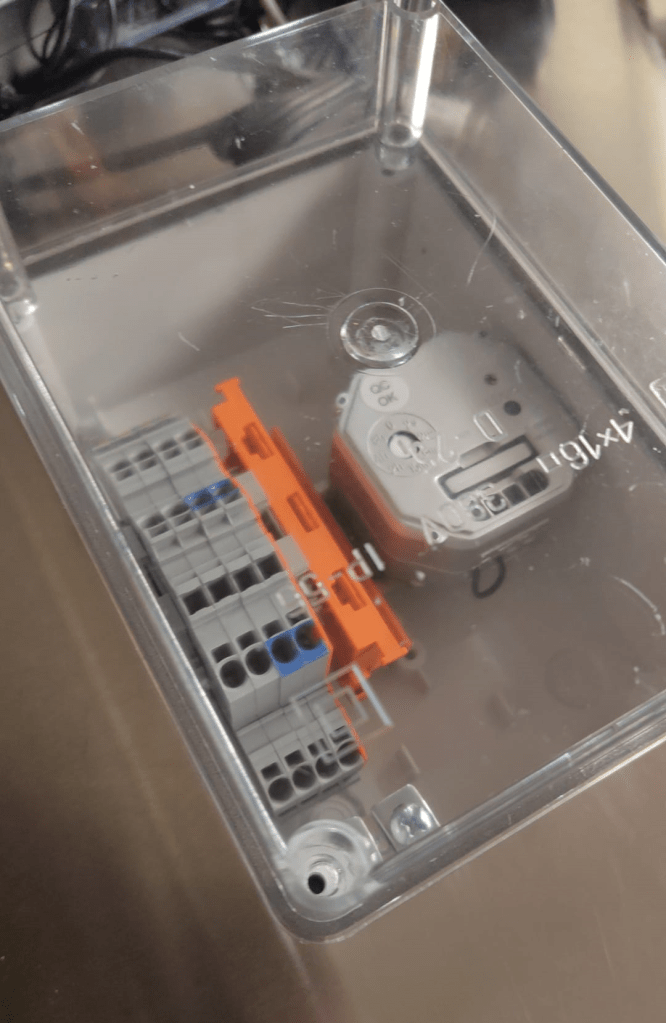
Wago: LEGO for grown-ups

Note: this post continues our adventure of converting a workshop into a flat.

Most of the electrical parts arrived. So it was time to draw the rest of the electricial installation inside the enclosure – and of course to apply some last minute changes …

The first thing I had to change was the vertical bus bars due to a bug in the Hager Ready software which turned out to be not so ready. Based on my RCBOs the software suggested to use a Hager FWB72N3 7-row 2-field 150mm field enclosure – in combination with the 125mm quickconnect bus bars. Surprisingly they did not play along that well. So now, I exactly had to do what I did not want to do: excessive cabling from row to row inside the enclosure. What a bummer. Luckily, there are fixed vertical jumpers available from Hager in the required size:
Problem solved – just not with “quickconnect”. On the other hand, even with quickconnect I would have had to screw in the vertical bus bars anyway.

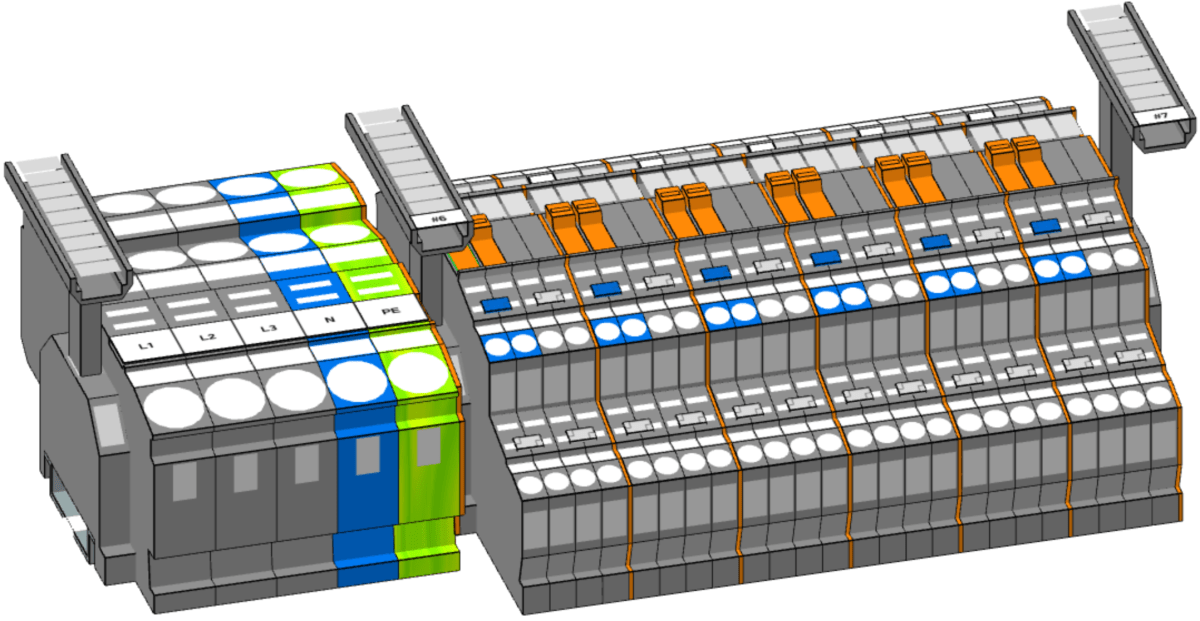
But now back to our terminal blocks. As we have a total of 11 RCBOs I see no point to install a bunch of separate neutral bus bars. Instead I opted for rail-mount terminal blocks from Wago that are also known as Wago TOPJOB S (how this rolls off the tongue). And Wago provides a web-based Smart Designer to help layout the terminal blocks and fight through their jungle of product names.

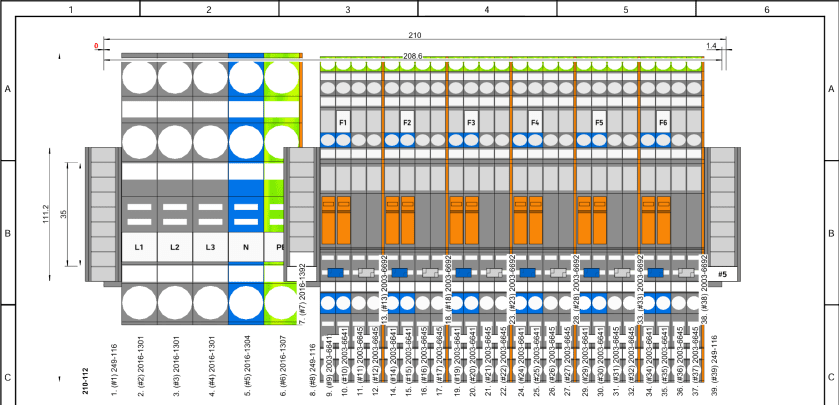
And this is what I came up with first:

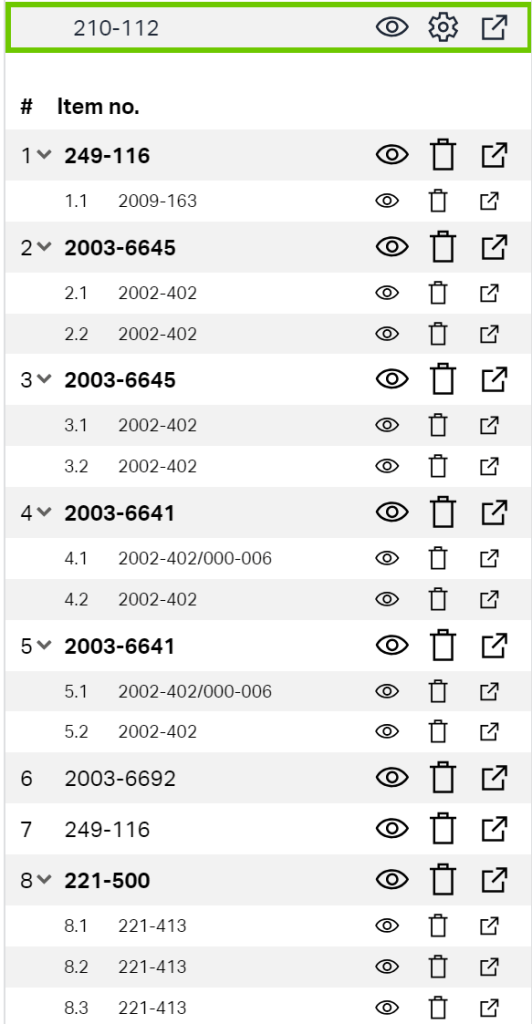
Looks neat?! The software goes even further and produces a comprehensive bill of material which facilitates ordering the right stuff:

Wago bill of material for our terminal blocks including acessories, taken from Wago Smart Designer

But there the next problem was already waiting for me. As I wanted to connect the RCBOs not directly to the cabling that led to the appliances, but via a row of terminal blocks, I found out that despite the FWB72N3 being a Type II enclosure the upper to DIN rails were not insulated from the main chassis. So, I could not use these DIN rails to distribute PE over it – unless I replaced them with 4 UTC22C. Another “bug” in the Hager Ready software? Ok, not really a bug, but definitely a nuisance. The longer the more I began to question the advantage of buying a pre-fitted and pre-installed enclosure and using an app that calls itself “Ready” (with capital R).
And just when I thought I was finished, I changed my mind and added a neutral-disconnector into every outgoing RCBO connection – to facilitate testing an future maintenance. Now, I just have to lift the orange lever and the neutral is disconected – no plugging and unplugging of cables, no lose ends …

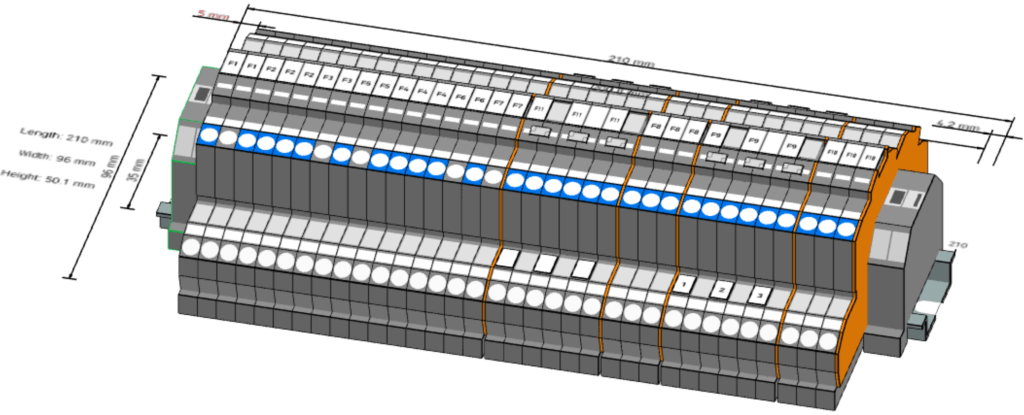
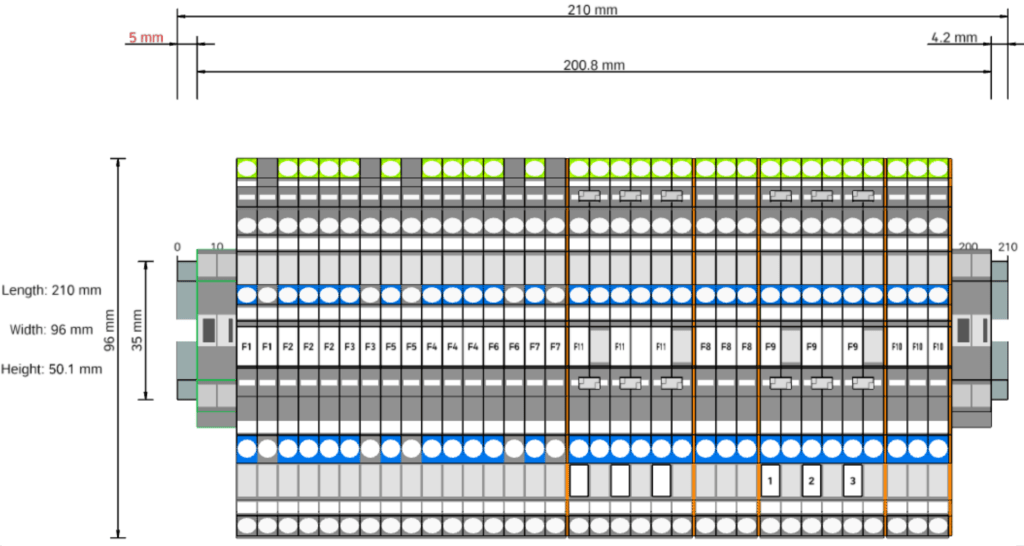
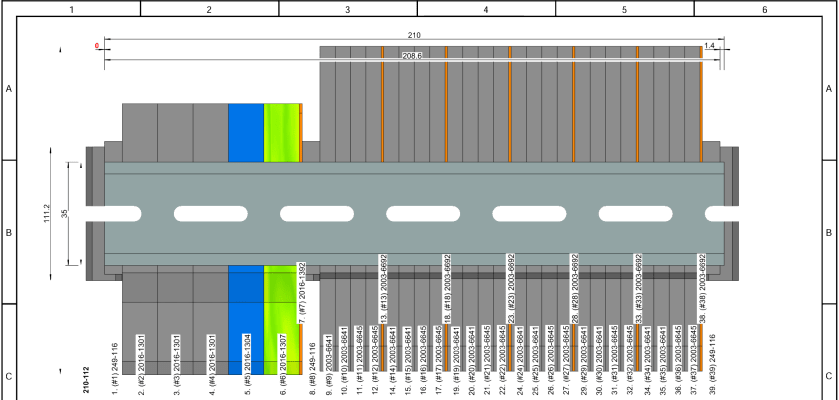
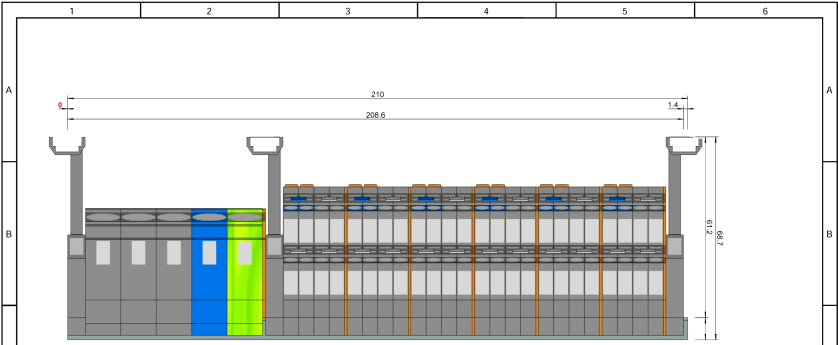
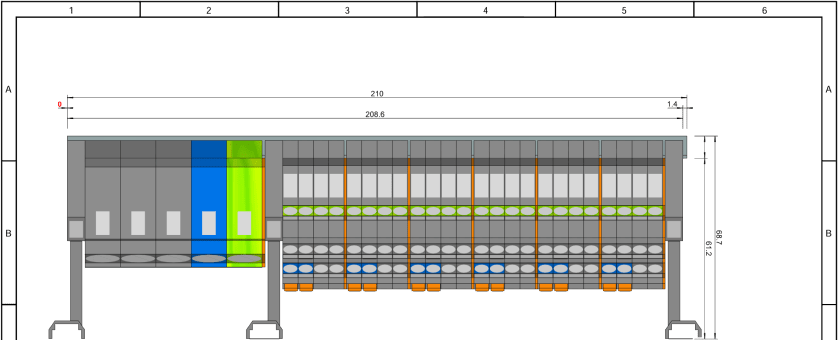
And this is what the final model of our layout looks like (and it just fits onto a 210mm 12 module DIN rail):

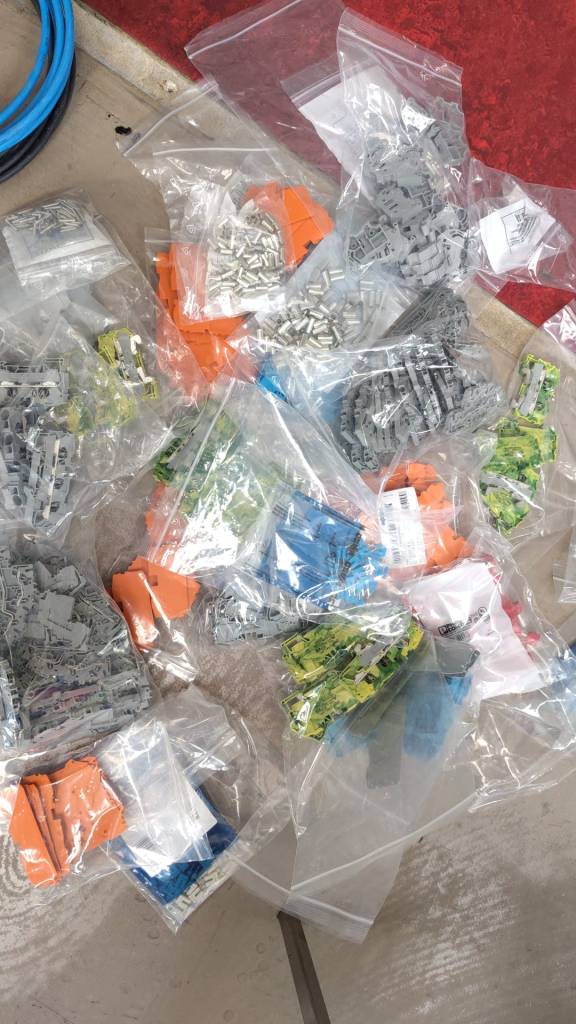
I must say, playing with the Wago configurator is a lot of fun. And unpacking it is also great – reminds me of my long-gone days of LEGO:

Wago – LEGO for grown-ups

With these 2 rows of terminal blocks I can easily change my configuration inside the enclosure or the cabling in the rooms without affecting each other.

The main terminal blocks accept 16mm2 for fine-strained wire and 25mm2 for fixed wire and the rest of the blocks accepts 2.5mm2 (fine-strained) or 4mm2 (fixed). Enough for all of our cabling needs. Each of the smaller terminal blocks accepts up to 20A whereas the larger terminal blocks accept 76A (all at 230V)

The next thing is to design a junction box for the rooms to distribute the cabling to the appliances.

Will keep you posted.

Converting a workshop into a flat

Now, that we just finished our plumbing course, it is time to apply our freshly acquired skills.

A prowd owner of a Certificate of Unit Credit towards Level 2 Diploma in Plumbing Studies

What better opportunity could there be than to convert an old workshop into a modern flat? During the next weeks we will document our plans and progress towards that conversion.

These are the things that need to be done:

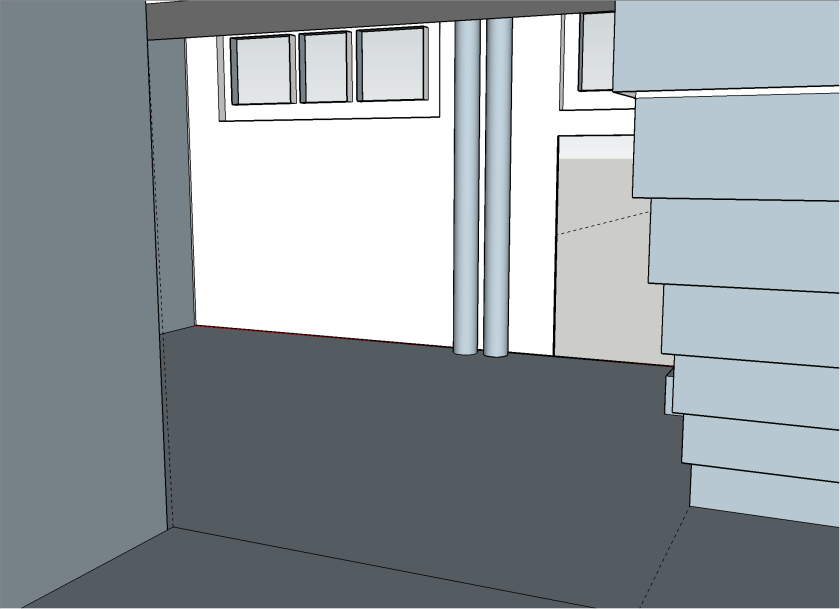
  1. Add an interiour wall to separate bath room from kitchen
  2. Add an interiour wall to separate bed room form entrée
  3. Paint walls and ceiling
  4. Lay laminate flooring
  5. Rewire electricity, add energy meter and distribution board
  6. -and of course now to the plumbing- Install pipe work for water in bath room and kitchen
  7. Move soil stack up to first floor
  8. Install shower, toilet, basin and washing machine
  9. Install kitchen sink and dish washer
  10. decommission existing connections
  11. … and clean up and make space first

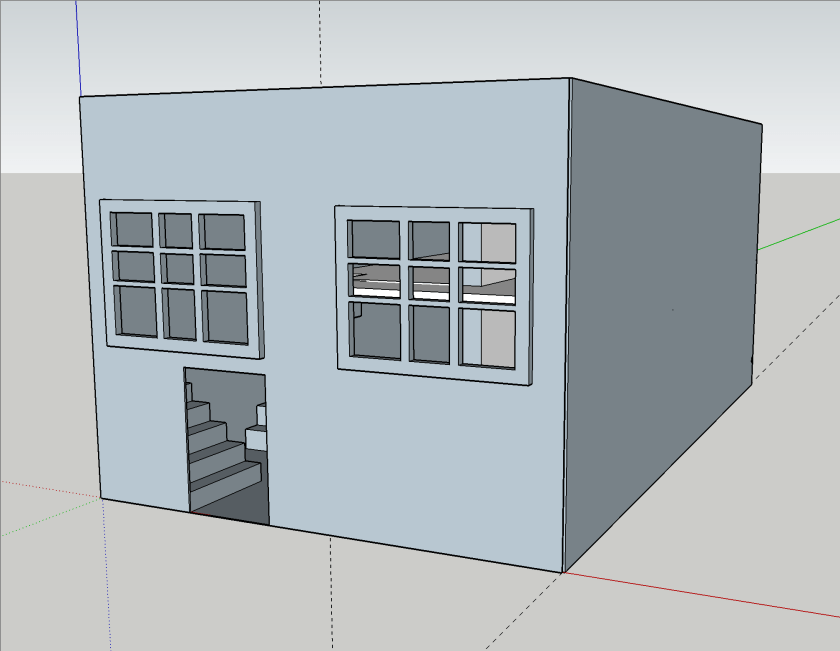
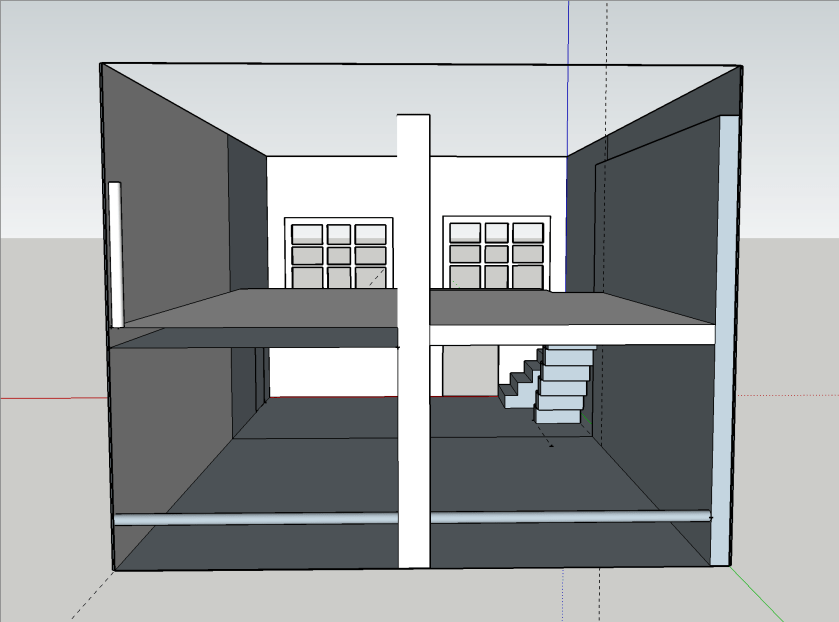
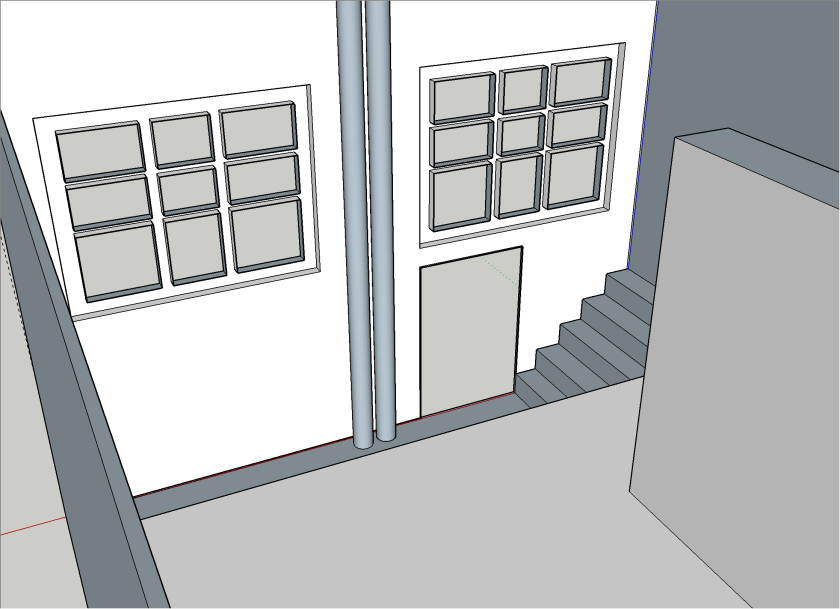
We first started with a basic room layout which I did in Sketchup Make 2017, the last *free* version of Sketchup by Google (now owned by Trimble). Though Trimble does not support or offer that version, thanks to the Internet Archive Wayback Machine the version can still be downloaded.

Note: the “PRO Trial” will revert to the free version aftert 30 days.

My last Sketchup experience dates back to 2015 when I modelled the packaging for the beer bottles of our then breweey, so the model I came up with now (not completed) is not really stable not particularily beautiful. But you will get an idea.

As the walls of the building are made of ferroconcrete and we are not fans of flush mounting we decided to put all the pipework and cabling on the walls and not hide them in conduits.

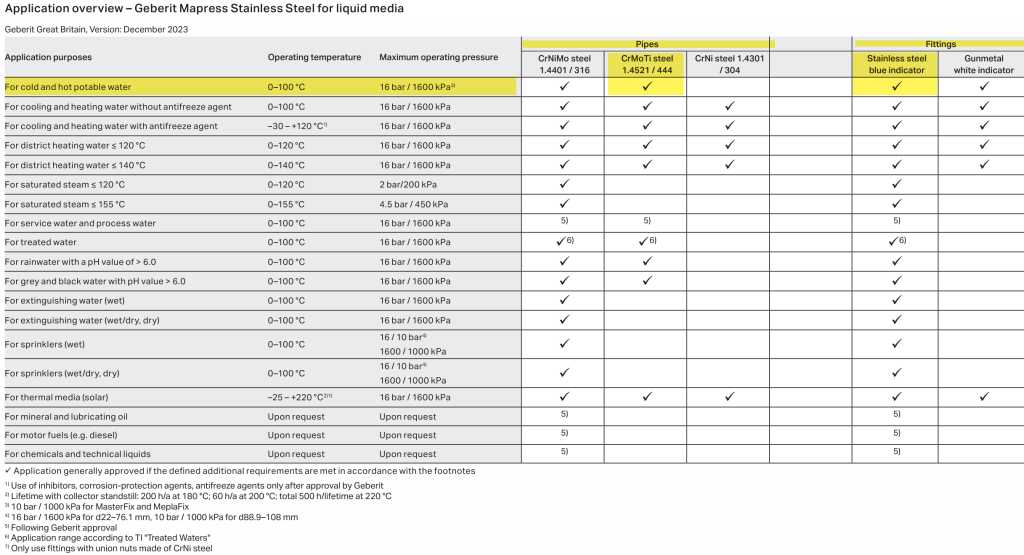
For the pipework we decided to use Geberit Mapress 15mm stainless steel pipes. There we go for the slightly cheaper 1.4521 variant (and not 1.4401) which is also approved for drinking water:

Application overview – Geberit Mapress Stainless Steel for liquid media, taken from https://cdn.data.geberit.com/overviews/GB-en/DAS_157952.pdf

For the electrical installation we have to install a distribution board with a separate energy meter. For this, we chose Hager and wanted to try out the quickconnect system, where everything is just plugged into place instead of being screwed down.

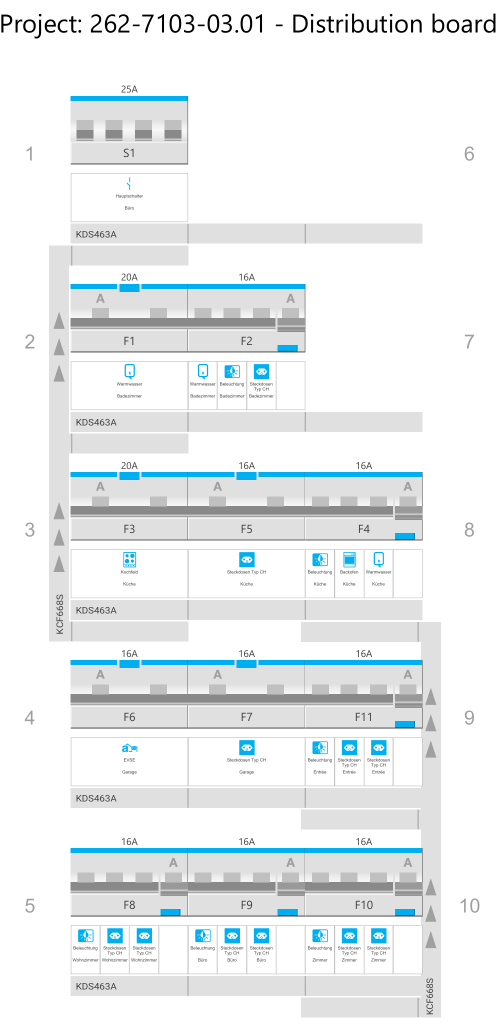
With the Hager Ready app (on Windows) it was suprisingly easy to configure and validate the layout (though the “wizard” was not working in my favour and always picked the “wrong” products which is why I added the components manually):

Distribution board with components

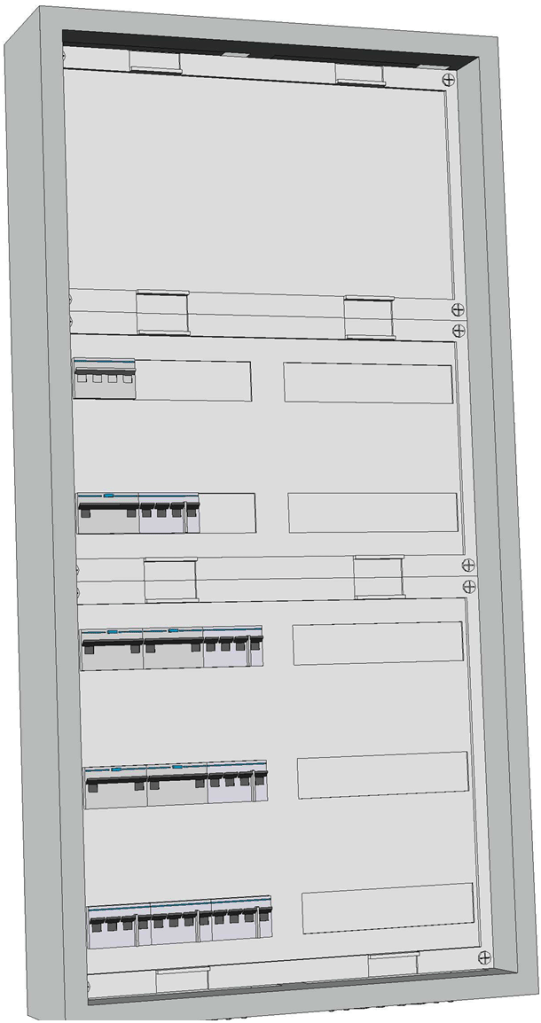
It even generated a 3D view of the selected enclosure:

3D view of enclosure

For the connection of the actual wires from the rooms to the 11 RCBOs I chose to go via 2003 WAGO DIN rail terminal blocks (on row 1 of the board). So with quickconnect in place and these terminal blocks, I only have to run 56 2.5mm2 wires (plus one 16mm2 PE) for the whole distribution board!

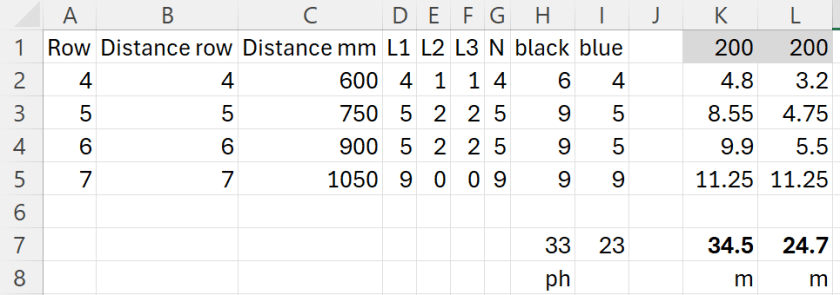
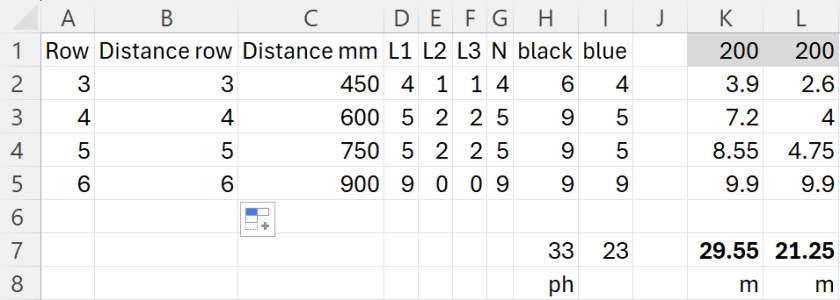
To make calculation of the required cable lengths a little bit easier I threw the numbers into this spread sheet:

Required cable length for a 2×7 distribution board

For 33 phases and 23 neutrals RCBOs I would need nearly 60m of wire! This is because I really cannot use bus bars for neutral. For a comparison: If I had got a 2×6 distribution board I would have used nearly 10m less for the internal cabling (but unfortunately, there was none available):

Required cable length for a 2×6 distribution board

I ordered most of the electrical stuff today and will have an update on it when the material arrives.

And this is it for today.

“Go with the flow” as the Plumber would say

As we are now increasingly looking into water treatment and the water supply in our shed, we decided that it wouldn’t hurt to know a little more about what we are actually doing here.
That’s why we enrolled on a 6 week Level 2 Diploma in Plumbing Studies (6035-02) course at City & Guilds. Contrary to expectations, the course was extremely helpful, instructive and, above all, great fun. We owe a lot of the fun to our instructor Iain, who was always able to pass on the tips with a lot of humour but also a lot of experience.

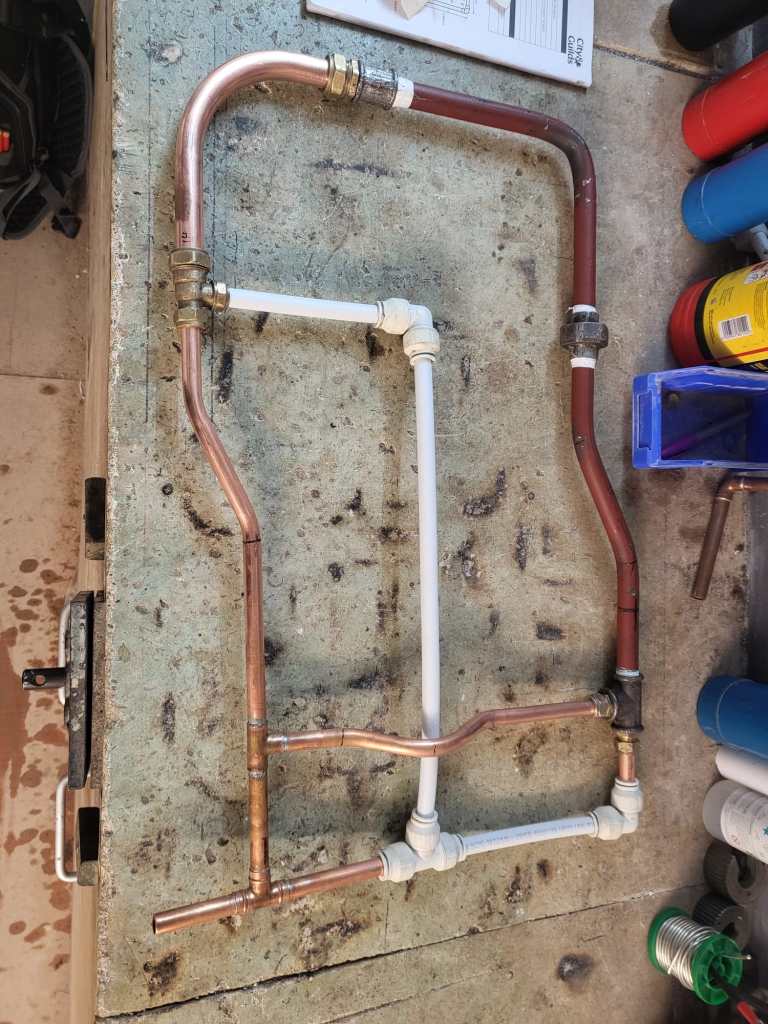
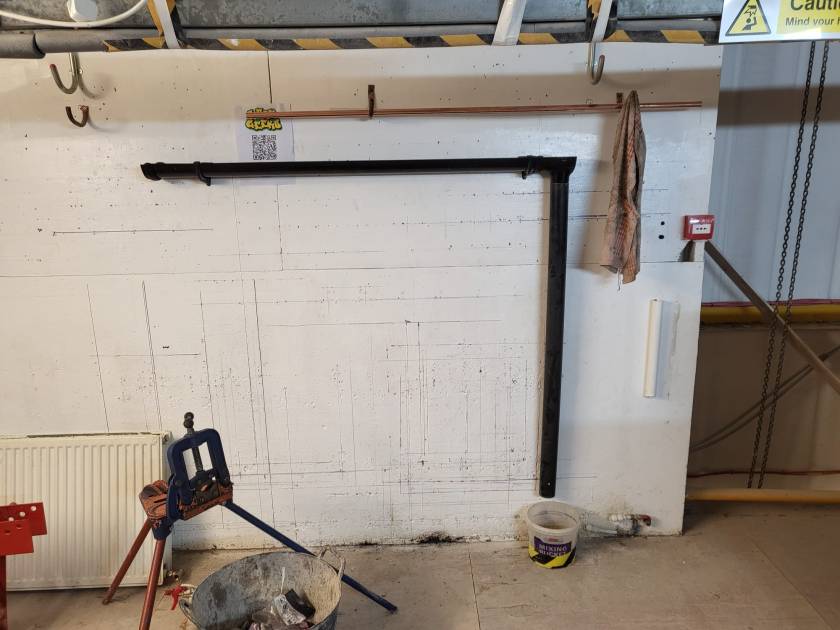
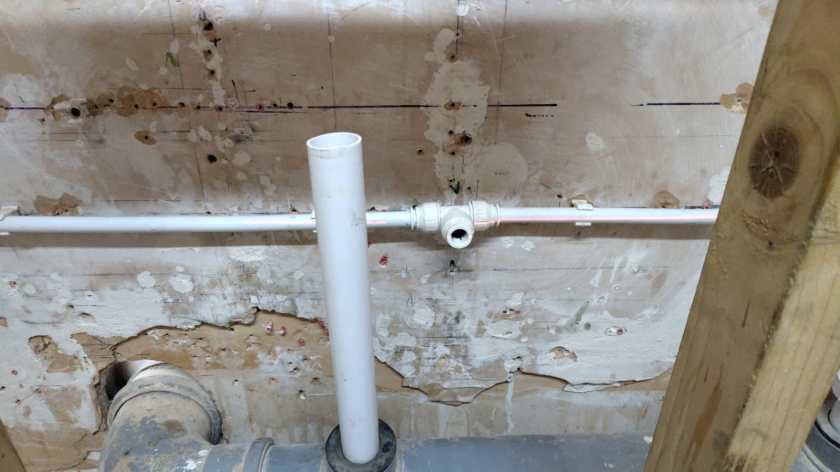
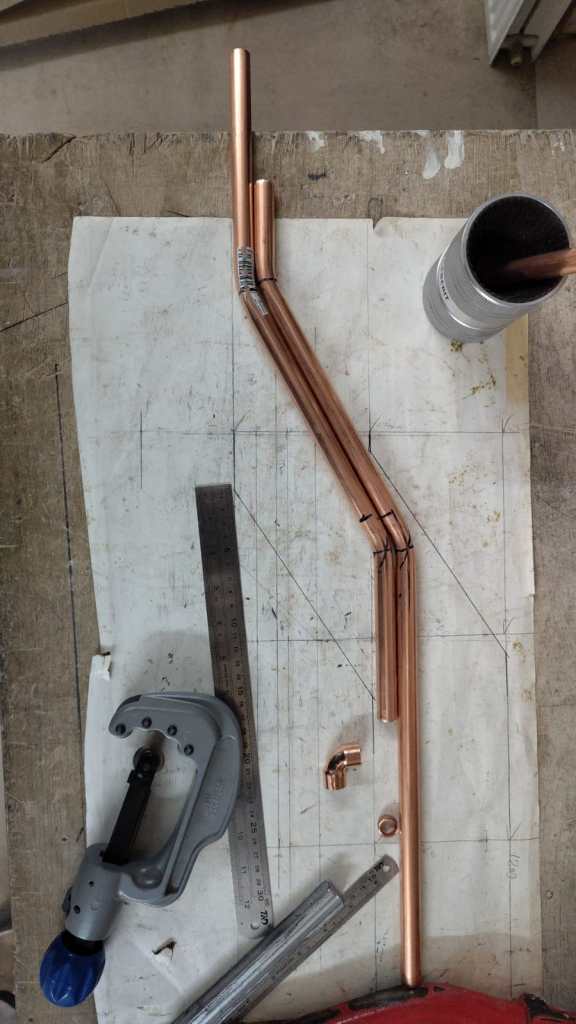
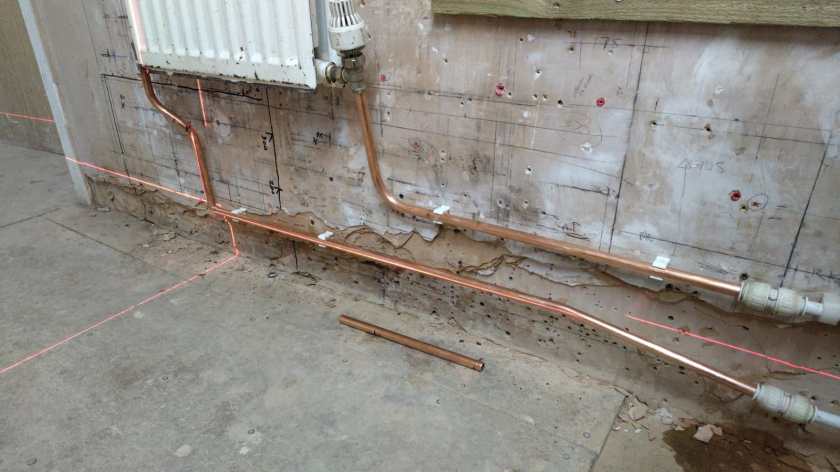
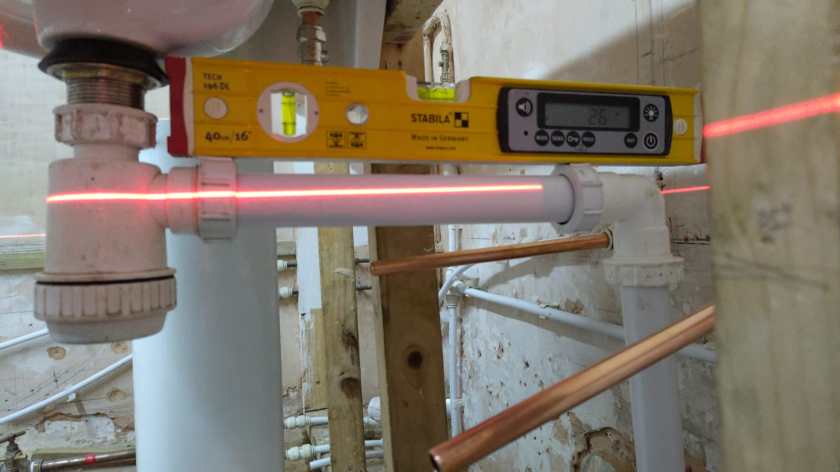
We learnt how to bend and solder copper and even threaded the dreaded LCS pipes, how to lay plastic pipes neatly, and how to make sure that everything is tight and does not leak.

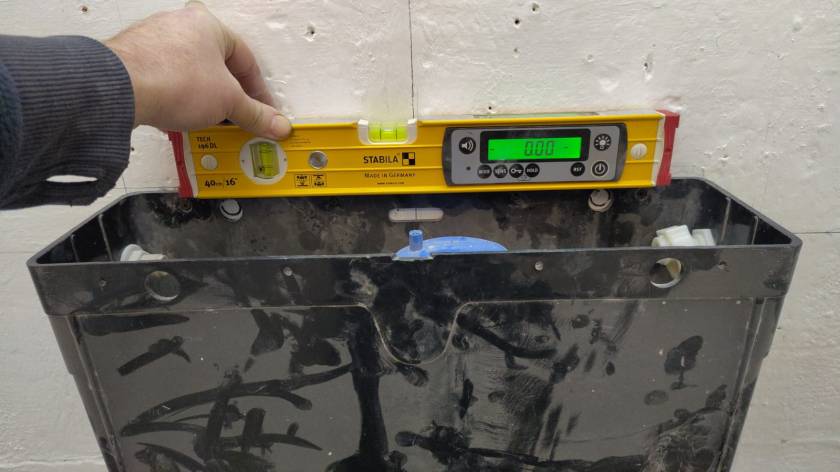
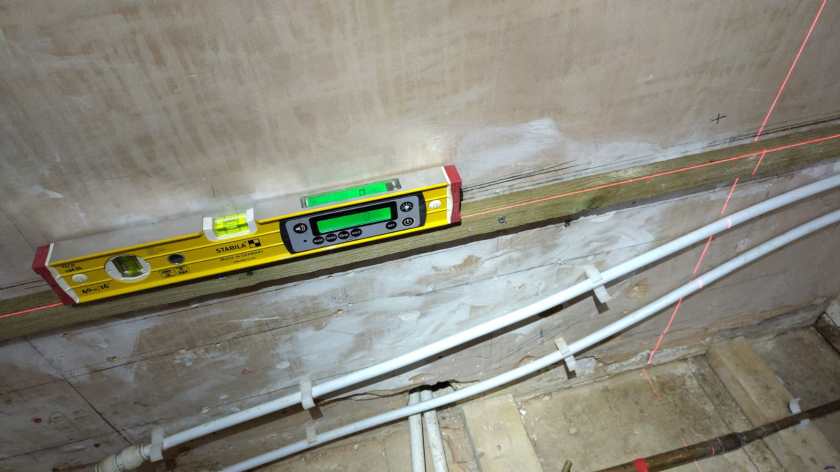
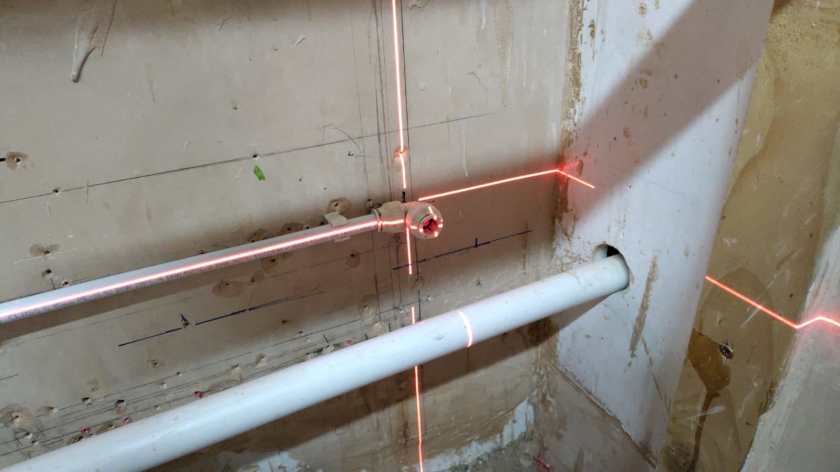
Ensuring a leak-free sanitary experience
Of course, not only when it comes to plumbing, only perfect is just good enough …
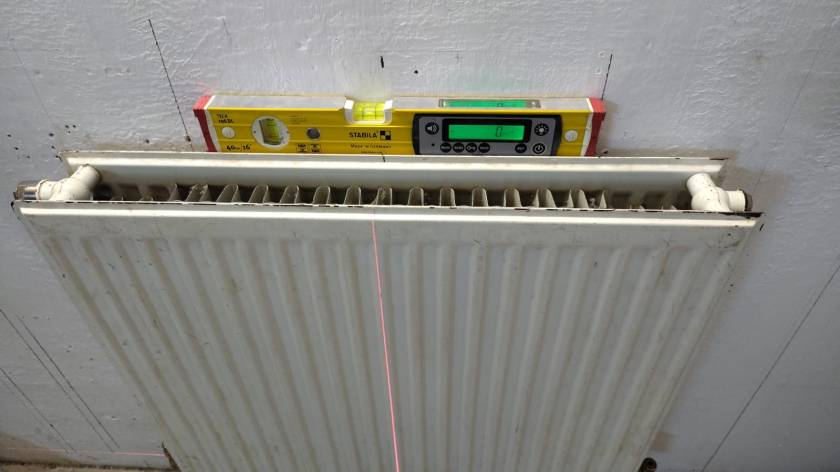
… especially with the help of pro tools.
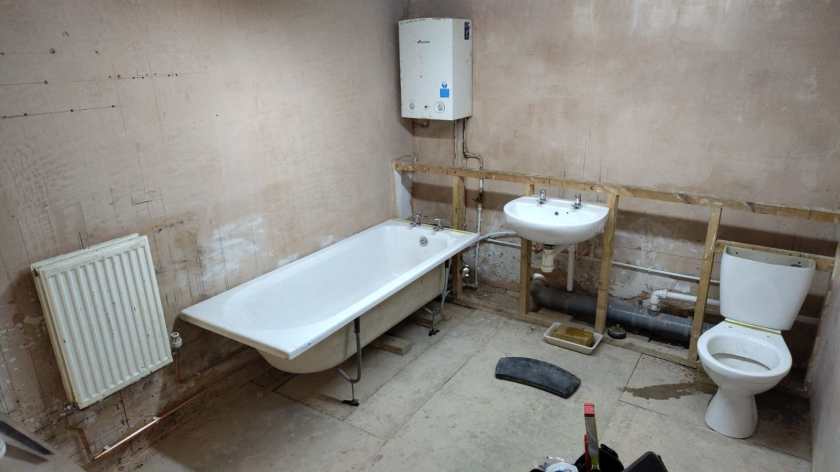
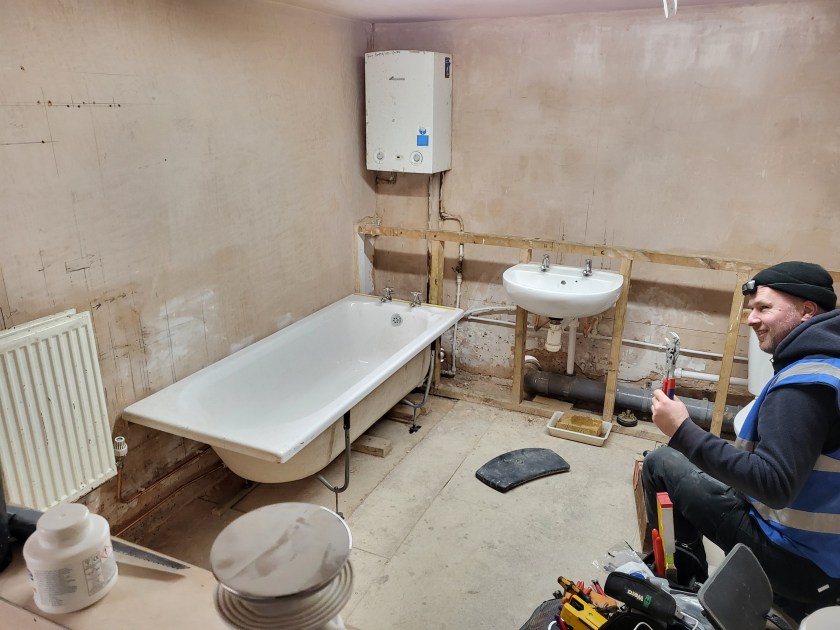
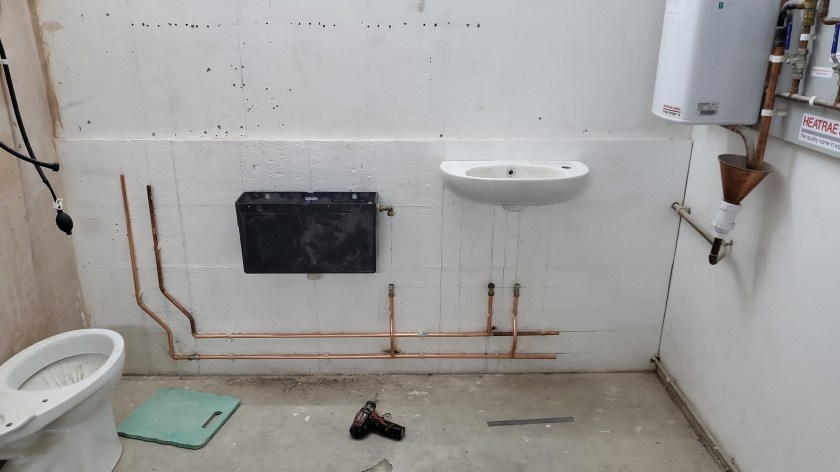
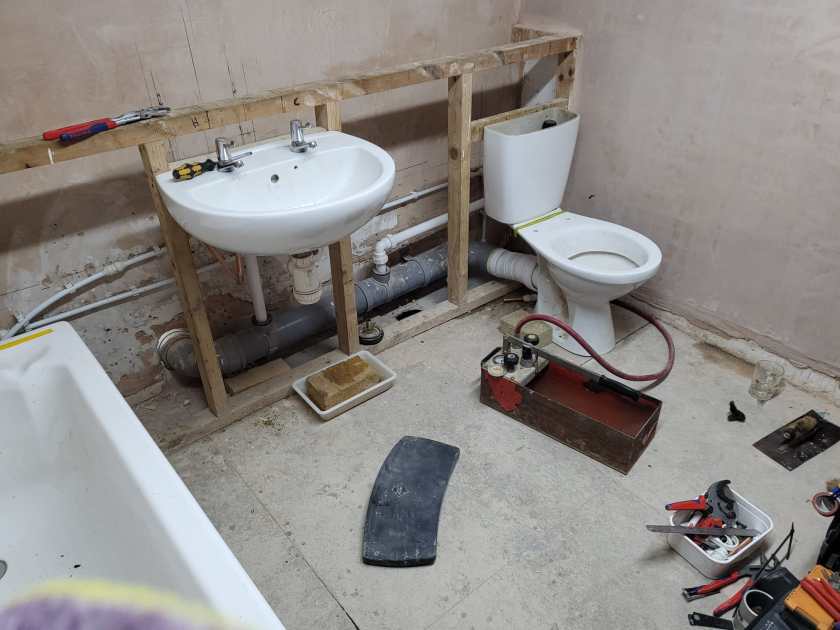
Installed bath room

So, now we are even more ready and “beyond being prepared” than ever and neither radiators, showers, bathtubs, toilets nor washhand basins or kitchen sinks will put us off any longer… (not that they ever had)

Water Filter Build

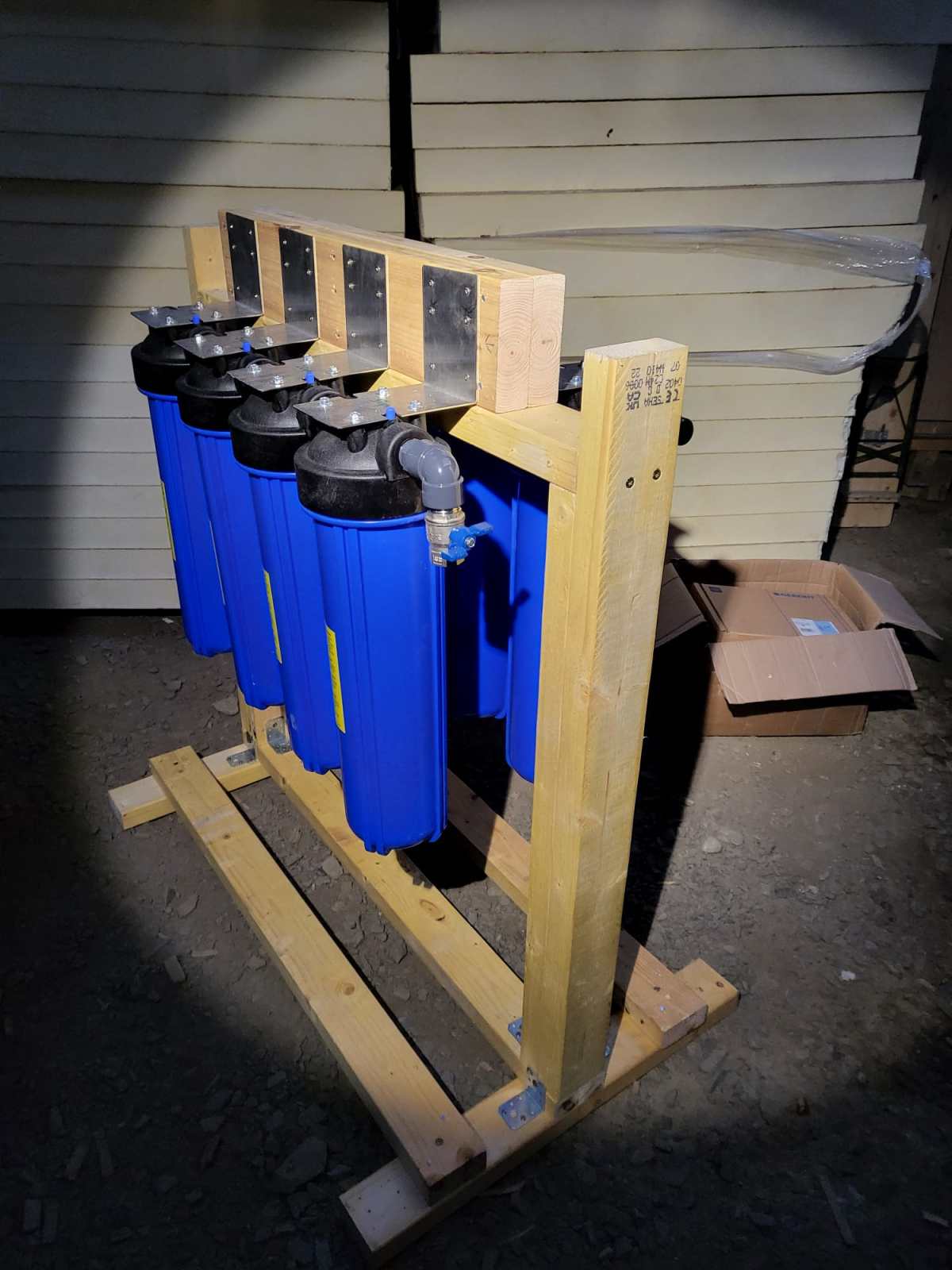
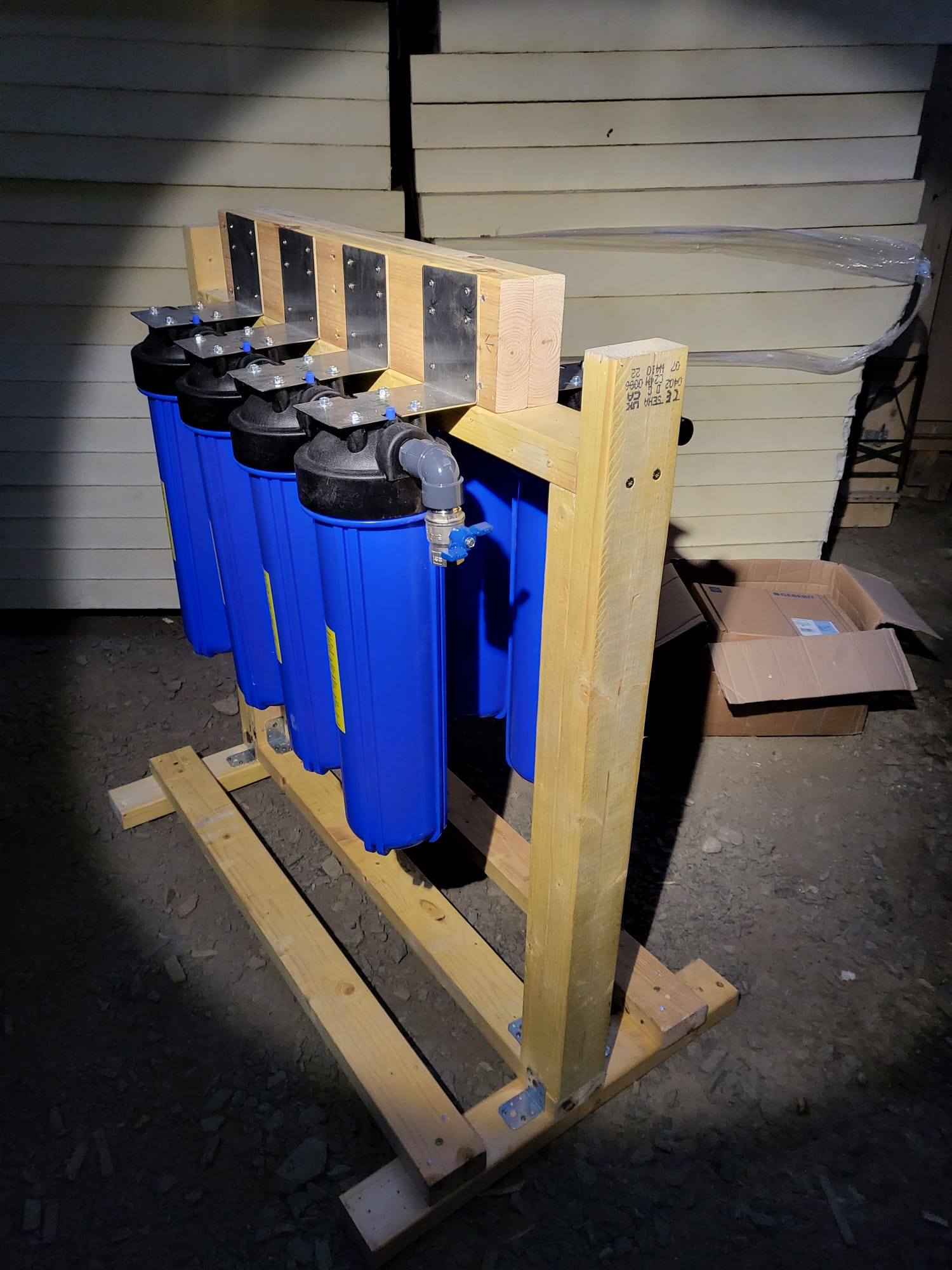
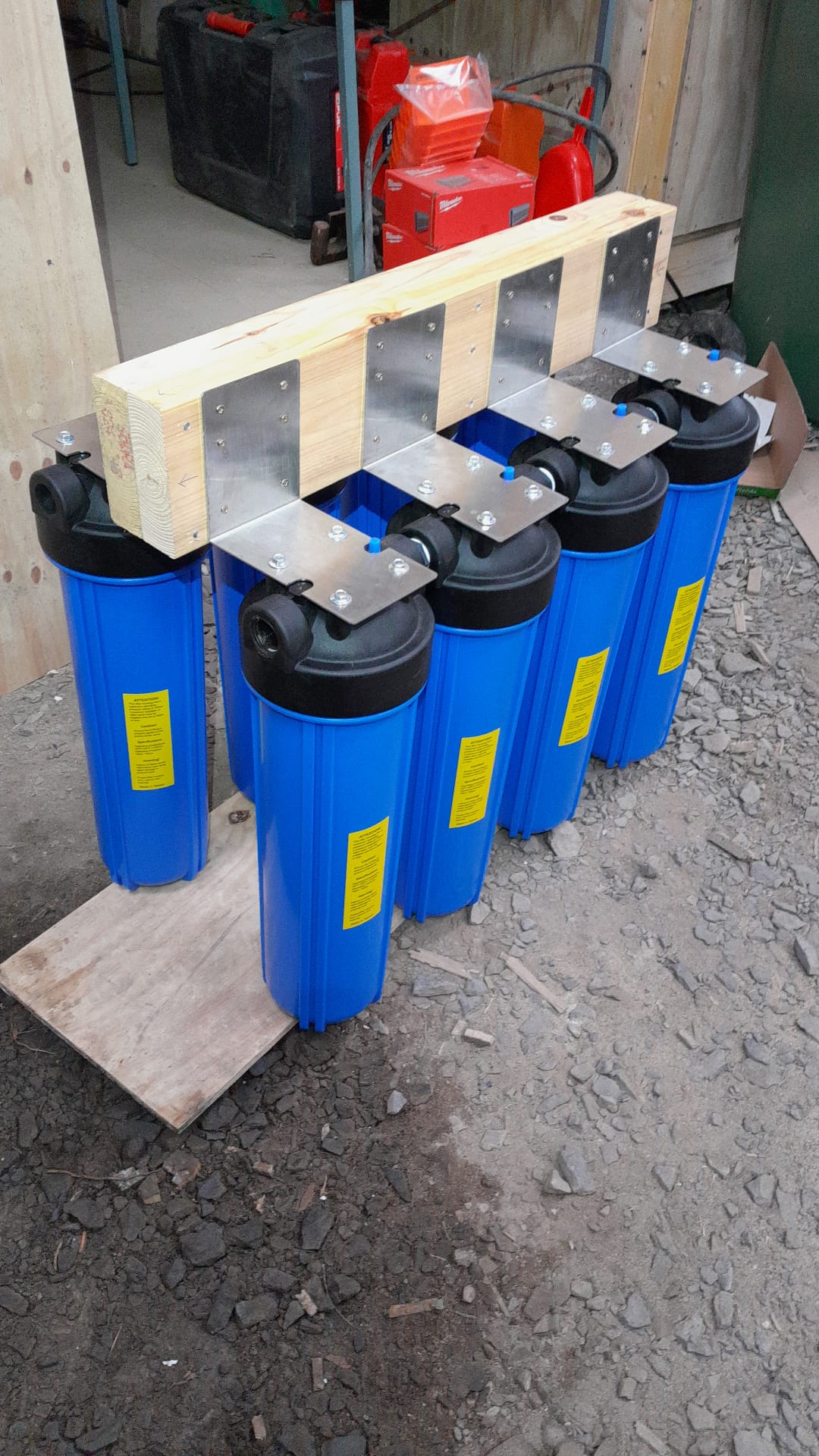
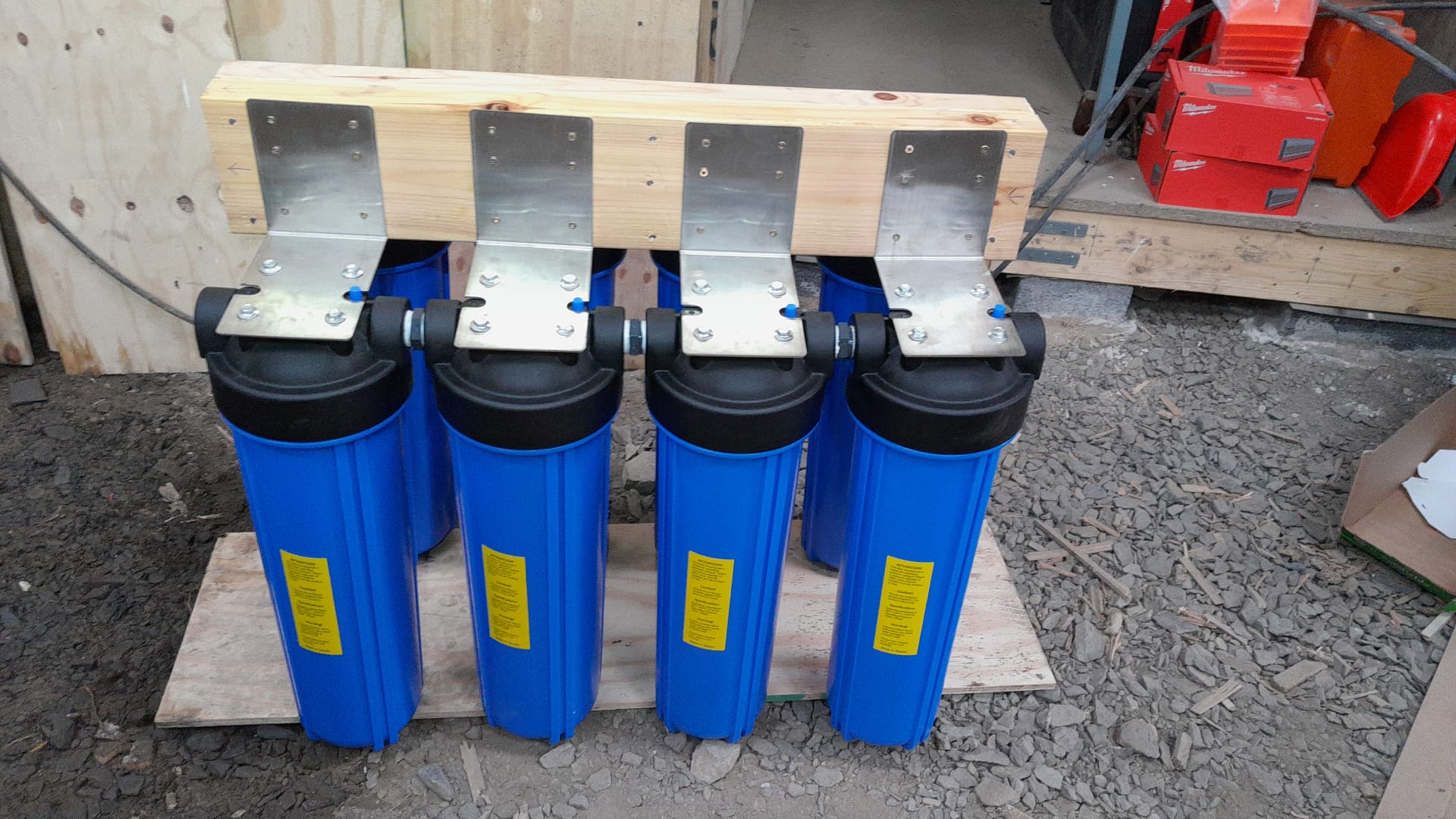
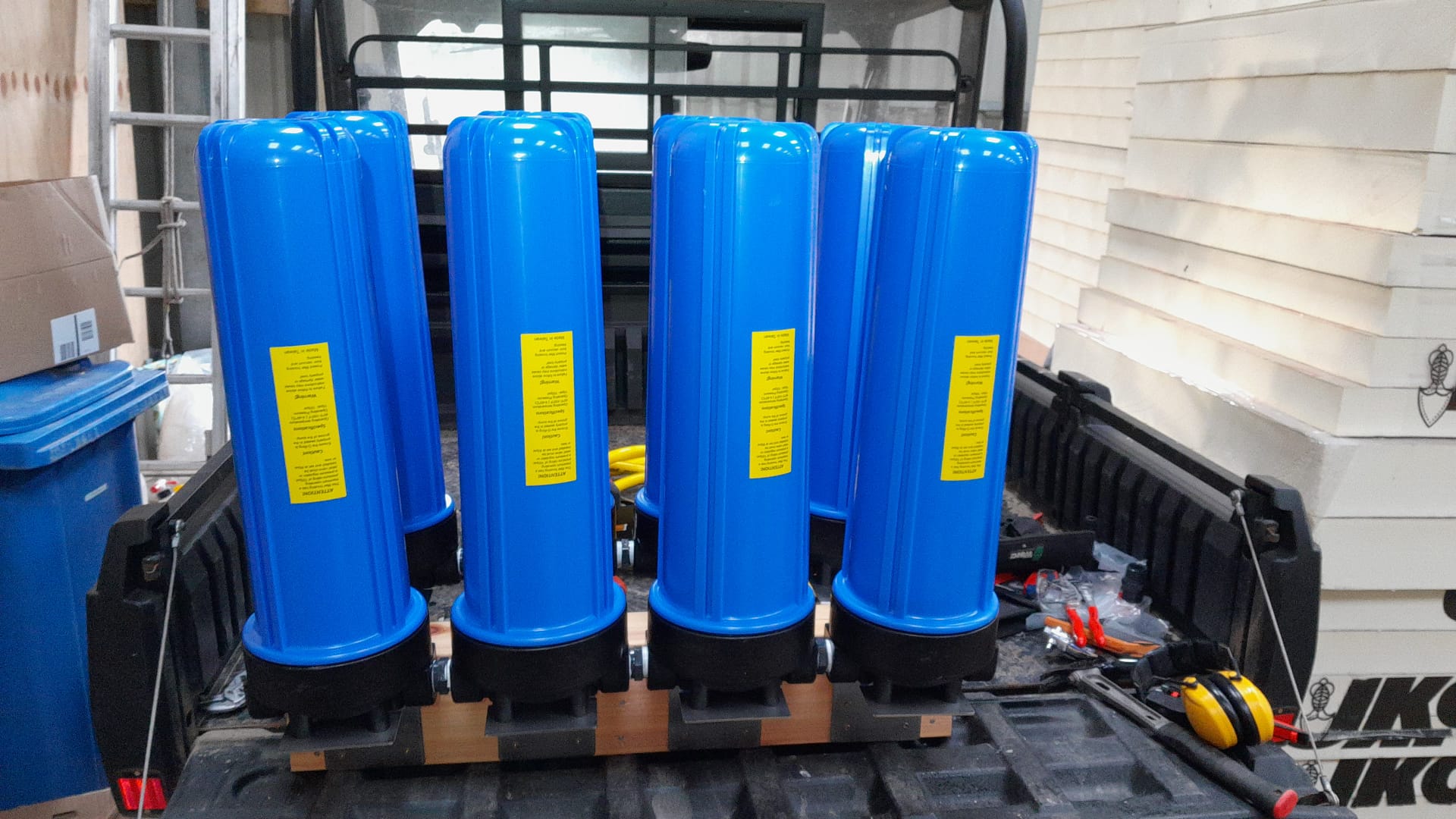
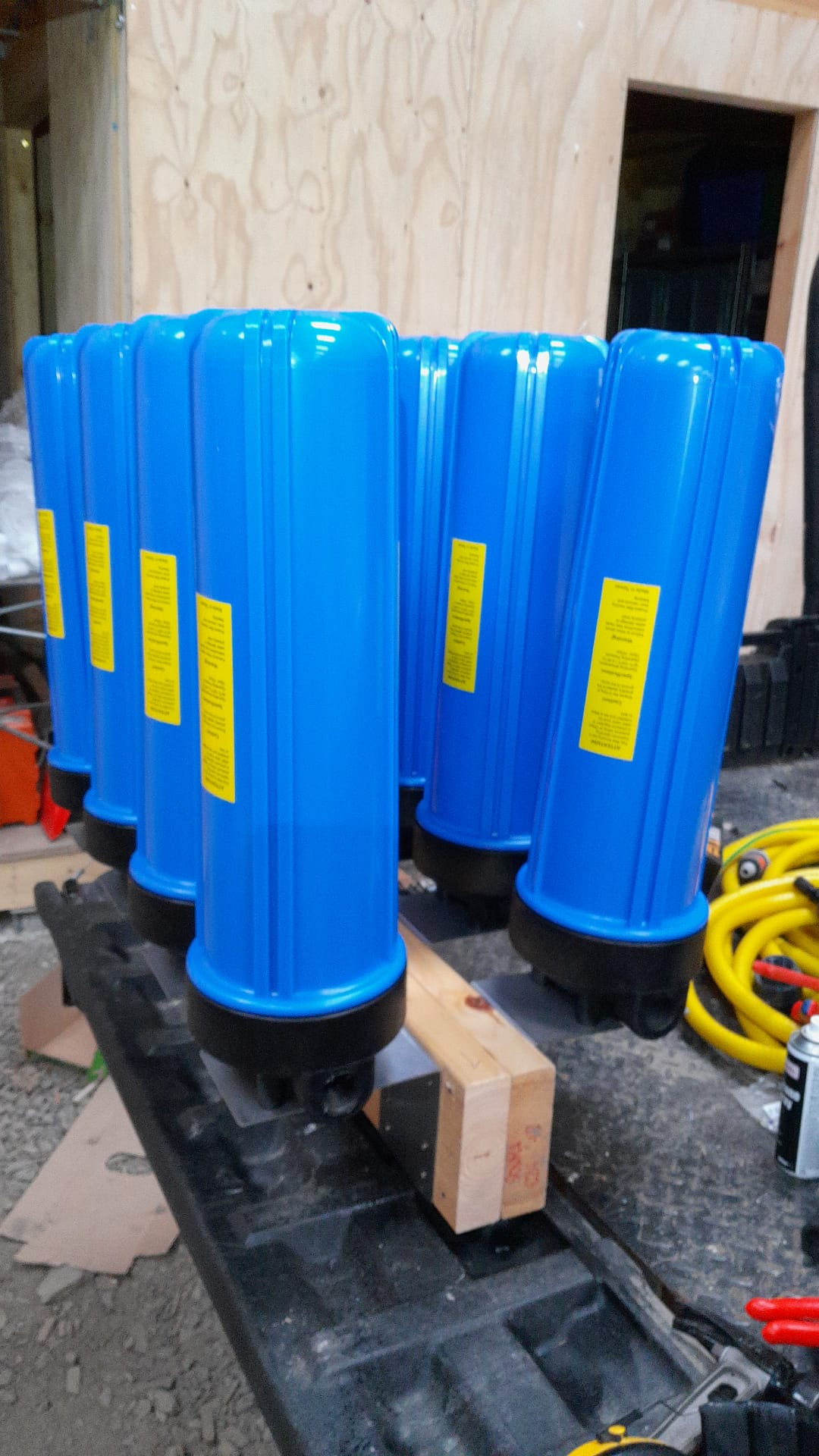
Here is the state of our current water filter build and installation:

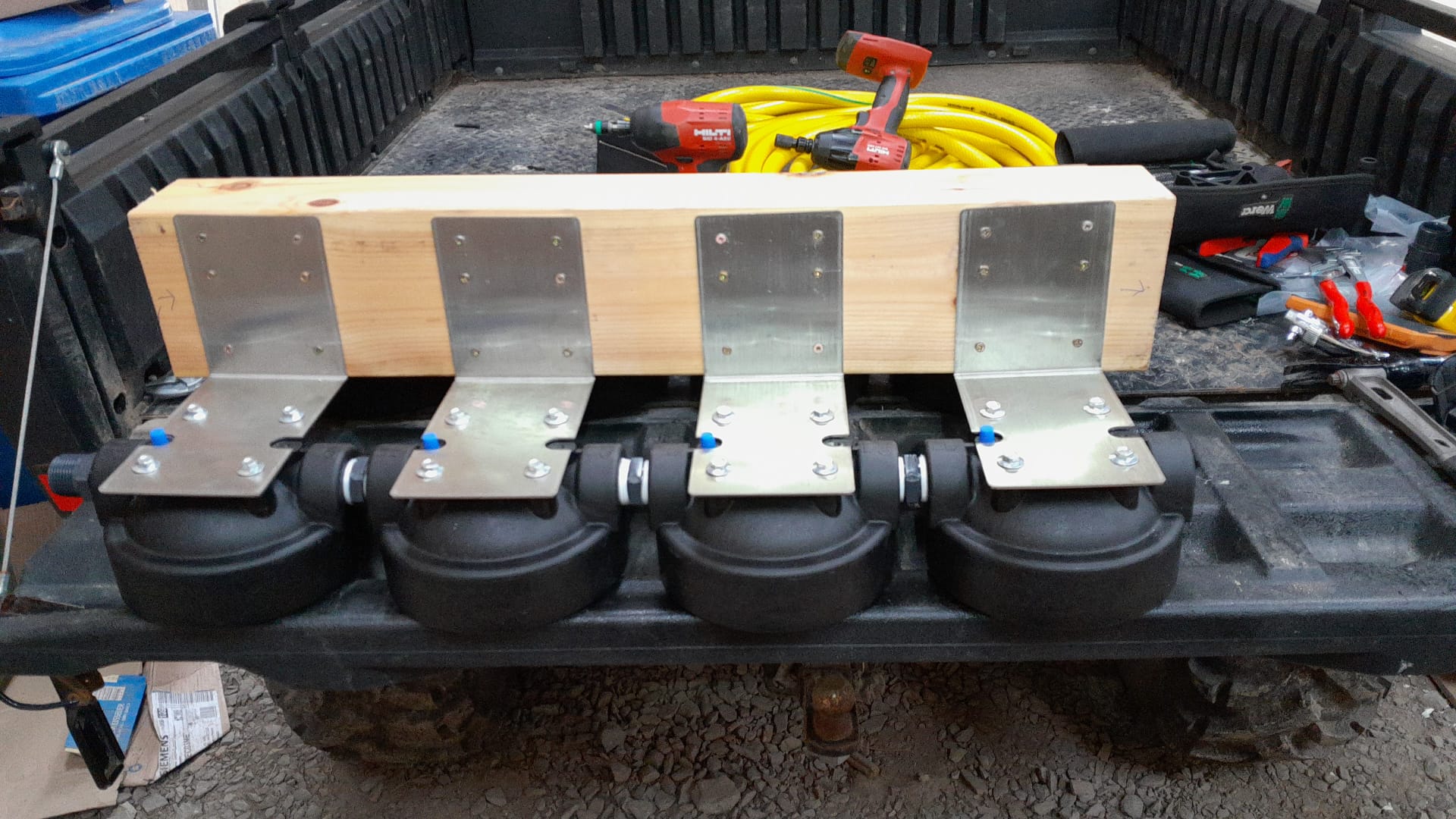
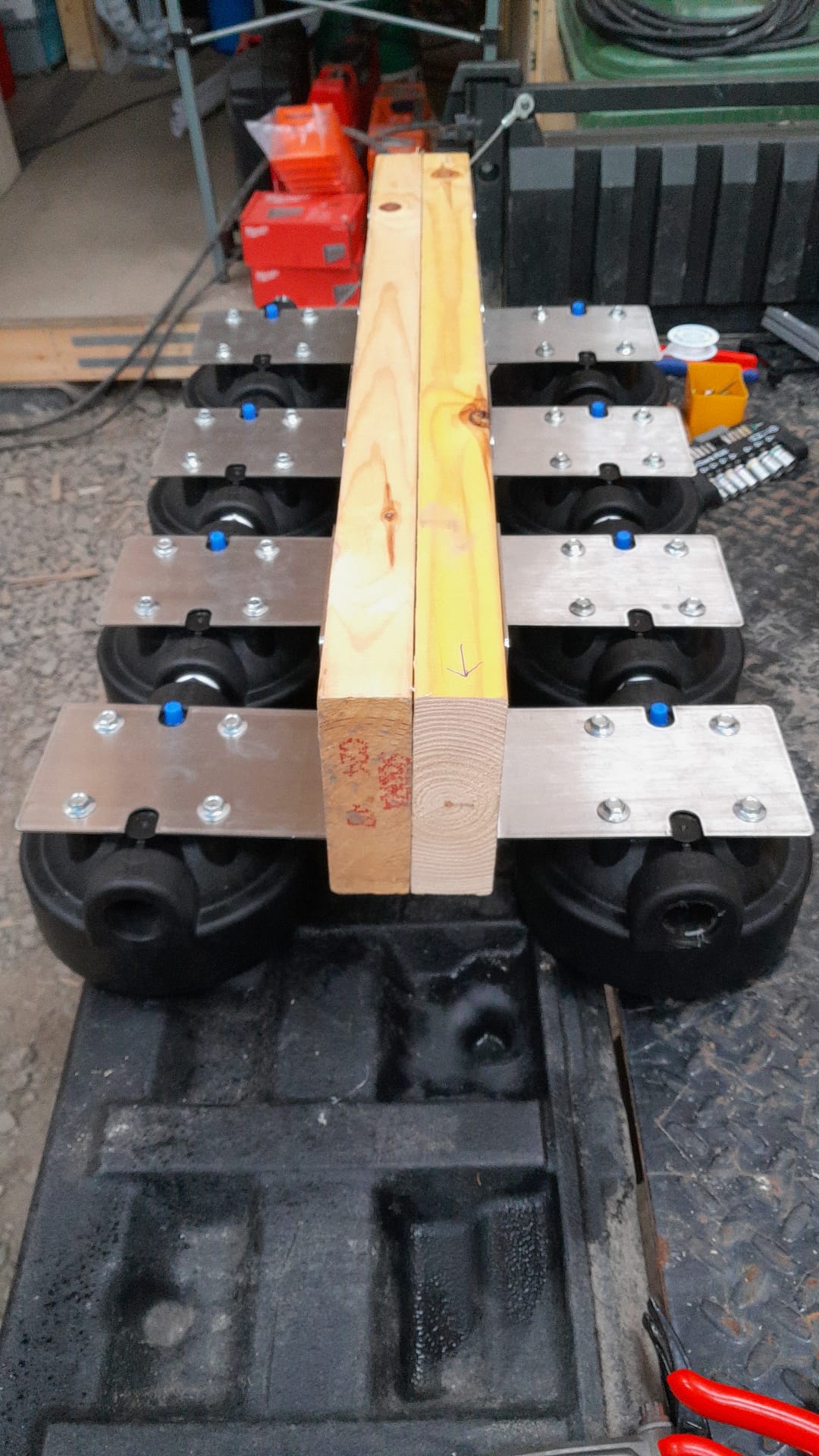
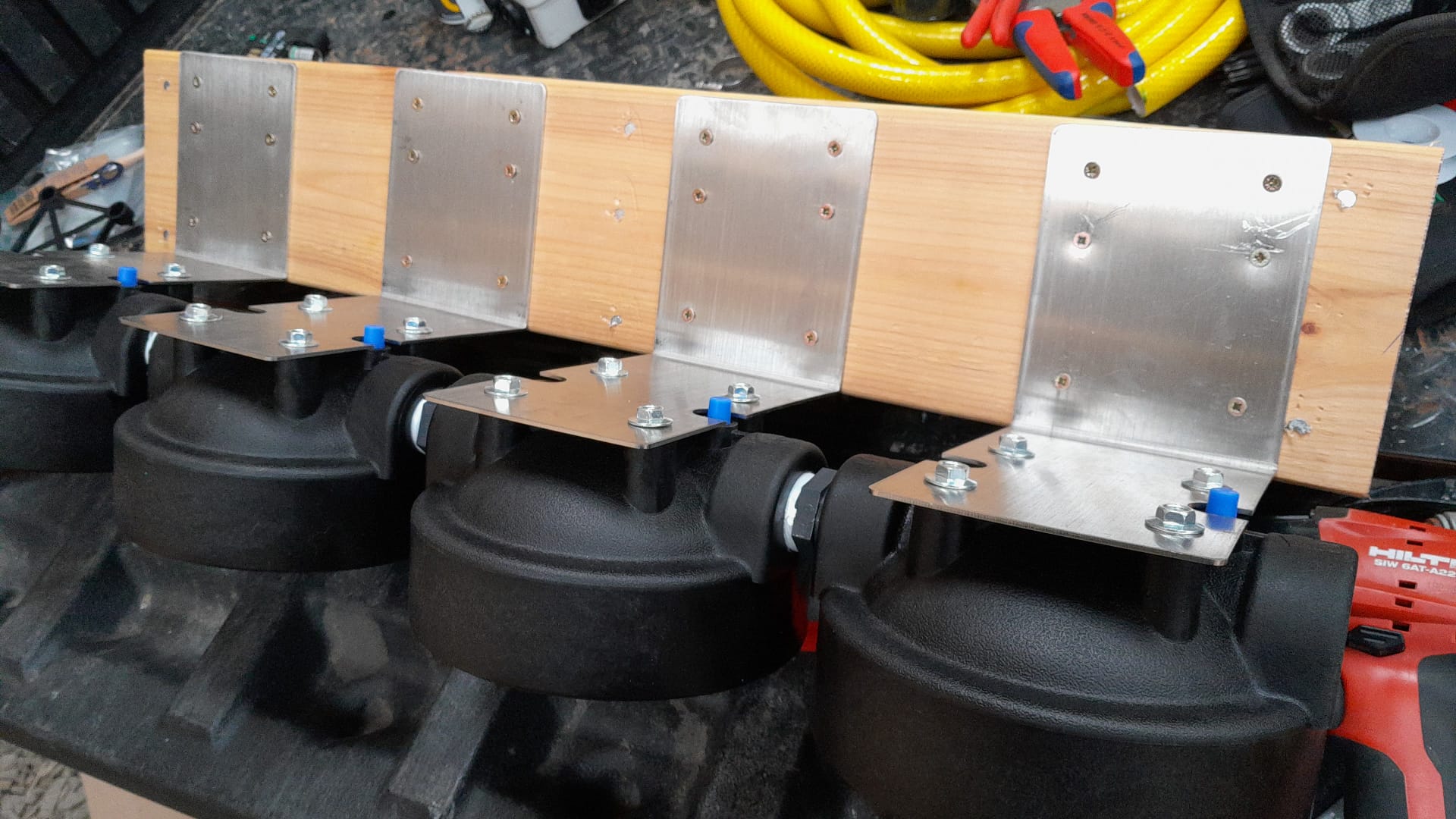
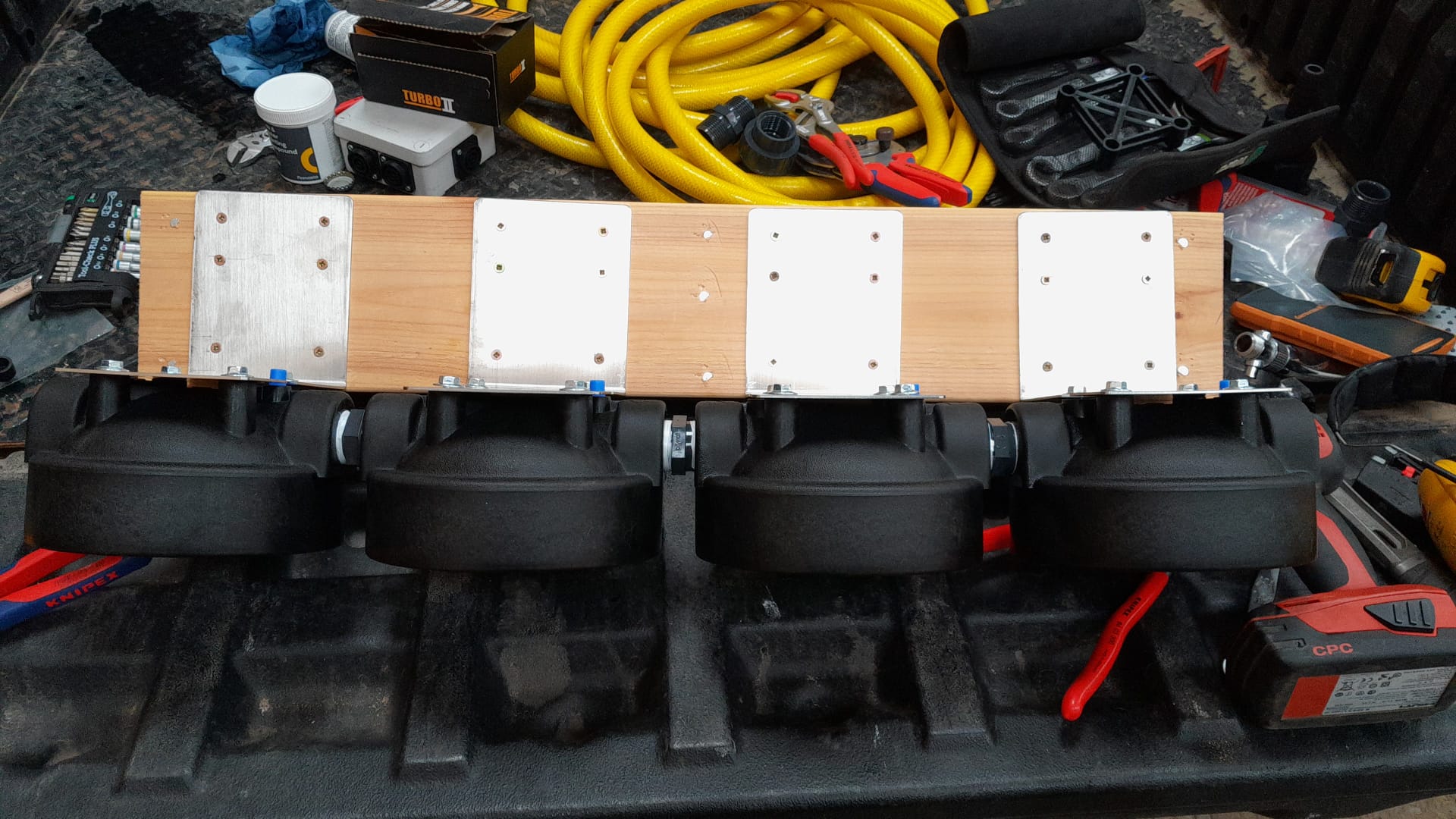
With these 2 strings of 4 serial 20″ Pentek Big Blue compatible water housings we can filter in 4 steps from 50um, 20um and 5um down to 1um before it gets processed via the Wedeco Aquada UV lamp. However, we use Purefer Filter Housing from Global Water Solutions.

By running 2 strings in parallel we reduce the pressure drop stemming from the sediment filters and allow for maintenance and changing the filters without interruption of the water service to the barn.

The whole installation is just under 1200mm * 800mm (length, width) and fits on a standard EUR-pallet (EPAL).

Next step is to install the pipe works running from the “mains” connection (rainwater from both 6’000l tanks) to the filter housings and from the UV lamp to the DAB EsyBox Mini 3.

Alternate Access to the Plot – Part 2

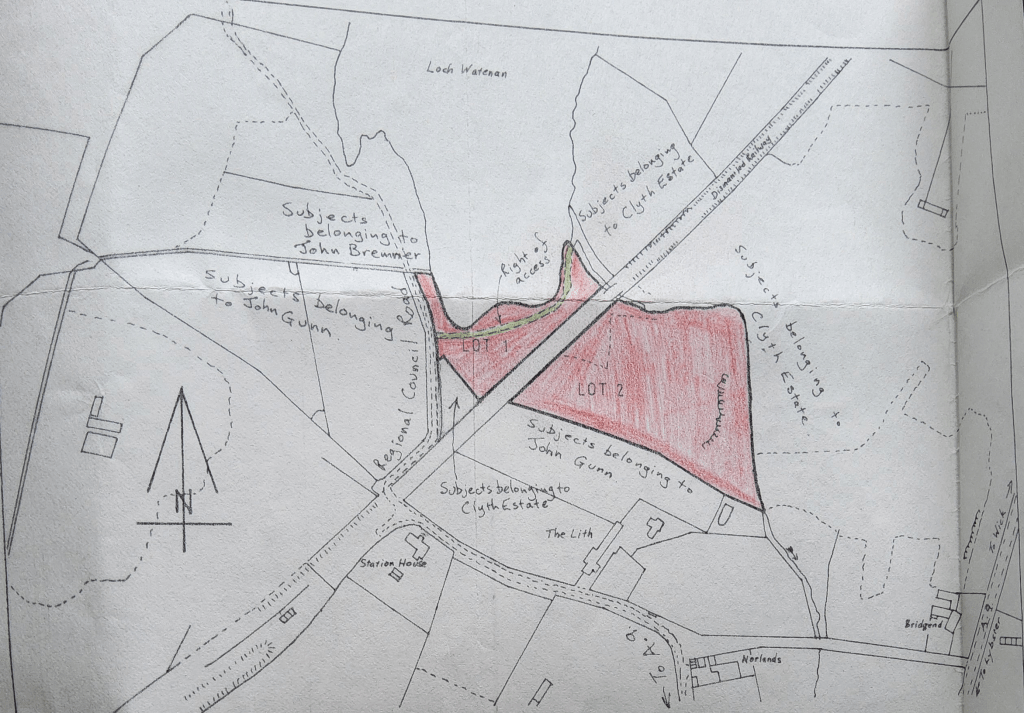
Nearly two years ago, I wrote about trying to get an alternate access to our plot. And yesterday, we finally were able to test it. Not the way we originally envisioned – but doable. The exact path is shown on an old entry in the Sasine Register of Scotland as shown below.

Servitude right of vehicular and pedestrian access

We actually only wanted to move our digger to our neighbour’s site to assist in setting fence strainers but along this exercise we had to take our Mule as well. The Mule just fits the track …

Washing Machine and Dishwasher Tower

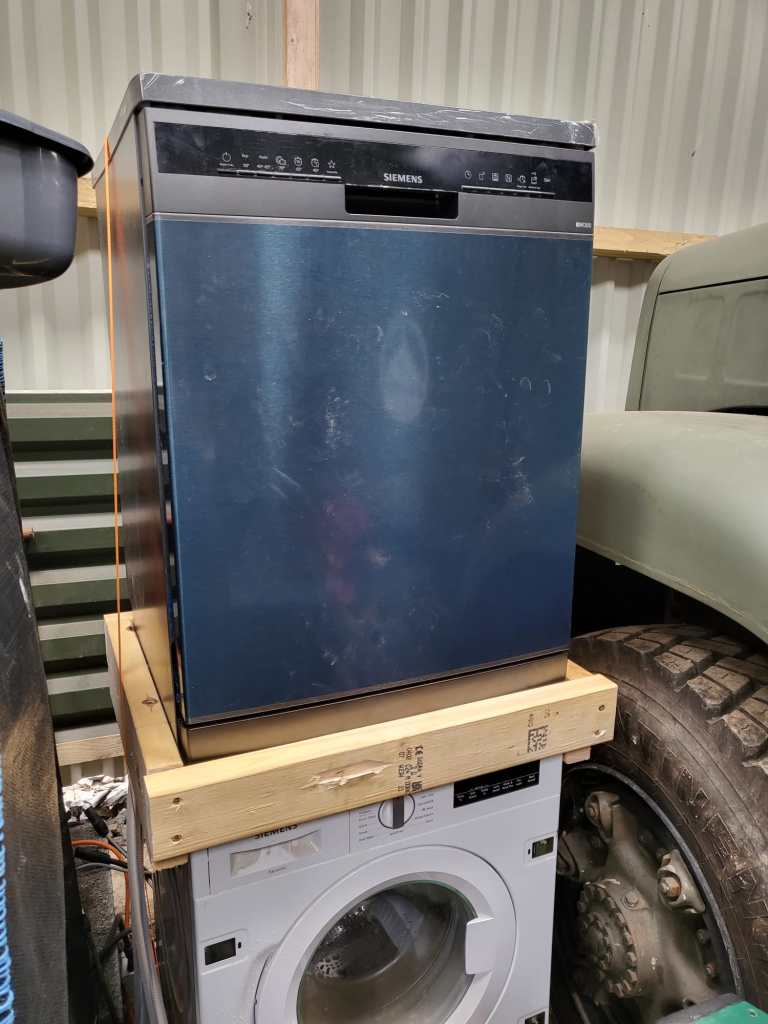
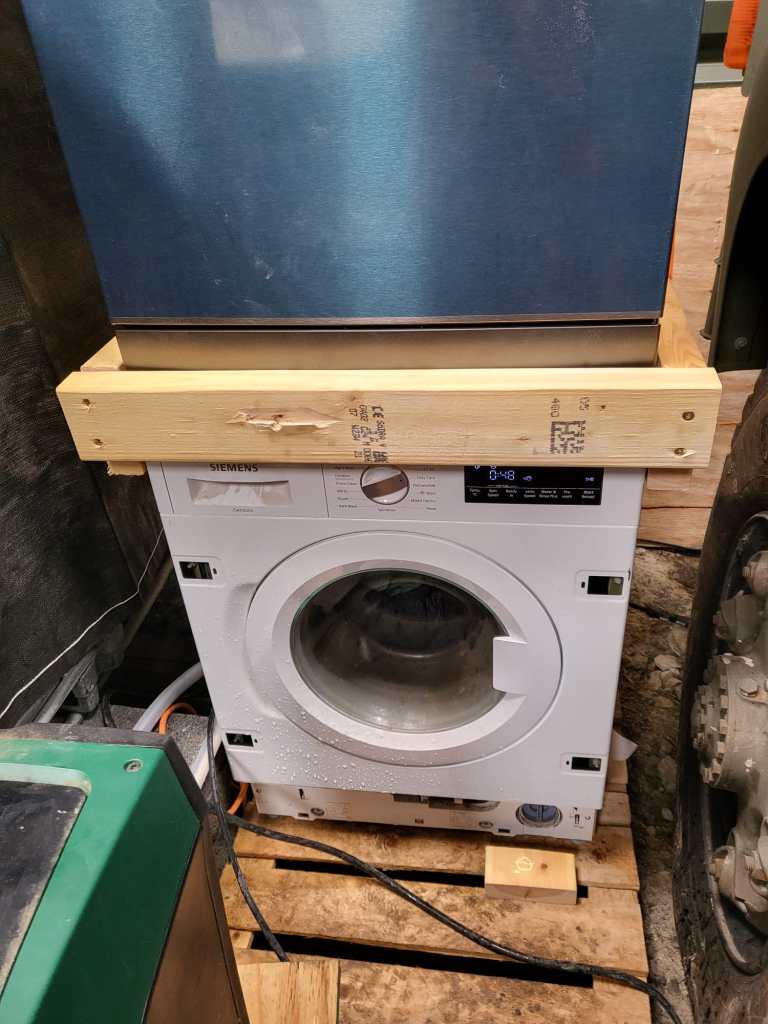
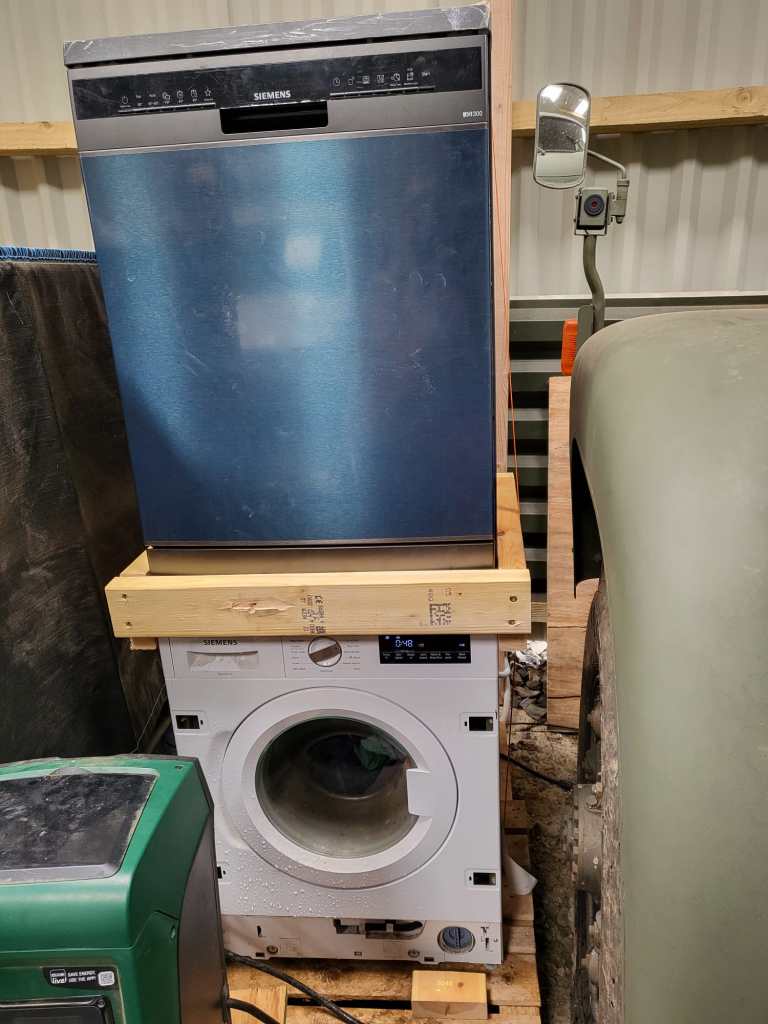
As we wrote previously, we installed a dishwasher – and sat it on top of our washing machine. Currently, the only place where we had space _and_ water in reach …

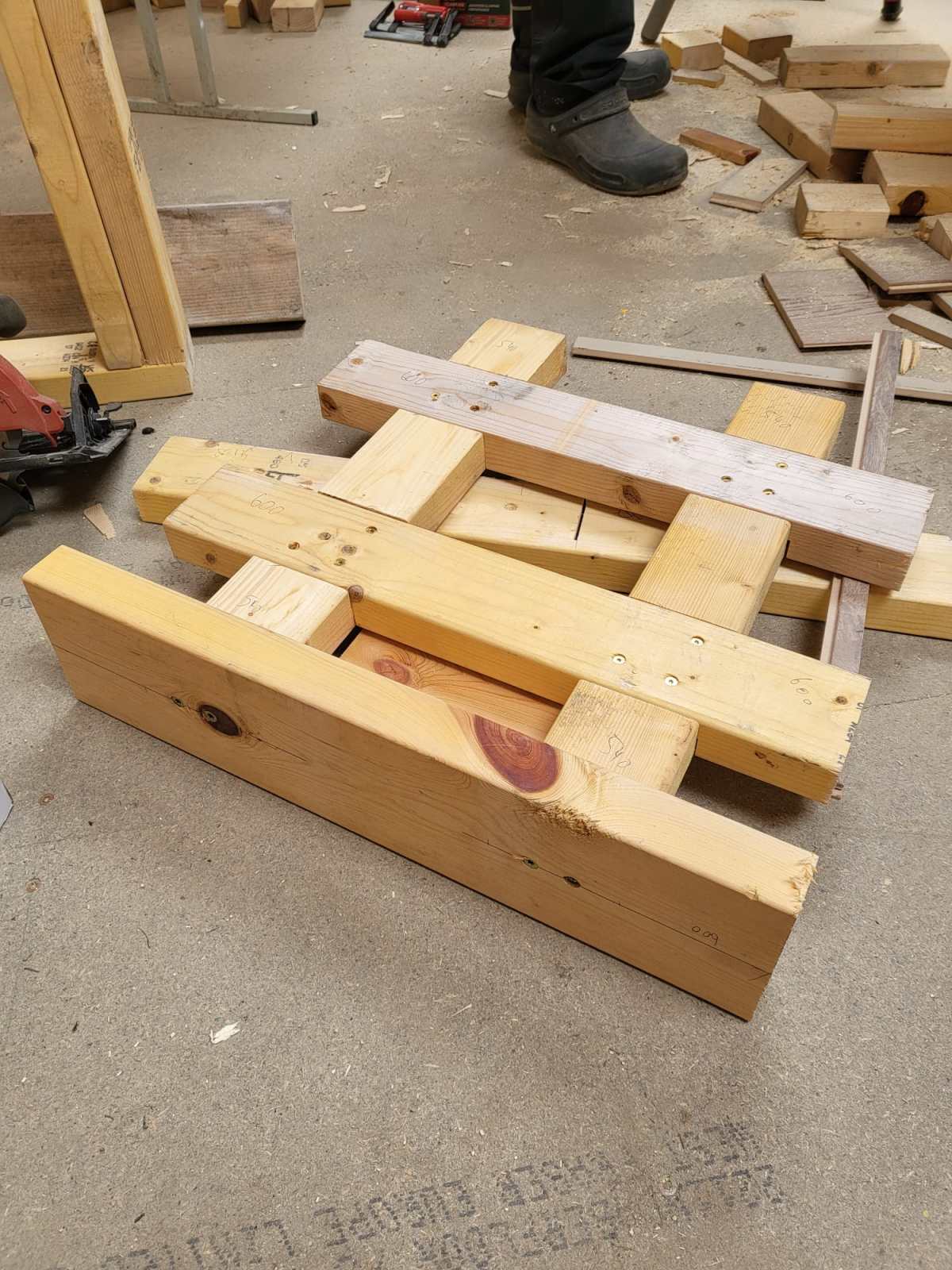
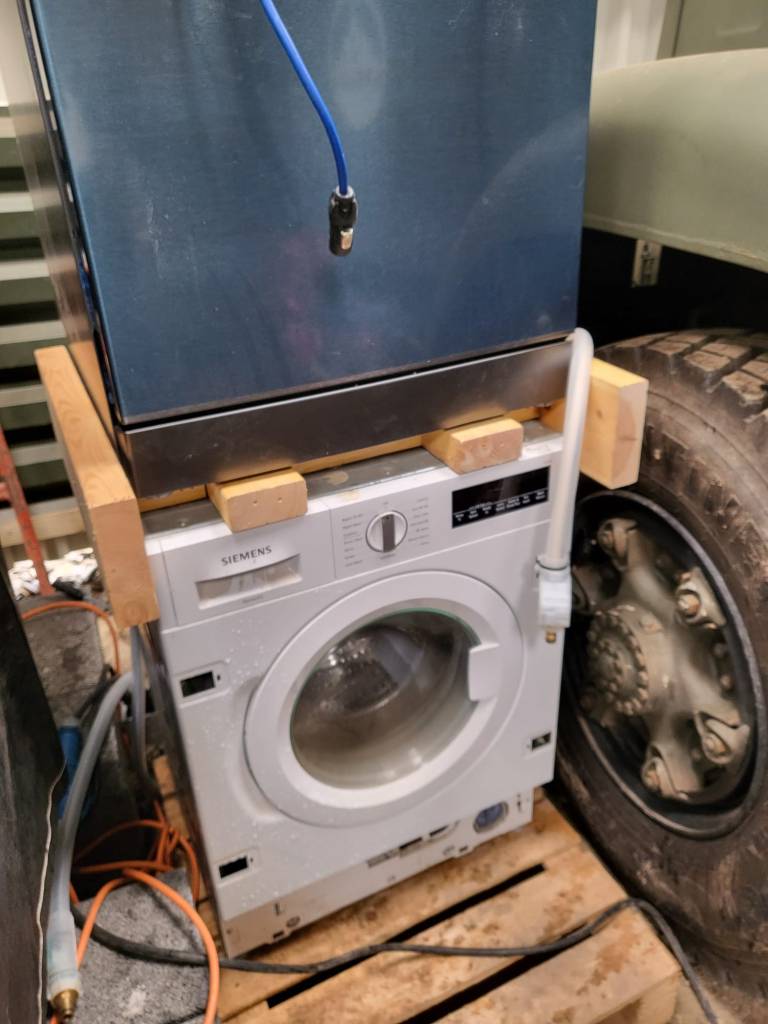
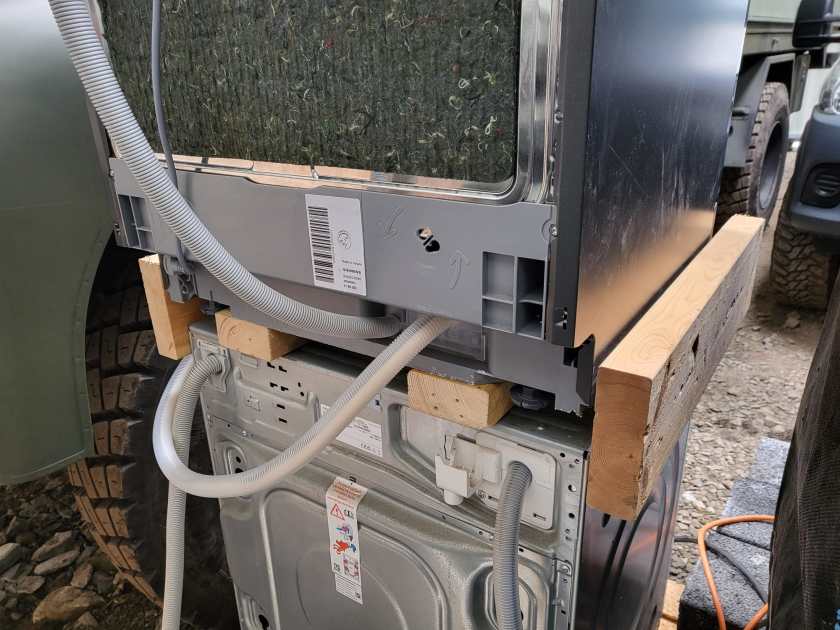
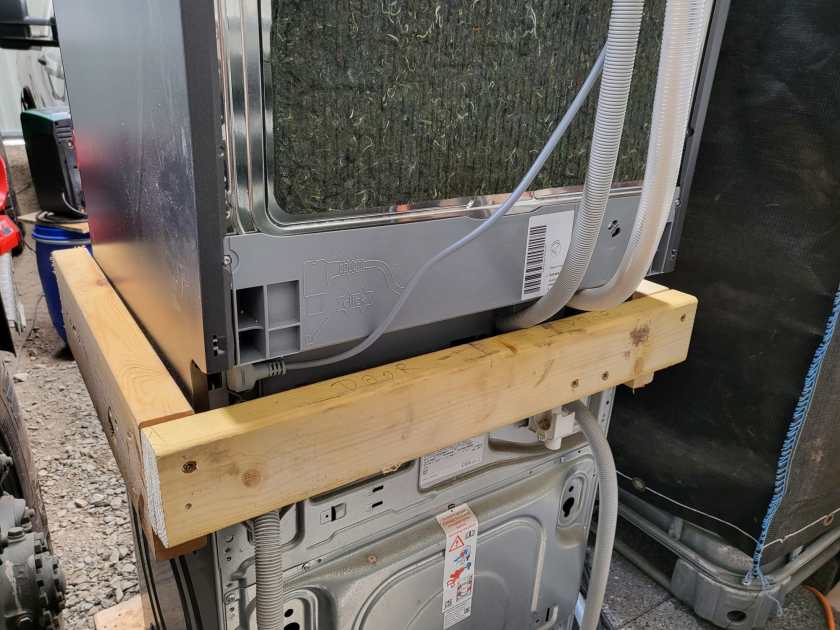
But operating the washing machine not astonishingly proved very unstable – at least for the dishwasher. So, we decided to create a luxurious frame to sit the dishwasher and hold in place when the washing machine was spinning.

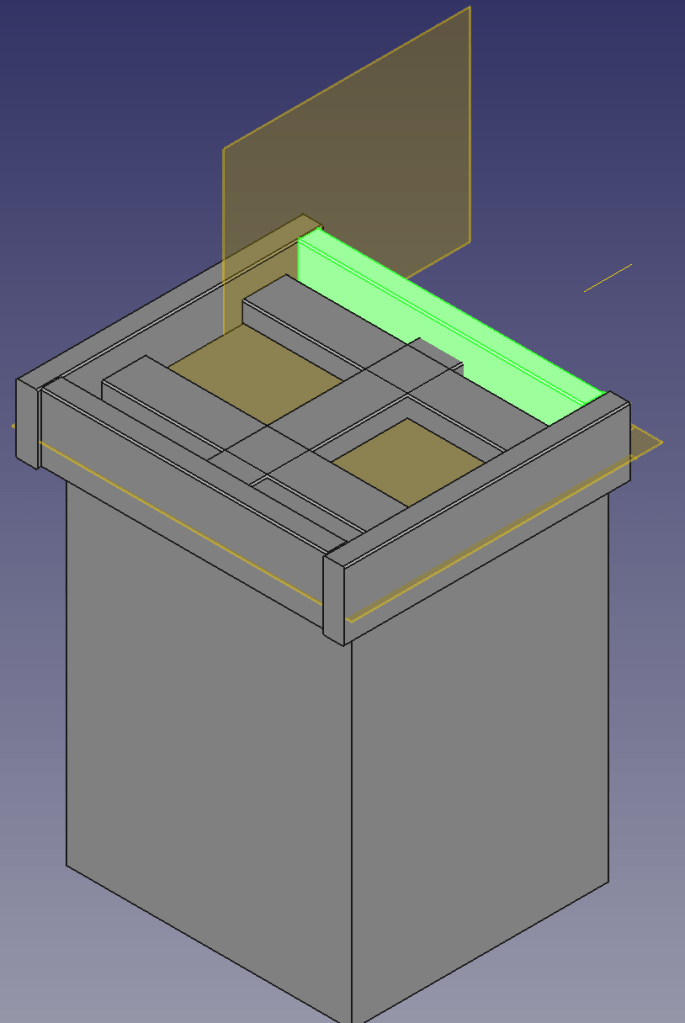
Not being agile but very waterfall, I needed a concept first. So, I fired up my trusted CAD programme and started sketching …

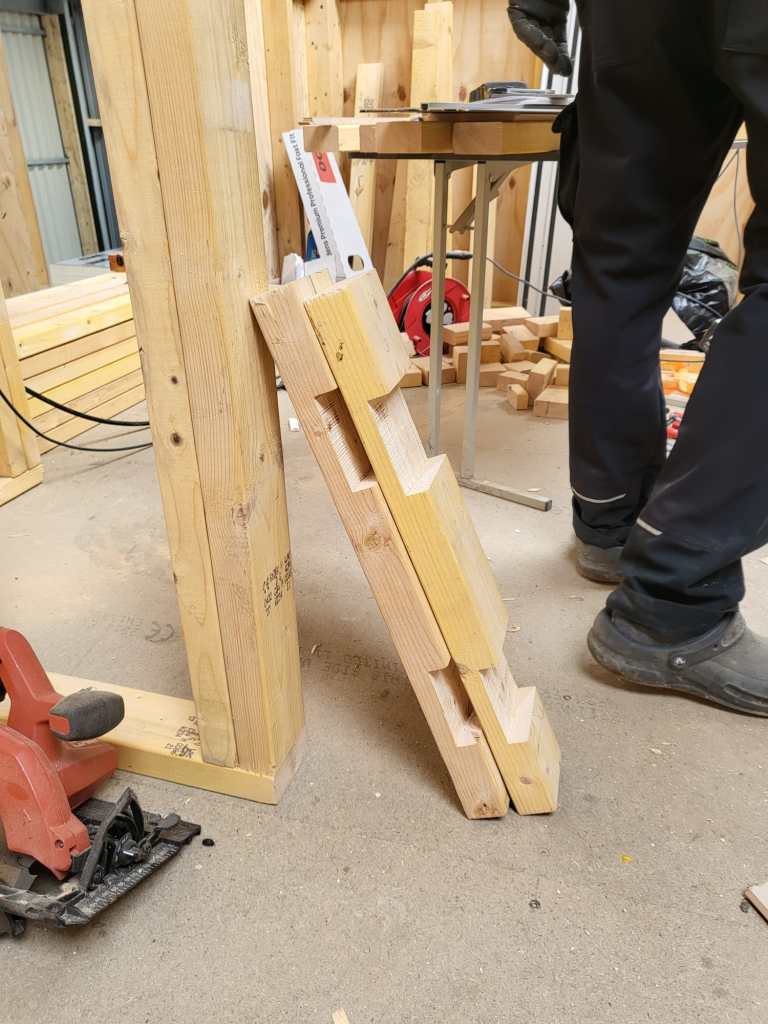
4x2s intersected with other 4x2s surrounded by 6x2s – that was the way to go.

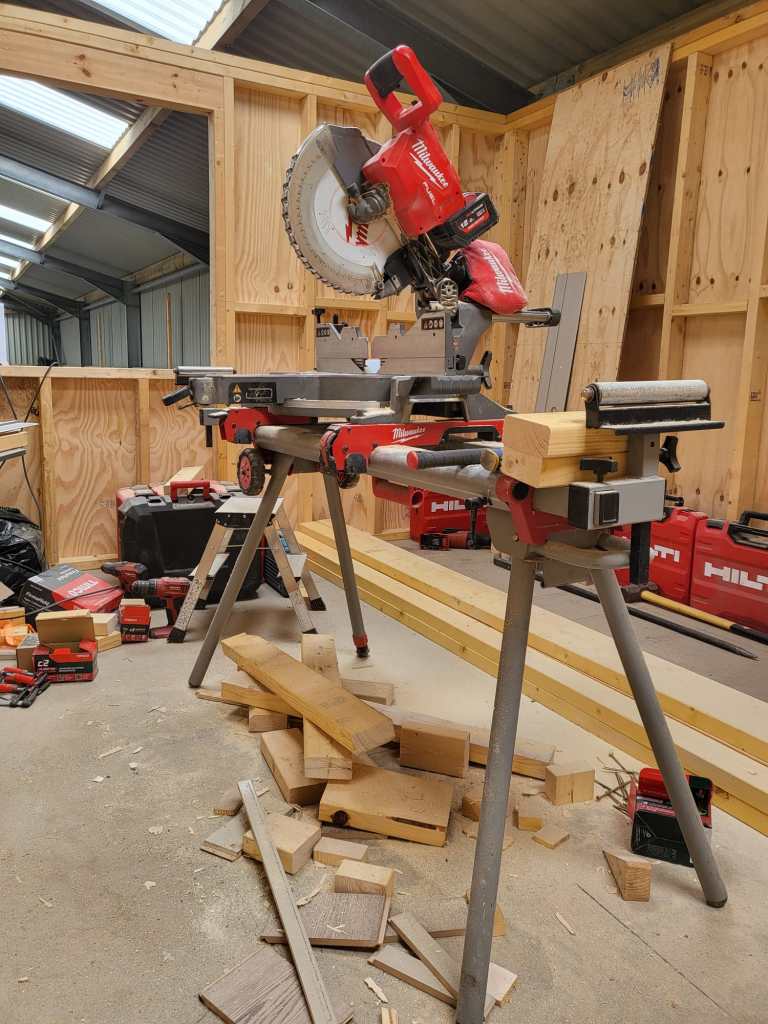
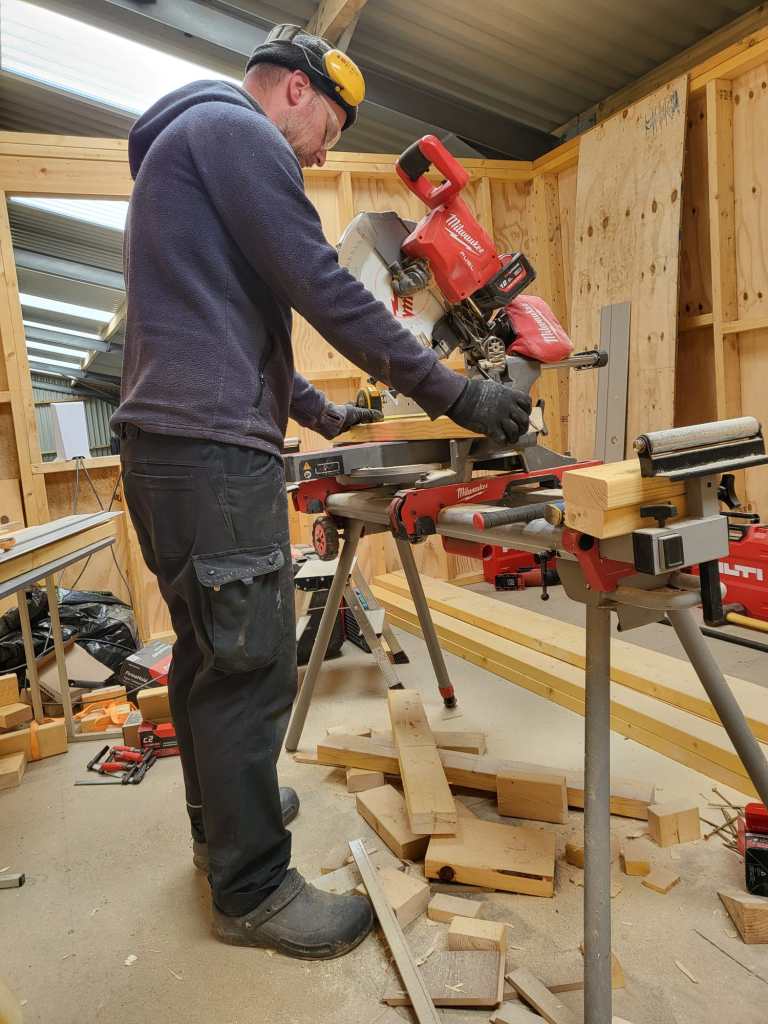
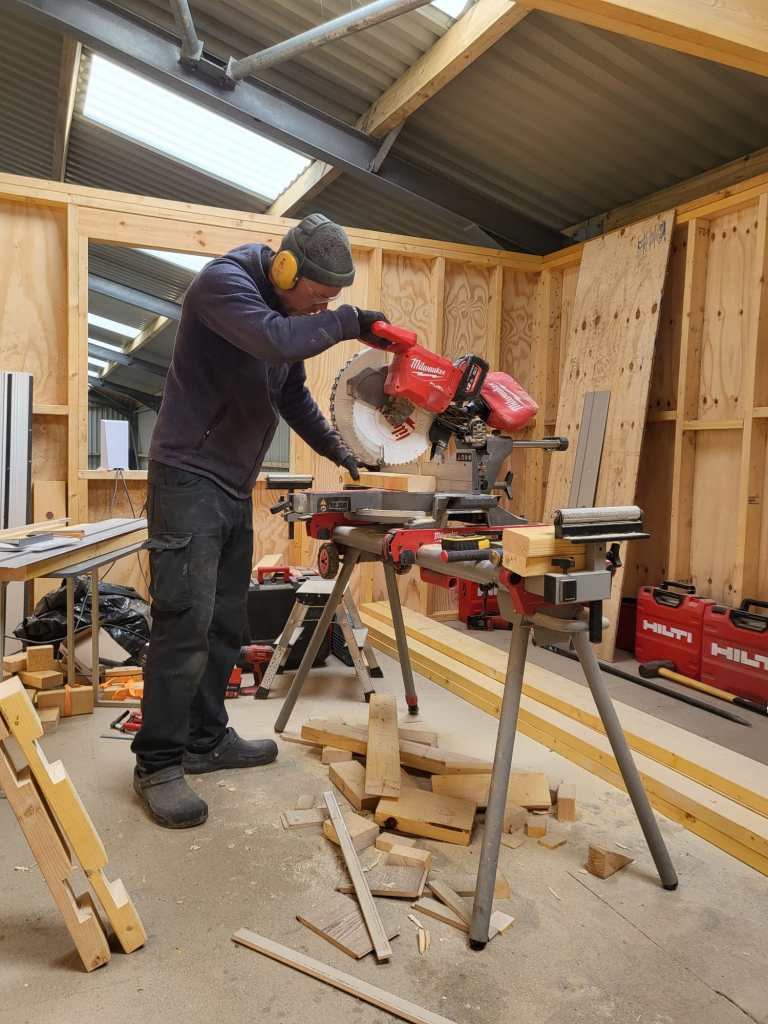
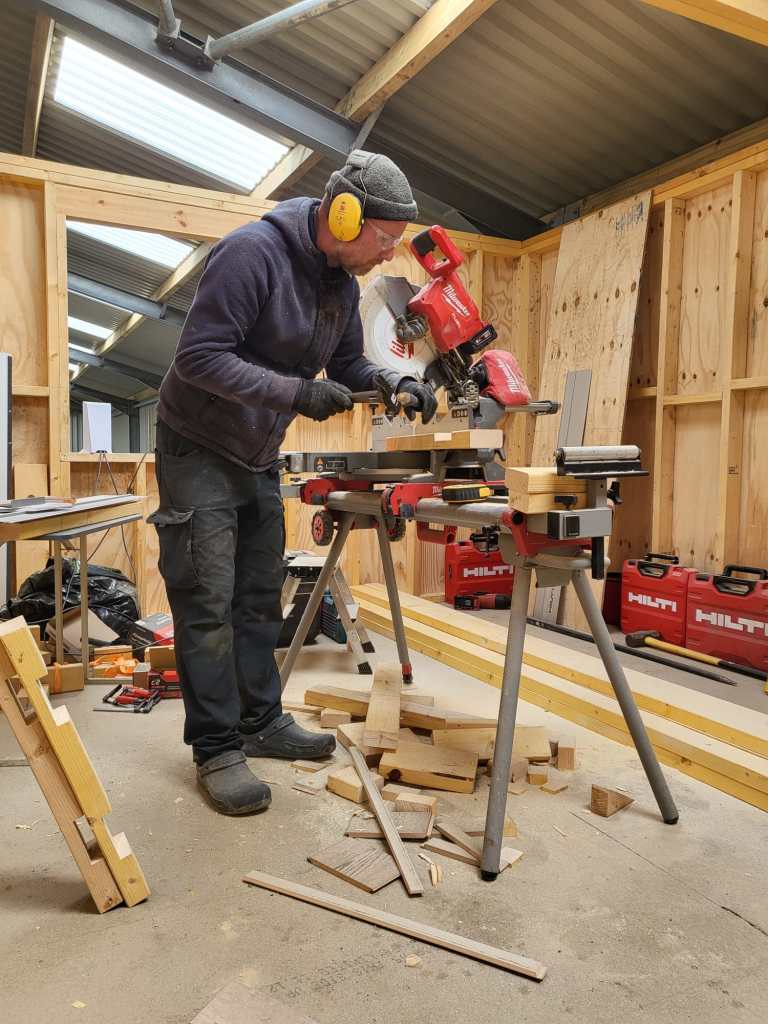
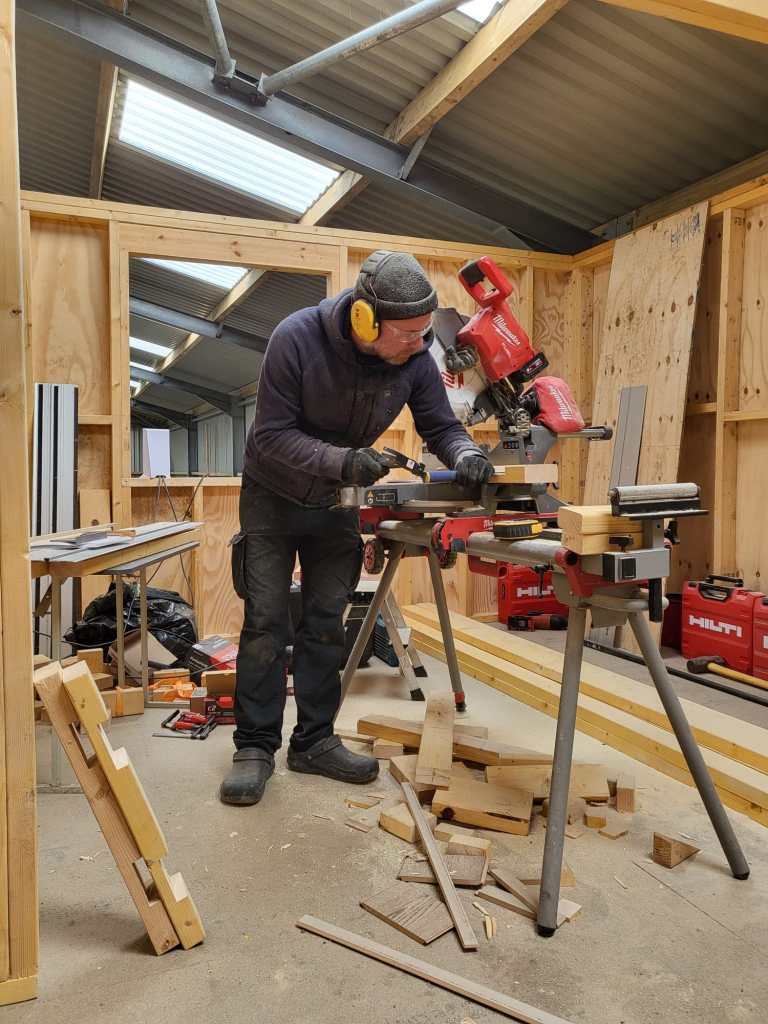
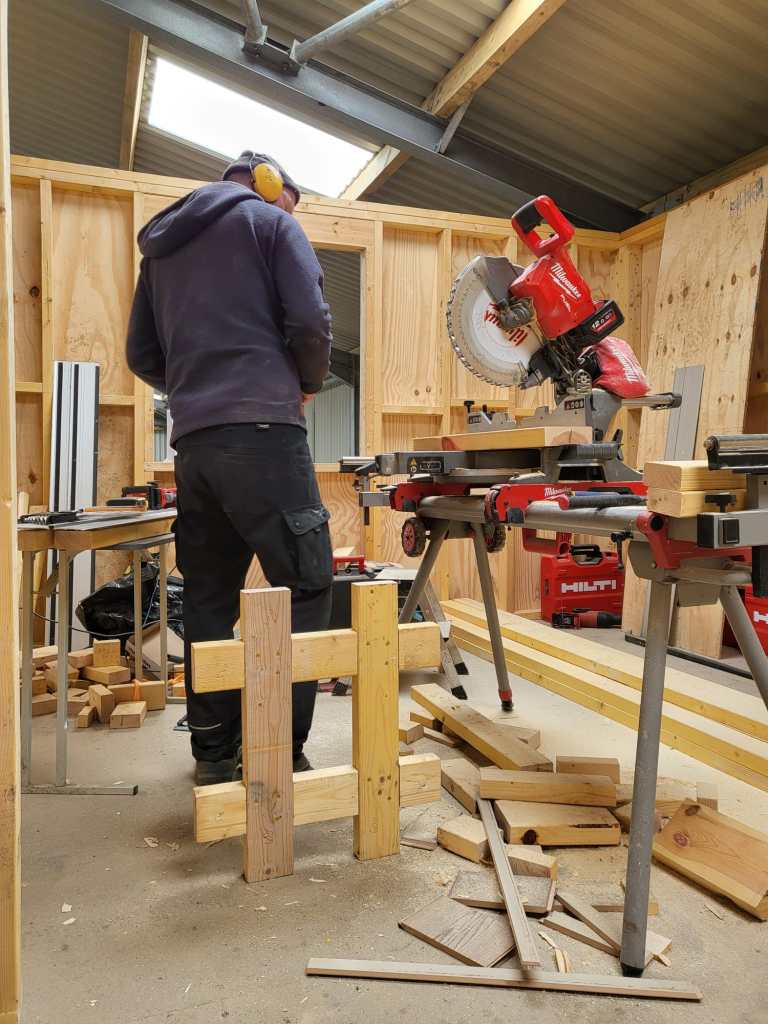
So, first I cut the intersections of the 4x2s and used chop saw and chisel to get the cross sections.

Later on, we added 6x2s so the dishwasher would not fall off. And at the end, not visible on the images, we added a strap around both devices to stop the dishwasher from bouncing off – just in case …

Now we have a washing tower – until we move it into our new kitchen. And this is all I can tell. See for yourself.

Cutting the Frame for the Washing Tower
Washing machine in action with finished Frame and Dishwasher on top

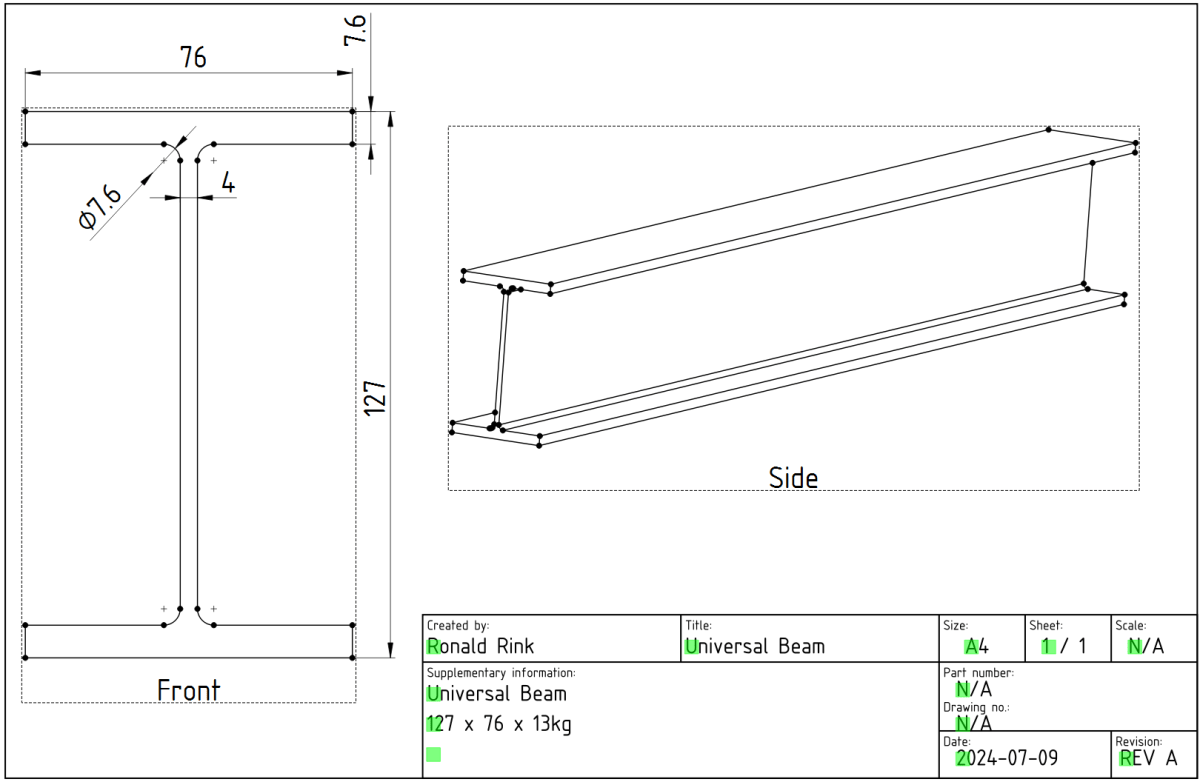
Creating a parametric Universal Beam in FreeCAD 0.21.2

While designing our future heavy-duty pallet shelf, I had to try with different Universal Beams (UB, BS EN 10025-2). And though, there are plenty of templates to reuse I _had_ to create a universal beam myself.

The main reason was and is, I wanted to be able to quickly change the dimensions of the UB in a single place and reuse it with other parts and bodies I created.

However, it took me three attempts to create a stable model, that would survive any resizing… and here is what I learnt:

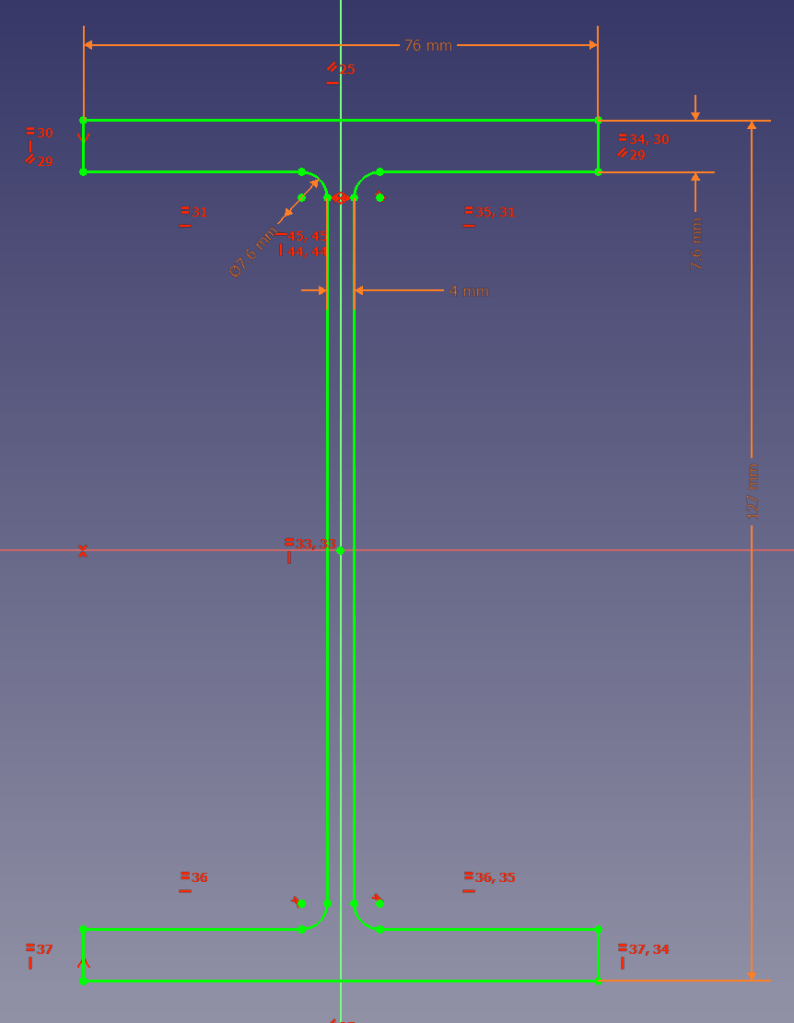
I started the sketch with three rectangles, which I – after attaching and trimming them – constrained with the overall beam parameters. The arc/radius was the tricky part. I either ended up overconstrained or un-stable where edges would flip. So, I removed (nearly) all constraints like symmetric, parallel, horizontal, equal (except for the overall dimensions), added the arcs, coincided the points with the neighbouring edges and manually coincided the points of the remaing edges. Only then I re-created the required symmetric, parallel, horizontal and equal constraints.

Sketch with parametric constraints taken from spreadsheet

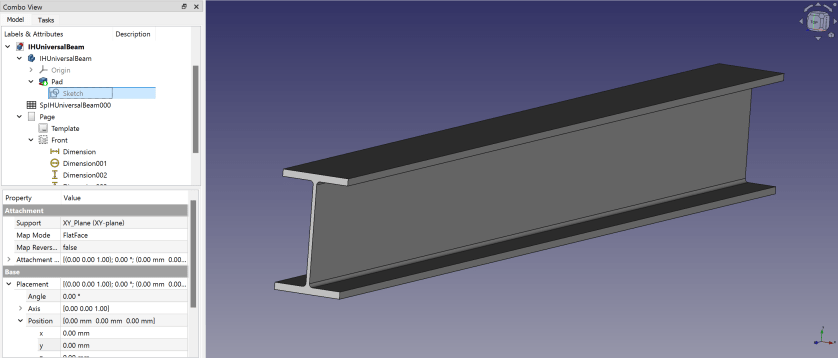
Here is a 3D view of the resulting beam:

Isometric view of the Universal Beam

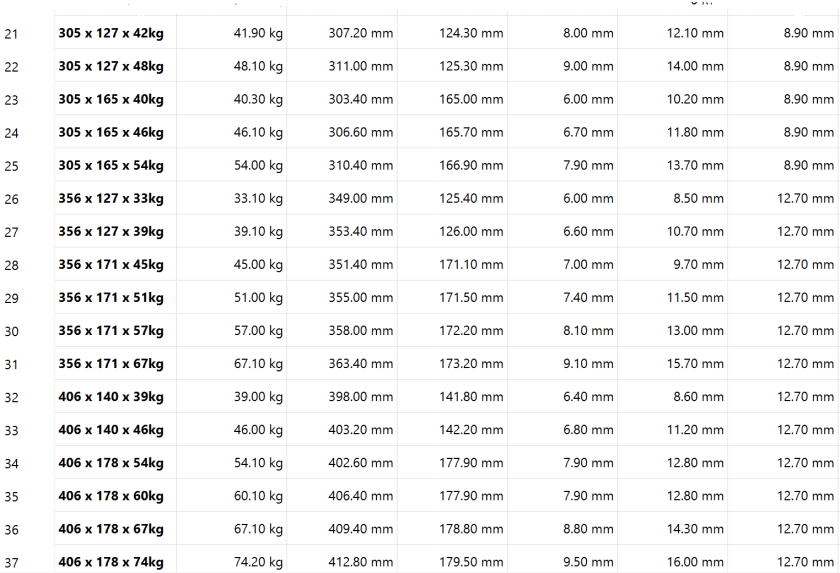
I then added another 30+ UB dimensions to the spreadsheet so I could use them in the beams constraints via expressions. If I now copy any of the existing value of lines 5 following to line 3 into the yellow cells the beam is automatically resized.

So, this is the beam and how to use it. In case you are interested, you can download it at grabcad.com:

Download model at https://grabcad.com/library/ub-universalbeam-1

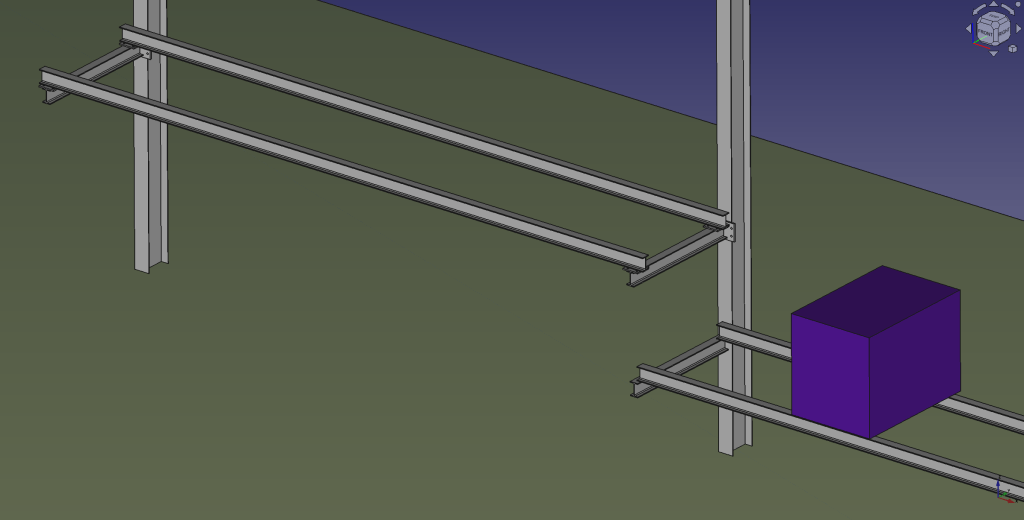
And here is a sneak preview of how the final shelf could look like:

Draft of shelf mounted to Universal Column in our barn

I again, still and always find it ranging from very difficult to frustrating to work with FreeCAD to create stable models – especially when they are parametric. But hey, this is FreeCAD as in free software.

Our PIR Insulation Boards arrived

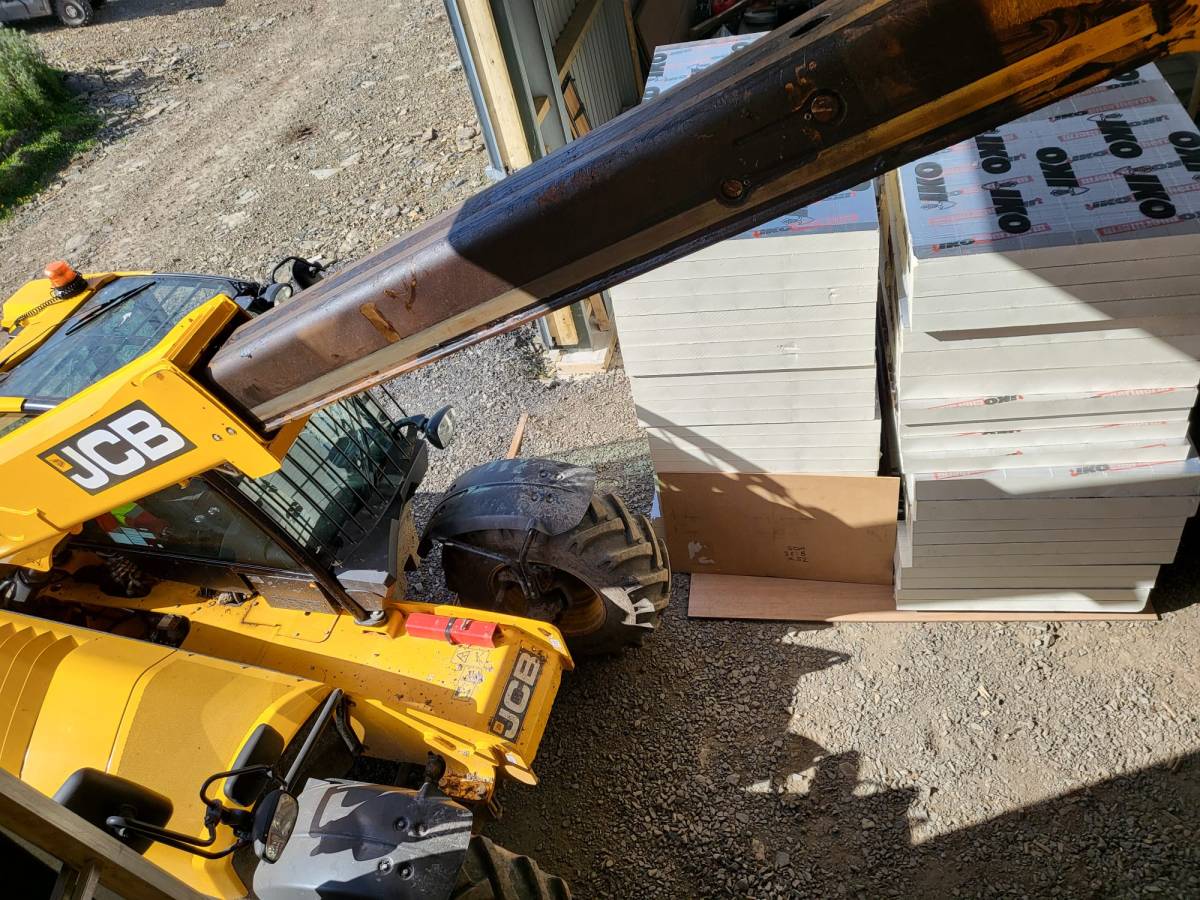
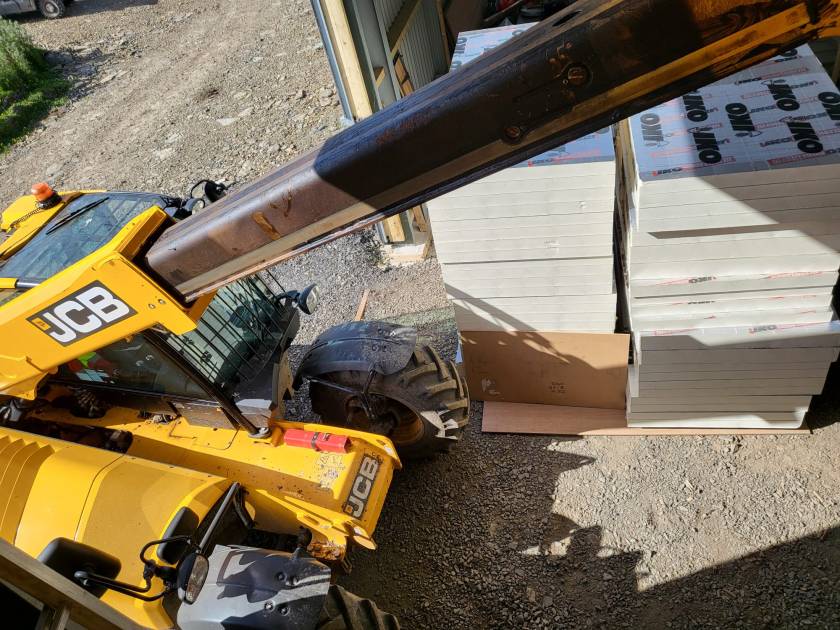
What a day! We got a call from Rembrand asking if they could deliver the PIR boards we ordered a day earlier. Sure they can! We quickly made space and waited fo the truck to deliver.

In my calculation the complete pile of boards would sum up to roughly 8m. Quite a load – especially with today’s wind! The truck actually did a tour just for us …

And then we drove the load over to our plot – all the way from the main road. It took four round trips to get everything (64 * 2400 x 1200 x 90mm, 20 * 2400 x 1200 x 140mm) into the barn.

And then we had to find space to store them …

Our insulation baords all across the barn

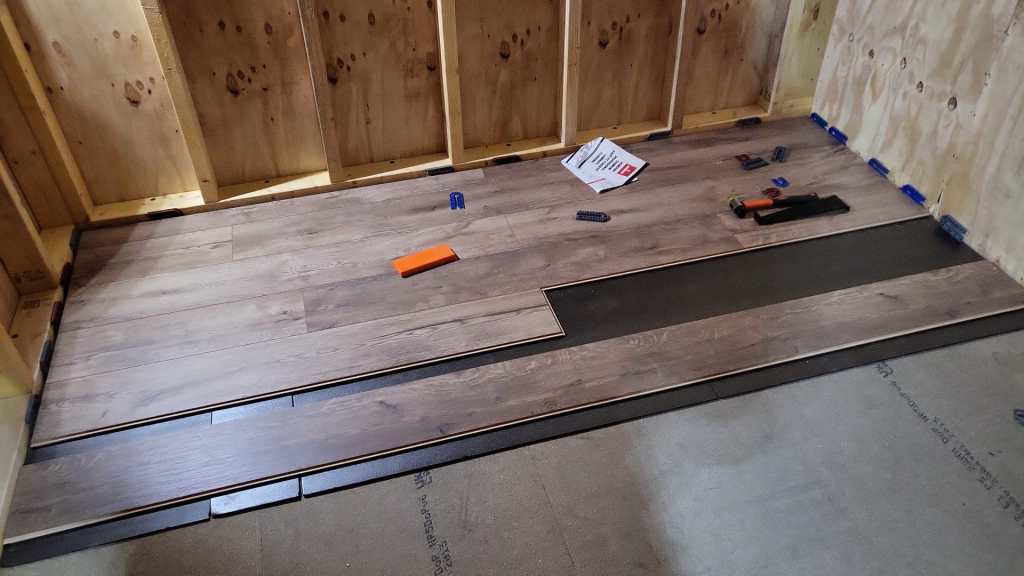
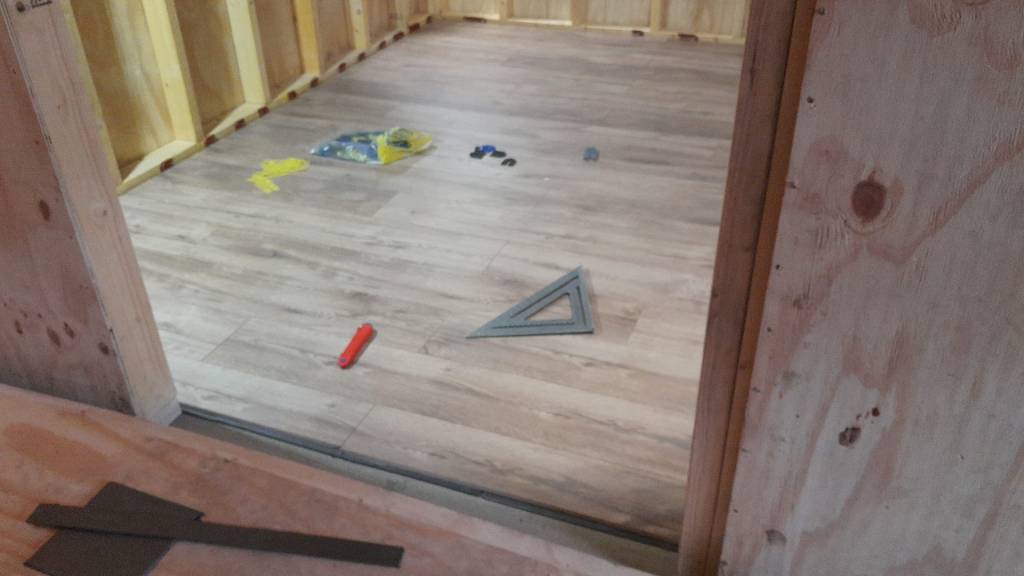
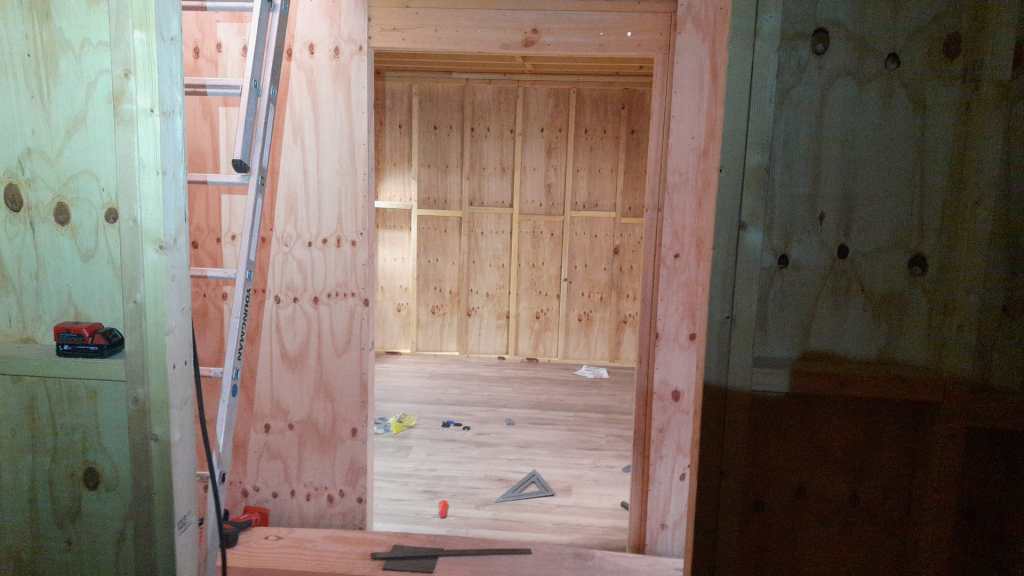
Luckily, we designed the hallway of our tiny-house-in-barn with a 1450mm width and all doors 1080mm wide. Enough space to store some of the boards in one of our just ready-laminated rooms on the first floor. No problem lifting it with the TeleHandler!

When we ordered from Rembrand the actual manufacturer was not specified. But upon delivery we could see the brand – IKO. According to their web site the thermal conductivity lambda for the material is 0.022 W/mK. For the walls this gives us a U-value of 0.18 W/m2K. Just what the building code asks for …

Calculated U-value for our walls, taken from https://www.vesma.com/tutorial/uvalue01/uvalue01.htm

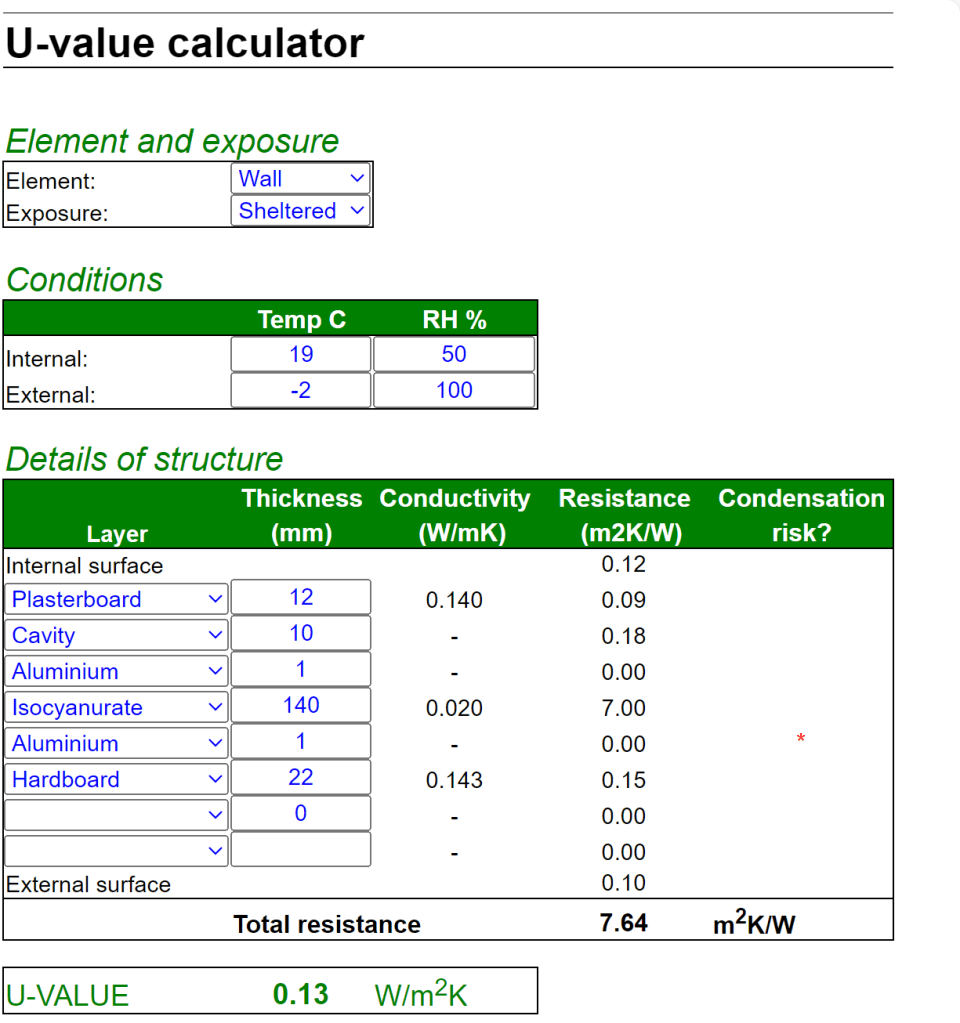
For the floor things look even better – with thicker boards the calculated U-value fits the requirement of the code as well: 0.13W/m2K. And this does not include our laminate floor and the insulation layer under it.

Calculated U-value for our floor, taken from https://www.vesma.com/tutorial/uvalue01/uvalue01.htm

So, now we just have to choose what to do next. Installing the roof, continue with flooring or start insulating the walls …