
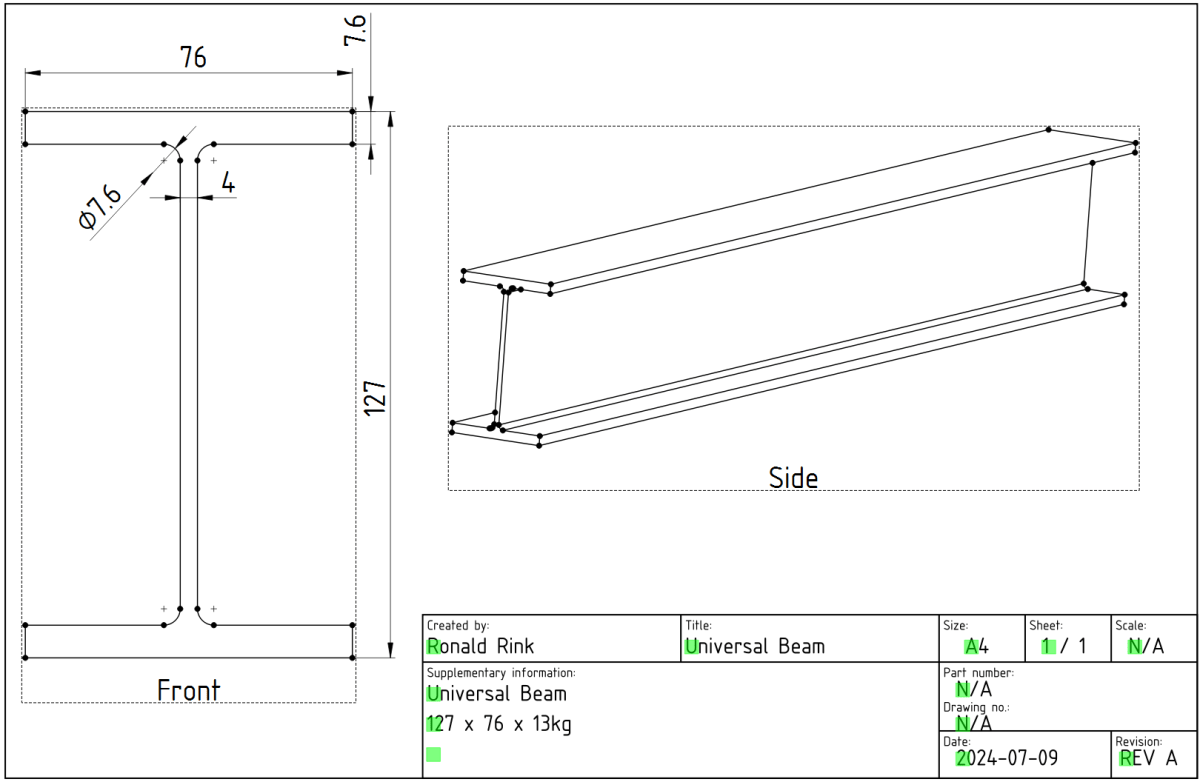
While designing our future heavy-duty pallet shelf, I had to try with different Universal Beams (UB, BS EN 10025-2). And though, there are plenty of templates to reuse I _had_ to create a universal beam myself.
The main reason was and is, I wanted to be able to quickly change the dimensions of the UB in a single place and reuse it with other parts and bodies I created.
However, it took me three attempts to create a stable model, that would survive any resizing… and here is what I learnt:
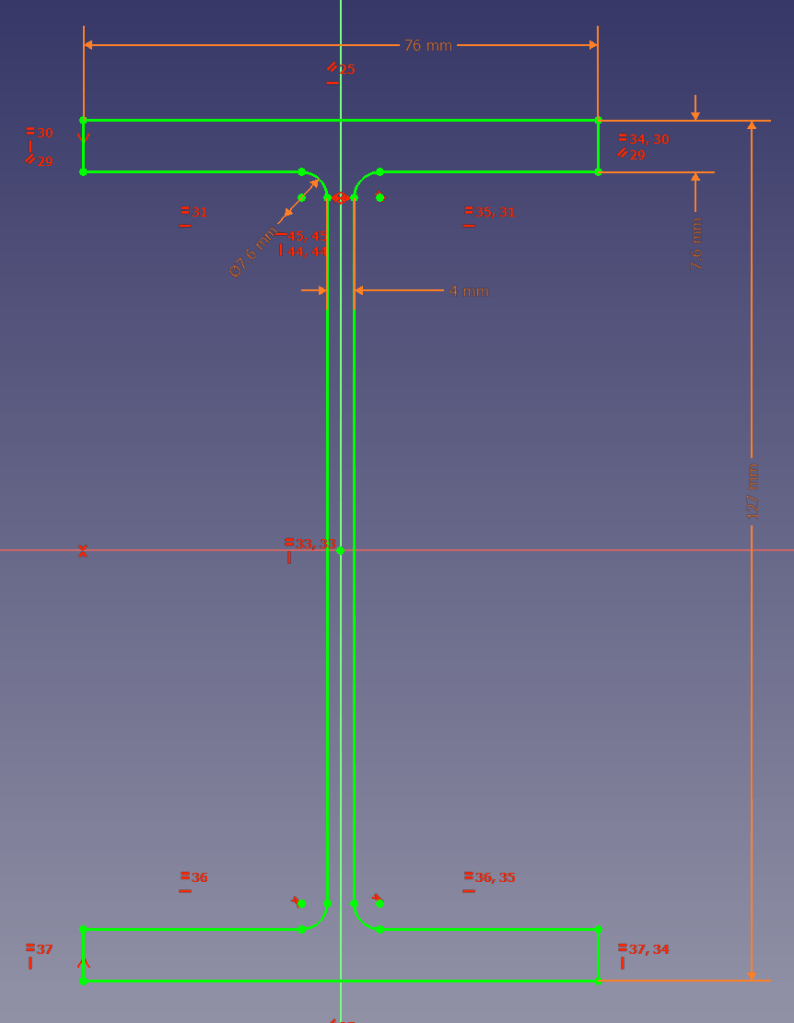
I started the sketch with three rectangles, which I – after attaching and trimming them – constrained with the overall beam parameters. The arc/radius was the tricky part. I either ended up overconstrained or un-stable where edges would flip. So, I removed (nearly) all constraints like symmetric, parallel, horizontal, equal (except for the overall dimensions), added the arcs, coincided the points with the neighbouring edges and manually coincided the points of the remaing edges. Only then I re-created the required symmetric, parallel, horizontal and equal constraints.
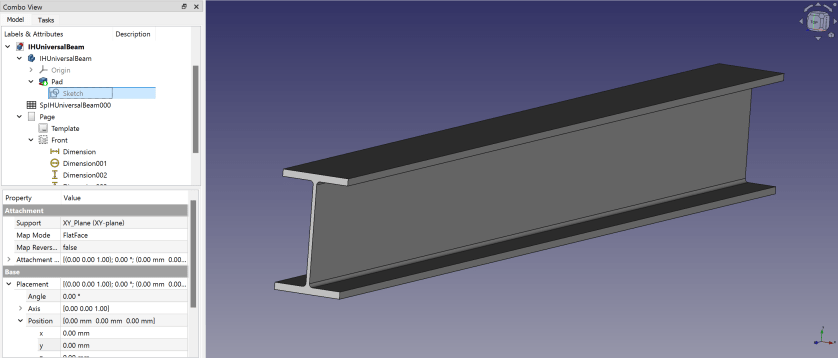
Here is a 3D view of the resulting beam:
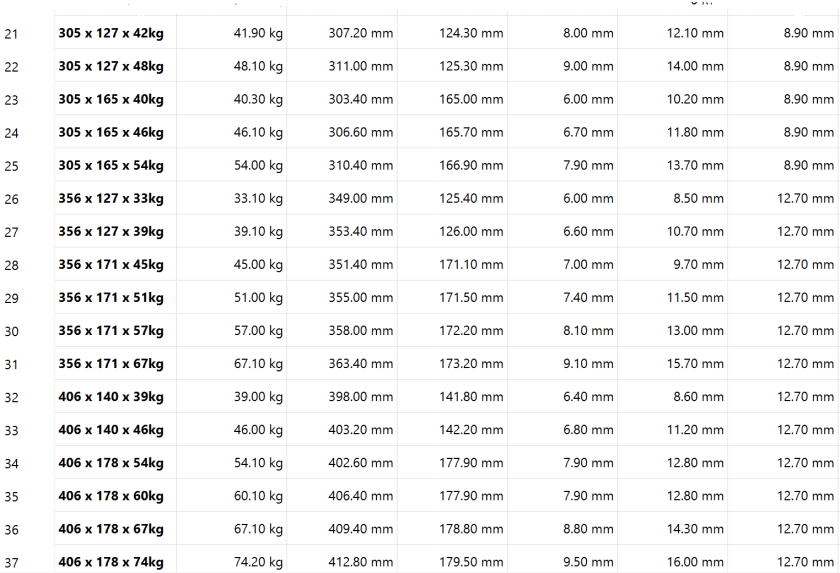
I then added another 30+ UB dimensions to the spreadsheet so I could use them in the beams constraints via expressions. If I now copy any of the existing value of lines 5 following to line 3 into the yellow cells the beam is automatically resized.

So, this is the beam and how to use it. In case you are interested, you can download it at grabcad.com:

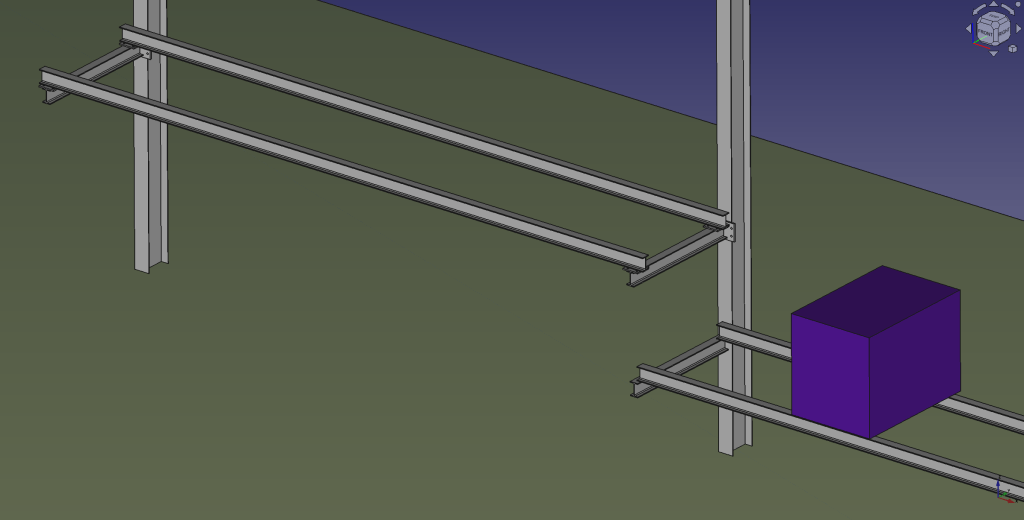
And here is a sneak preview of how the final shelf could look like:
I again, still and always find it ranging from very difficult to frustrating to work with FreeCAD to create stable models – especially when they are parametric. But hey, this is FreeCAD as in free software.

 Our Journey to Scotland