
The other day, I received my Victron MultiPlus Compact 12/1600/70-16. One of the first steps to do upon commissioning was to update the firmware. In my case from v481 to v502.
With my Windows PC running the latest VictronConnect App and a MK3 to USB-C Interface, I connected to the MultiPlus and enabled the advanced settings by entering the infamous zzz password (which you officially can only get from an official Victron training or distributor or simply by searching the internet).
I was offered to install 2606502.vff to which I happily clicked OK. So it seemed, I was running on a new microcontroller with 230V (hence 26) and really had a MultiPlus Compact 12/1600 (06). But I did not know this at that time.
Note: For a list of the current model numbers see the document VE.Bus firmware versions explained and its link to VE.Bus firmware versions explained on Professional Victron Energy (account needed).
After a couple of seconds into the update process, the operation stopped by telling me something failed. And after a restart, the only thing I could see was the yellow LED constantly flashing as soon as power was connected to the device and regardless of the main switch position.
When I tried to reconnect with the VictronConnect app, the detection phase took very long – but the MultiPlus was not recognised.
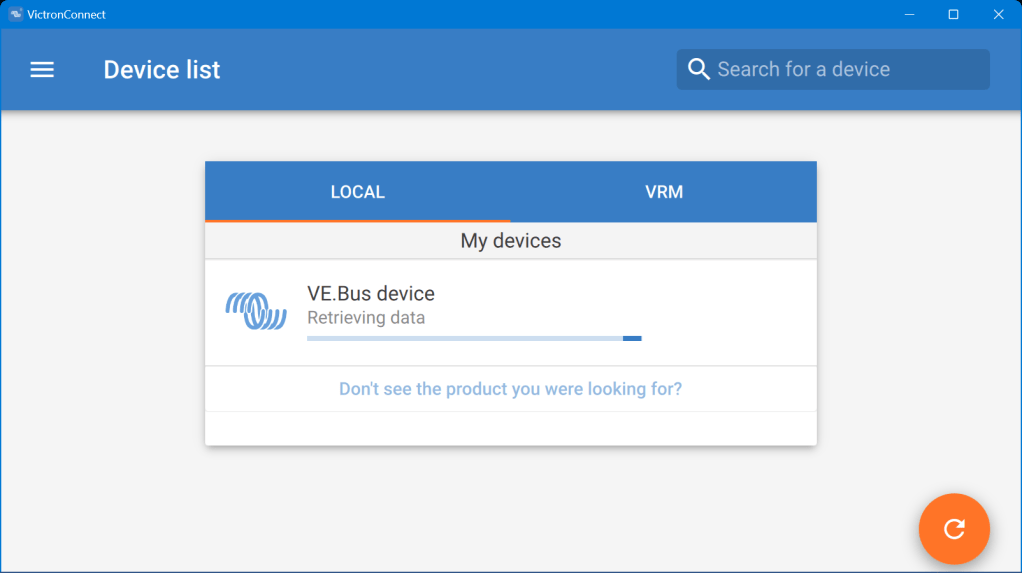

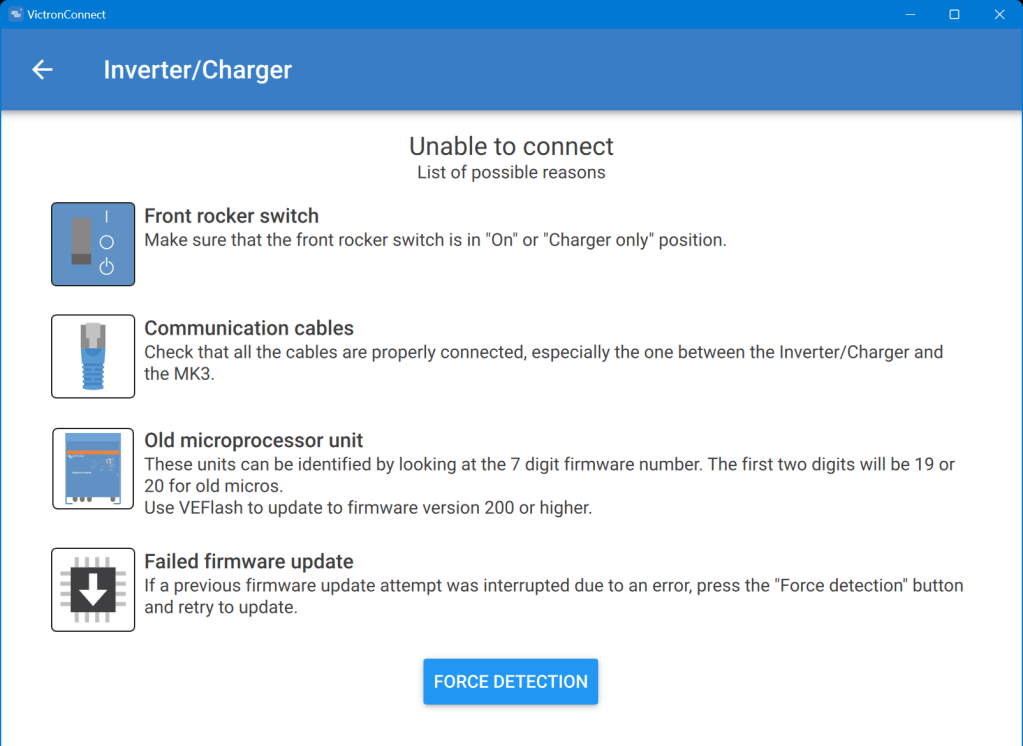
Even when I tried the “Force detection” option (which is intended to be used after a failed firmware update) no usable result was yielded.
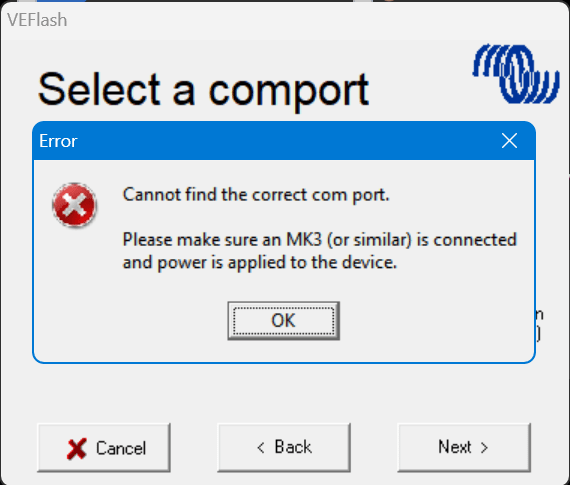
So, then I resorted to VEFlash (which is deprecated and has to be selected explicitly when installing the Victron tools on Windows).
But this did not work either, as it could not find anything behind the MK3:
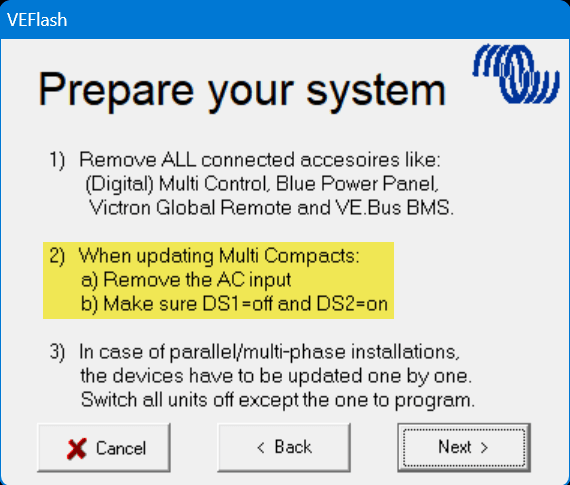
However, having a closer look at the hints VEFlash gave me before the recovery I was confused that VEFlash asked me to unplug the AC power source. How would I be able to update the firmware? Via DC? And why would it matter anyway which power source was connected?
So I carefully re-read the VE.Bus Configuration guide and apparently the connection would have to be made via DC as it is pointed out in Chapter 5 Connecting:

How strange. And even stranger – it worked!
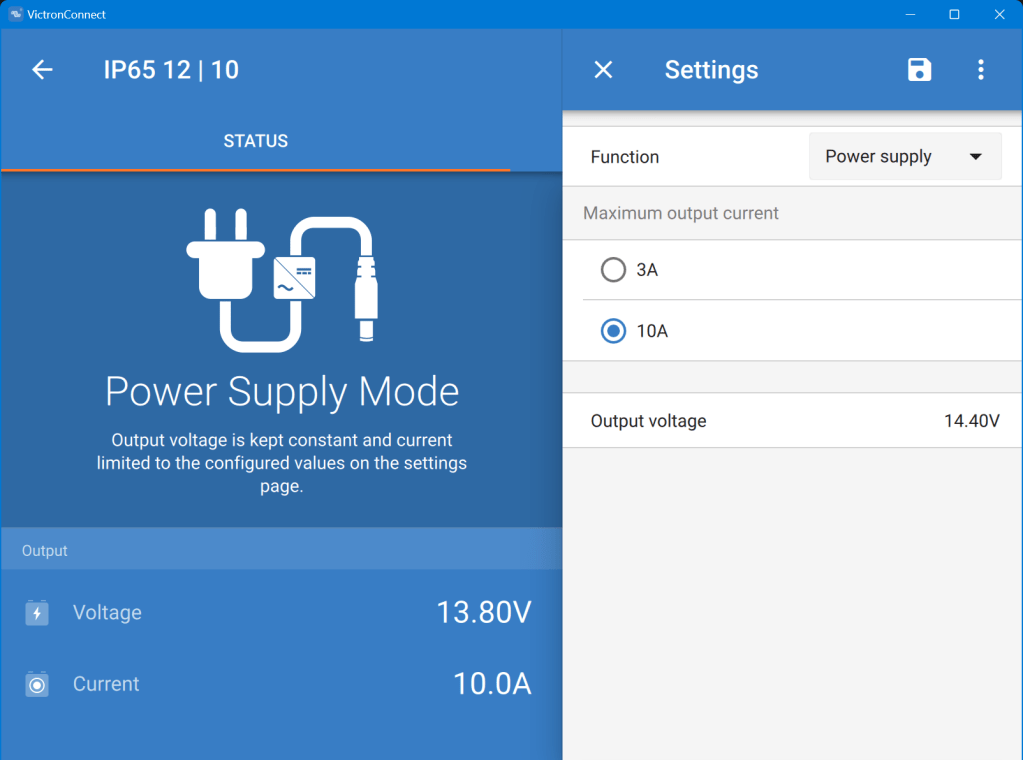
As soon as I connected a Blue Smart IP65 Charger in “Power Supply” mode to it (and configured a voltage of 14.4V) the “Force detection” option in VictronConnect worked.
Note1: I did not alter any of the DIP switches as recommended by VEFlash.
Note2: when reading the manual I learned about the firmware numbers and where to download them. The current firmware is on https://updates.victronenergy.com/feeds/VEBus/firmware-archive/ and not on https://professional.victronenergy.com.
I was then again presented with the option of a firmware update which eventually succeeded.
And the MultiPlus is running happily on 2606502 ever since …

 Our Journey to Scotland